Niche guide ·
Framer Alternatives for Portfolios: 7 Options, Costs
Seven Framer alternatives for a portfolio, with prices read from each company's own page on Oct 26, 2026, who each one suits, and when Framer is cheaper.
Short answer: There is no single best Framer alternative for a portfolio. Webflow suits people who want class-level control and a large CMS. Squarespace suits portfolios that also sell prints or sessions. Readymag suits editorial layouts, and Carrd suits a one-page site. On October 26, 2026, Framer Basic cost $10 per month on yearly billing, which is less than Webflow with a CMS or Squarespace Basic, so staying on Framer is often the cheaper answer.
I make Framer templates, so I have a bias. To keep this fair, every price below was read from each company’s own page on October 26, 2026, and I say plainly when another tool fits better than Framer.
How I chose these seven
I looked only at portfolio use: a designer, photographer, filmmaker or small studio putting work online on their own domain. I left out store builders. Cargo, Format and Pixpa are worth a look too, but I did not read their pricing pages for this article, so they are not on the list.
I did not rank them. Each one is here because it solves a different problem.
Quick comparison
| Tool | Best for | Free plan | Cheapest paid plan with a custom domain, yearly billing | CMS |
|---|---|---|---|---|
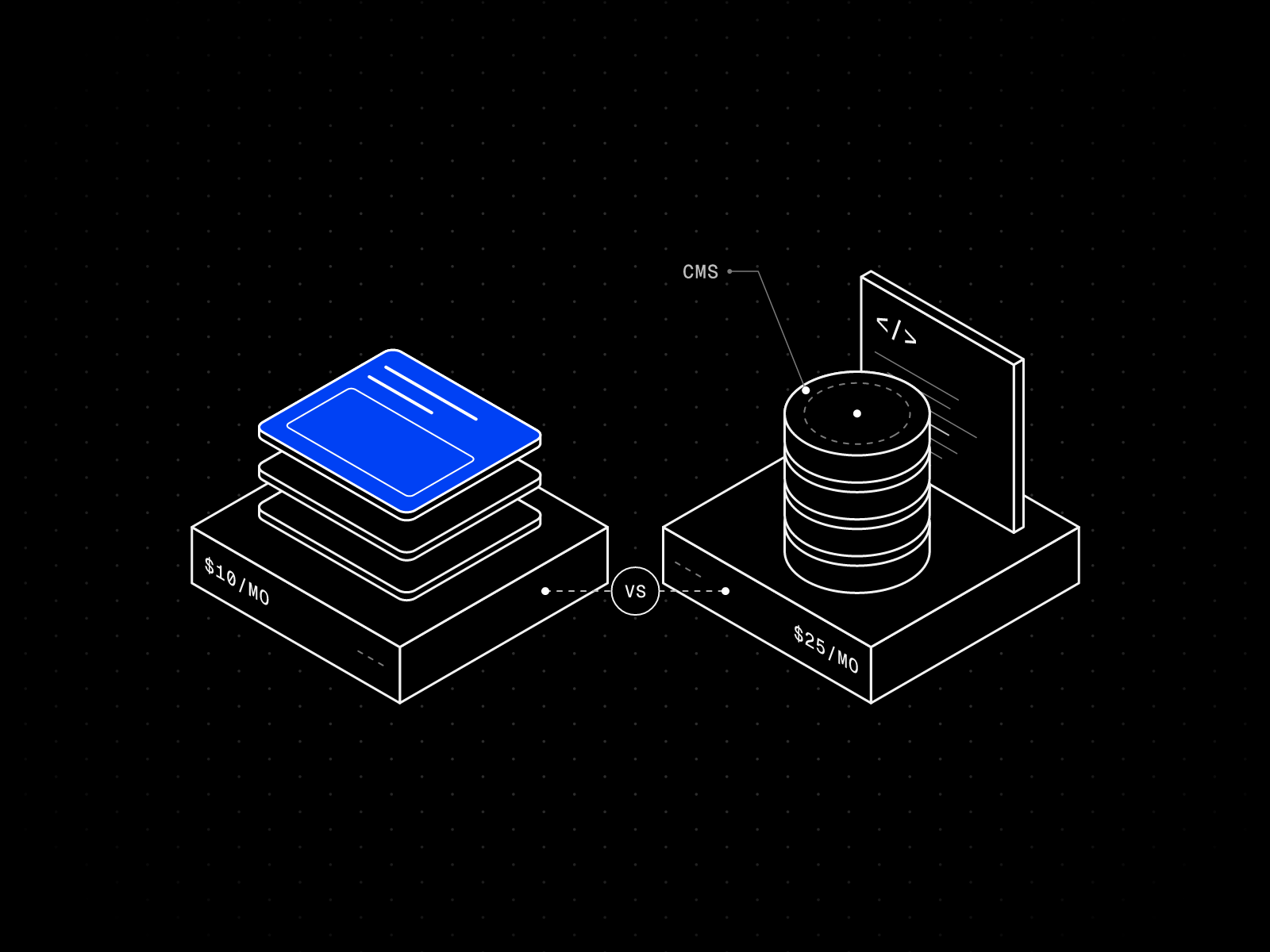
| Framer | Custom-looking portfolio with a CMS | Yes, on a Framer address | Basic, $10 per month | 2 collections on Basic |
| Webflow | Large CMS | Yes, on a webflow.io address | Basic, $15 per month, no CMS | Premium, $25 per month |
| Squarespace | Portfolio that sells prints | No, 14-day trial | Basic, $19 per month | Not compared here |
| Wix | Drag and drop with business tools | Yes, on a Wix address | A Premium plan, price depends on your country | Not compared here |
| WordPress.com | Writing and plugins | Yes, on a wordpress.com address | Personal, $4 per month | Posts and pages, plugins |
| Readymag | Editorial layouts | Yes, 1 project, 10 pages | Personal, price not confirmed | Not listed |
| Carrd | One-page site | Yes | Pro Standard, $19 per year | Not listed |
Sources: Framer pricing, Webflow pricing, Squarespace pricing, Wix plans, WordPress.com pricing, Readymag plans and Carrd Pro, all read on October 26, 2026.
The seven options
Webflow
Webflow is the closest tool to Framer in what it can build, and it asks more of you. On October 26, 2026, Webflow Basic was $15 per month on yearly billing with 300 static pages and no CMS. Premium was $25 per month with 40 CMS collections and 20,000 items. The free Starter plan publishes on a webflow.io address and allows 2 static pages.
Where it beats Framer: the CMS is much larger. Webflow also says paid Workspace plans can export your site’s HTML and CSS, with dynamic content exported collection by collection. Where Framer beats it: a portfolio with a CMS costs $10 per month on Framer and $25 on Webflow. More in Framer vs Webflow for portfolios.
Squarespace
Squarespace is the usual choice for photographers who also sell. On October 26, 2026, Basic was $19 per month on yearly billing and $25 monthly, and Core was $29 and $39. There is no free plan, only a 14-day free trial, and an annual plan includes a free domain for the first year.
PetaPixel reported on July 17, 2026 that Squarespace raised prices by up to 26 percent, and photographers were asking for alternatives. Where it beats Framer: selling is built in. Where Framer beats it: price, and a free plan to test on. The full comparison is in Framer vs Squarespace for photographers.
Wix
Wix is a drag-and-drop builder with a lot of business tools. Creating a site is free. Wix says a Premium plan is what lets you connect your own domain and remove Wix branding. Plans start with Light, which lists 2 GB of storage and 2 site collaborators, and the price depends on your country, so I am not quoting a number.
Where it beats Framer: bookings, payments and many apps in one place. Where Framer beats it: layout control on a canvas. Wix’s help center also says a Wix site has to run on Wix’s servers. I compare them in Framer vs Wix for a portfolio.
WordPress.com
WordPress.com is the hosted version of WordPress. On October 26, 2026, its pricing page listed Personal at $4 per month billed annually, with plugins, a free domain for the first year and no ads for your visitors. The free plan gives you a wordpress.com address and 1 GB of storage, with no custom domain and no plugins.
Where it beats Framer: price, writing tools, and a large plugin catalog. Where Framer beats it: you design the page directly instead of working inside a theme. Self-hosted WordPress from wordpress.org is a different cost, since you pay for hosting and look after updates yourself. I compare them in Framer vs WordPress for a portfolio.
Readymag
Readymag is built for editorial pages, with layers, scroll effects and a lot of control over layout. Its help center says the Free plan includes one published project with up to 10 pages. The Personal plan is for one project with a custom domain, 10,000 project views per month and one collaborator. Its help center says paying yearly is cheaper than paying monthly.
I am not printing a Readymag price, because its pricing page shows local currency and I would rather you read the current number there. Where it beats Framer: a magazine-style layout is its home ground. Where Framer beats it: a CMS and a normal page structure for a portfolio with many projects. Plans count project views, so check that limit if you expect traffic.
Carrd
Carrd builds one-page sites. Its documentation says sections can be linked and switched between to simulate multiple pages on a one-page site. On October 26, 2026, Carrd listed Pro Standard at $19 per year, which includes custom domains and forms. A free account exists as well.
Where it beats Framer: nothing else here is as cheap, and one page with your best work and an email link is enough for many people. Where Framer beats it: case study pages, a CMS and per-page SEO settings.
Figma Sites
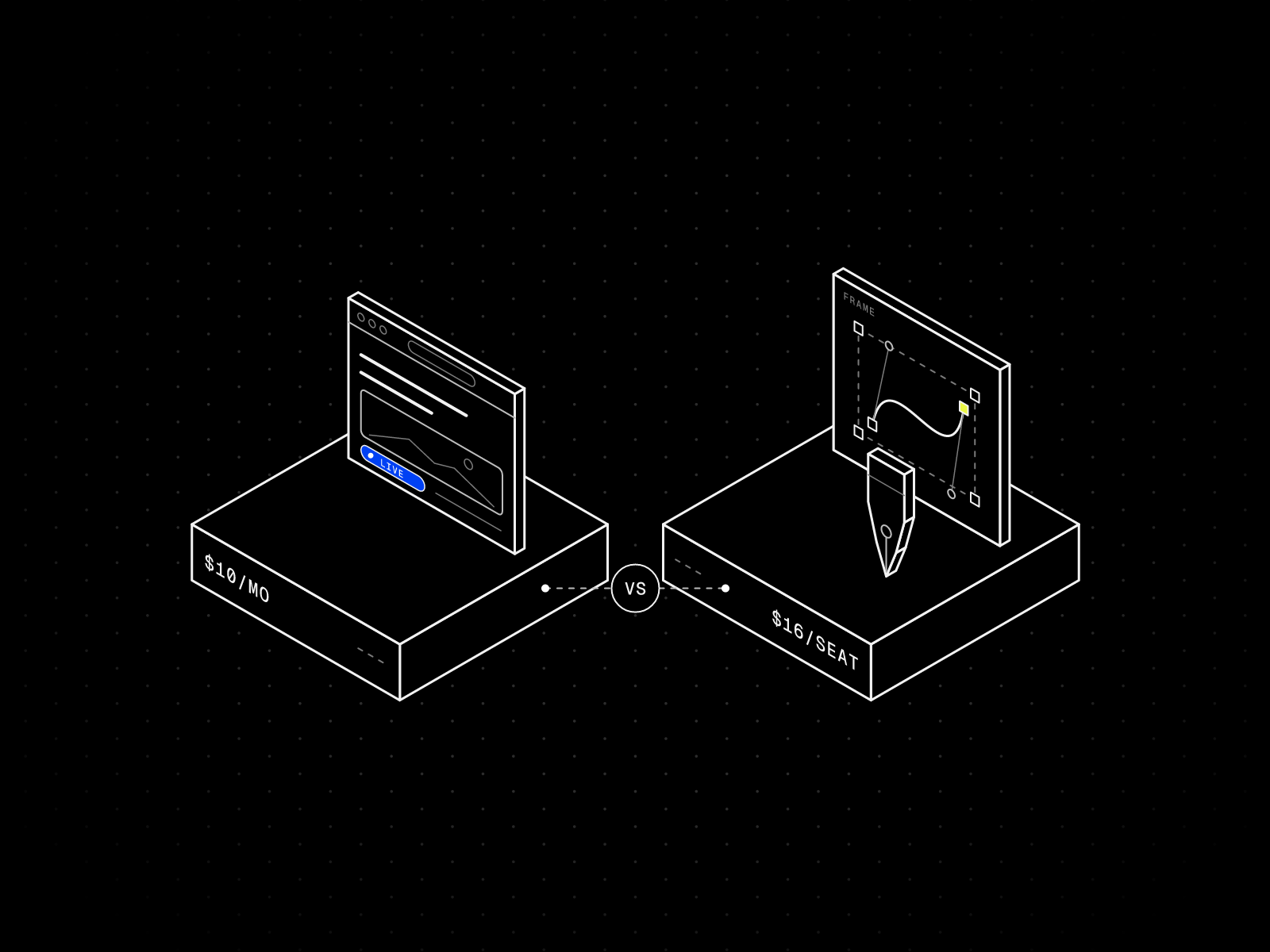
Figma Sites publishes a website straight from a Figma file. On October 26, 2026, Figma’s pricing page still labeled Sites as beta, available on Full seats, and a Professional Full seat was listed at $16 per month. I covered this in detail in Framer vs Figma for a portfolio.
Where it beats Framer: if your job already pays for the seat, publishing adds nothing to the bill. Where Framer beats it: Framer is not in beta and has a free plan.
What a year costs
These are yearly totals on yearly billing, using only the prices I read on October 26, 2026. Prices are in US dollars. Tax is handled differently by each vendor: Framer, Webflow and WordPress.com say tax is extra, while Squarespace says its prices include VAT or GST where required. Check tax at checkout.
| Setup | Per month | Per year |
|---|---|---|
| Framer Free, on a Framer address | $0 | $0 |
| Framer Basic, custom domain, 2 CMS collections | $10 | $120 |
| Webflow Basic, no CMS | $15 | $180 |
| Webflow Premium, with CMS | $25 | $300 |
| Squarespace Basic | $19 | $228 |
| WordPress.com Personal | $4 | $48 |
| Carrd Pro Standard | not applicable | $19 |
| Figma Professional, one Full seat | $16 | $192 |
Wix and Readymag are missing on purpose, as explained above. A domain is extra on any plan that does not include one. Framer’s complimentary domain on yearly plans is covered in my Framer pricing guide.
WordPress.com at $48 and Carrd at $19 cost less than Framer, but they build different things: a theme-based site, and one page.
Which one should you pick
| Your situation | Use |
|---|---|
| You sell prints, sessions or digital downloads | Squarespace |
| You publish writing every week | WordPress.com |
| You need one page and an email link | Carrd |
| You want magazine-style layouts | Readymag |
| You want the lowest price with a CMS and a custom look | Framer |
| You need a large CMS | Webflow |
| You already pay for a Figma Full seat | Figma Sites |
| You need bookings and payments in one place | Wix |
When to stay on Framer
Stay if your portfolio shows work and does not sell it. Framer is free to build on and to publish on a Framer address, so you can finish the site before you pay anything. Framer calls its Free plan “ideal for non-commercial use,” so if the site brings in clients, plan on Basic at $10 per month.
My route is simple. Remix a free template, fill the CMS, publish on a free address, and upgrade when the site is ready. All three templates below are free.

Kaspar
Portfolio · Free
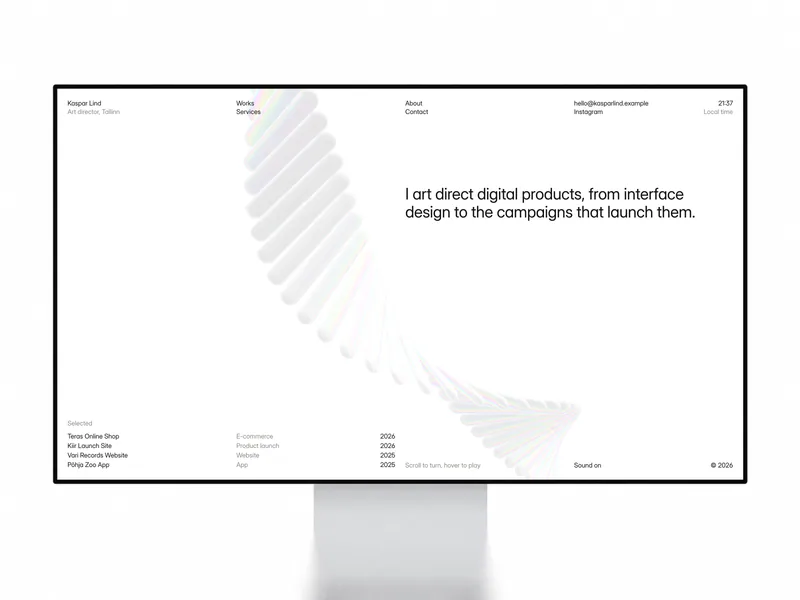
A Swiss portfolio for product designers and art directors, with List and Grid views and CMS case studies.


Halvor
Photography · Free
A quiet portfolio for studio photographers with one Works collection behind the whole site.


Maël Blanc
Portfolio · Free
A portfolio for independent designers, with a services table, case studies and a contact form with budget fields.
If you would rather not set it up yourself, see Customization.
FAQ
Is there a free alternative to Framer?
Yes. Webflow, Wix, WordPress.com, Readymag and Carrd all have free plans, as Framer does, but the free plans do not connect a custom domain. Squarespace has a 14-day trial instead.
What is the cheapest paid alternative to Framer for a portfolio?
On October 26, 2026, Carrd Pro Standard was $19 per year and WordPress.com Personal was $4 per month billed annually. Both cost less than Framer Basic at $10 per month, but they build a one-page site and a theme-based site.
Is Webflow a better alternative to Framer for a portfolio?
Webflow has a bigger CMS. A Webflow site with a CMS needs Premium at $25 per month on yearly billing, against $10 for Framer Basic, so Framer is usually cheaper for a small portfolio.
Which Framer alternative is best for photographers?
Squarespace if you sell prints or sessions from the site, because selling is built into its plans. Framer if you only show your work.
Do I need a CMS for a portfolio?
With a handful of projects you can live without one, but a CMS keeps every project page consistent. Framer Basic includes 2 collections, Webflow Basic includes none, and Webflow Premium includes 40.