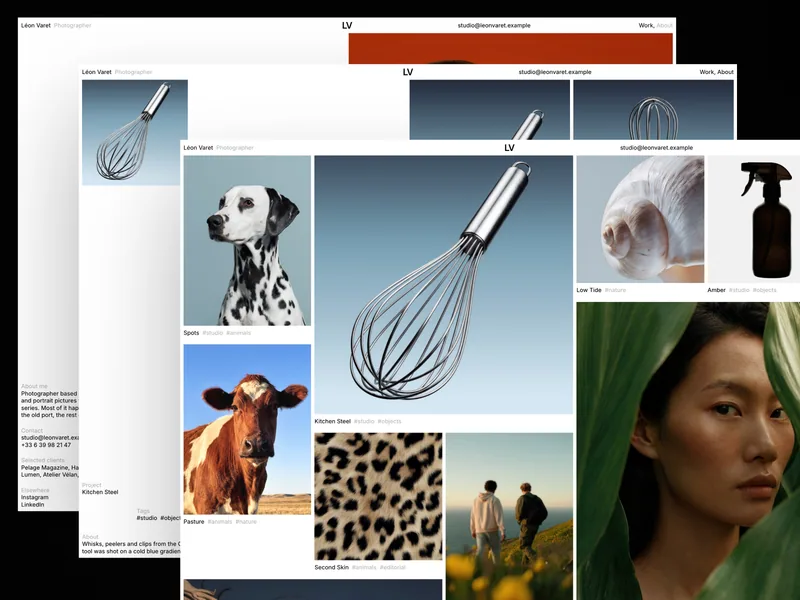
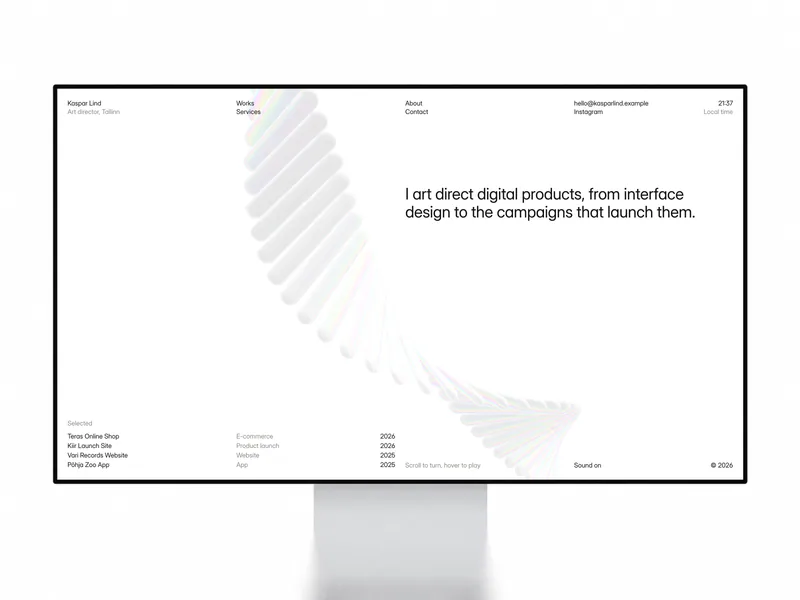
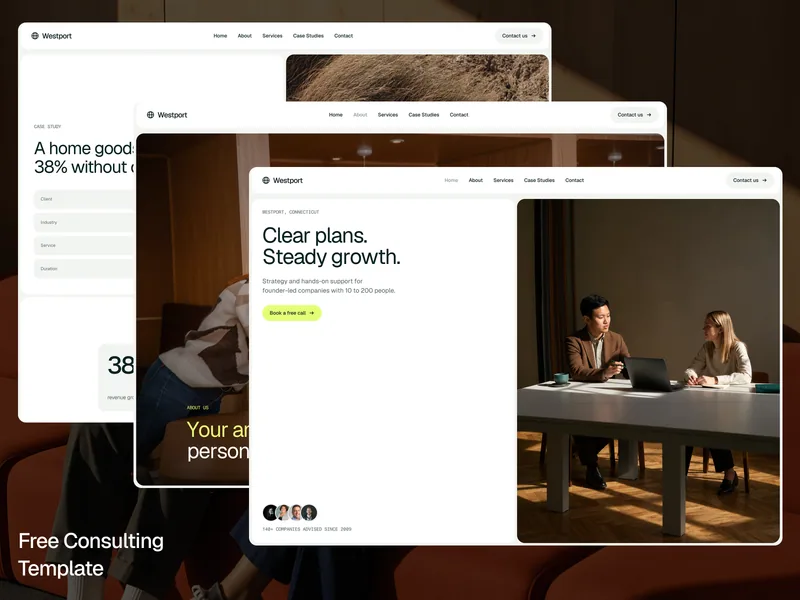
Halvor is a Framer portfolio template for studio photographers who shoot objects, animals and people for brands and magazines. It is white and quiet, set in one typeface on a twelve-column grid, so the photographs carry every page.
A sphere that holds all your work
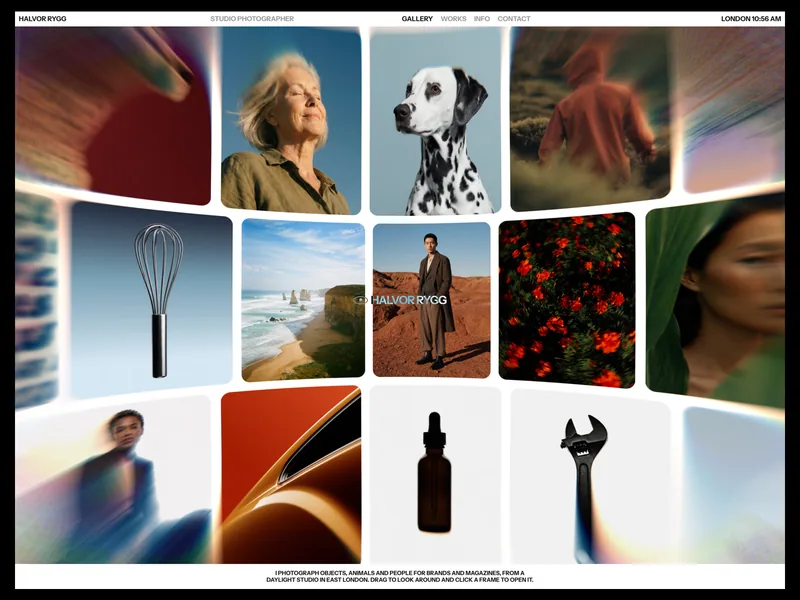
The home page is a WebGL sphere that holds every image of every project. Drag to turn it, and the frames near the edge soften with a lens blur and a trace of colour. White studio backdrops melt into the sphere’s plates, so cove shots never sit in grey boxes.
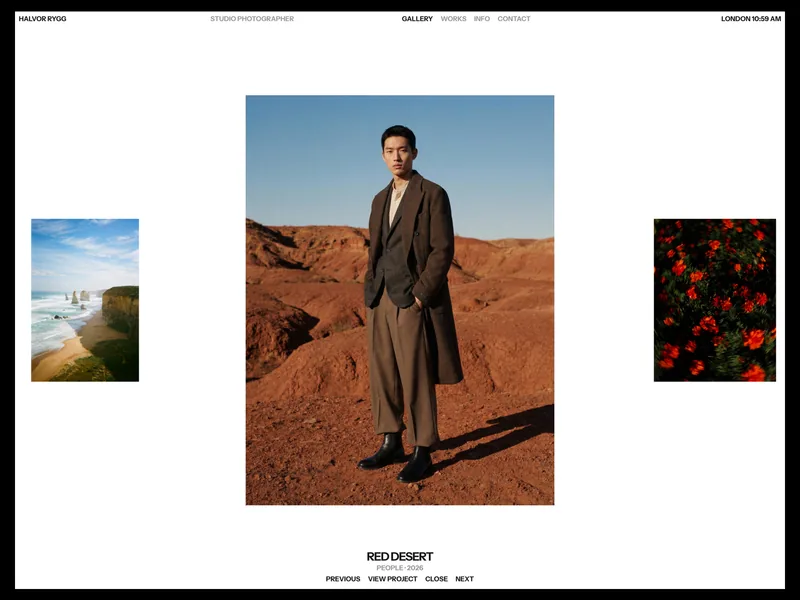
Click a frame and it comes forward at full size, with the project title, category and year below and Previous, View project, Close and Next to move on. Open frames slide to the next one in a strip, and the arrow keys and Escape work too. On the first visit, a short percentage intro counts the sphere’s images in, then plays no more for the rest of the visit.
Works and project pages
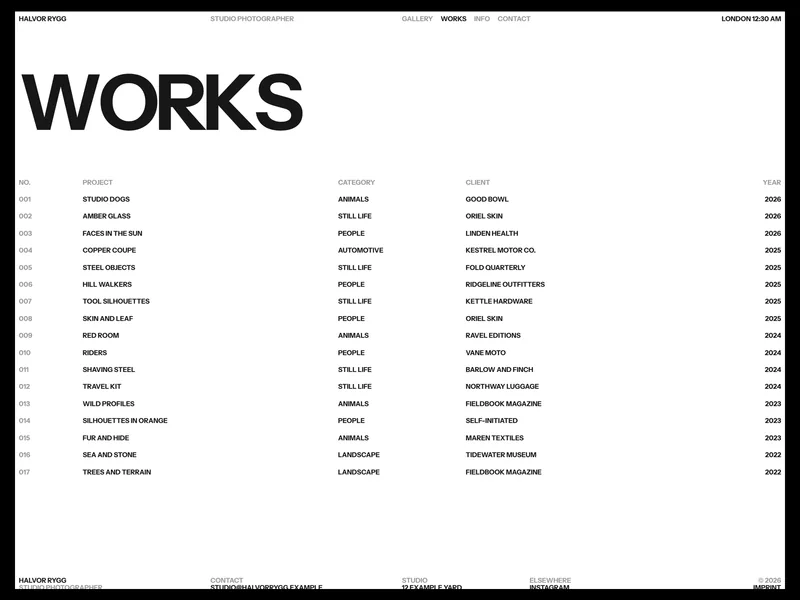
The Works page lists every project on one row with its number, category, client and year. Rows turn ink the moment you hover them, and the project’s cover follows the cursor.
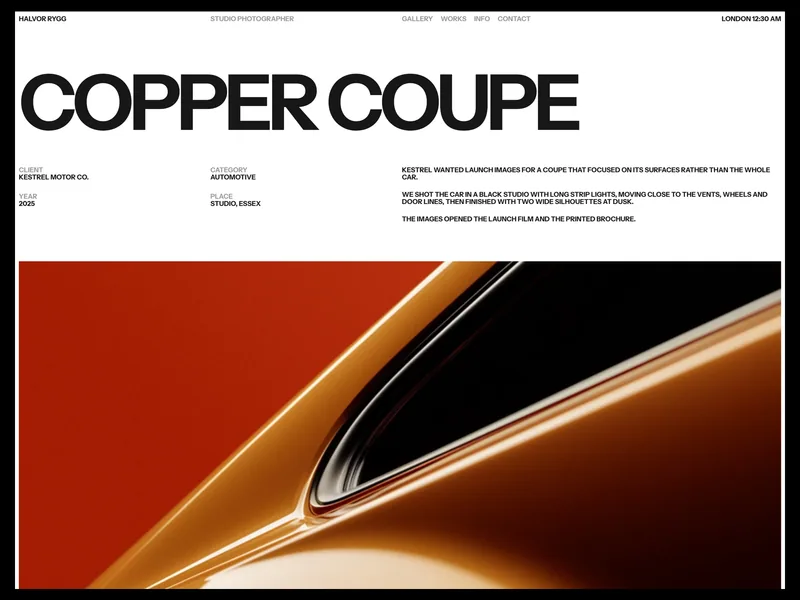
Each project page opens with a large title, the client, category, year and place, a short story and the cover, followed by full-frame photographs that open in a full screen viewer. A Next project link at the end leads on to the following shoot.
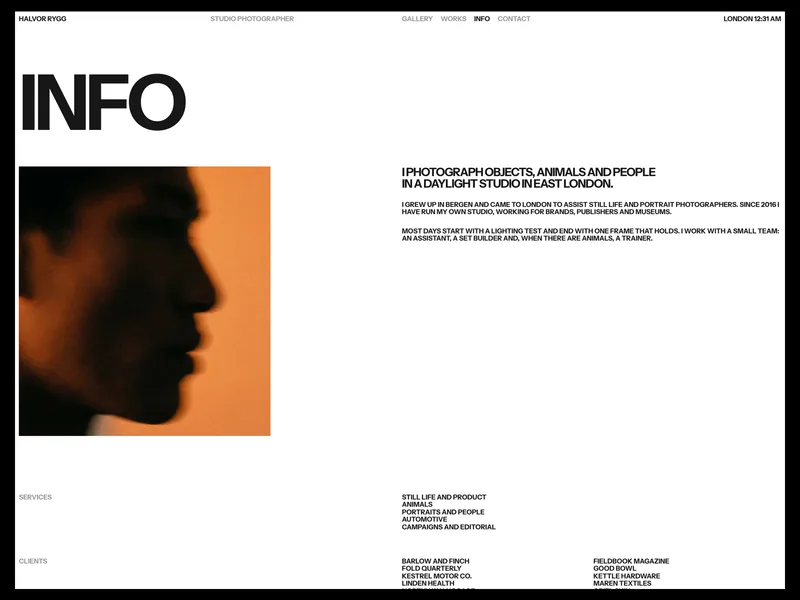
- Info: a portrait, your bio, the services you offer, a list of clients and your studio details.
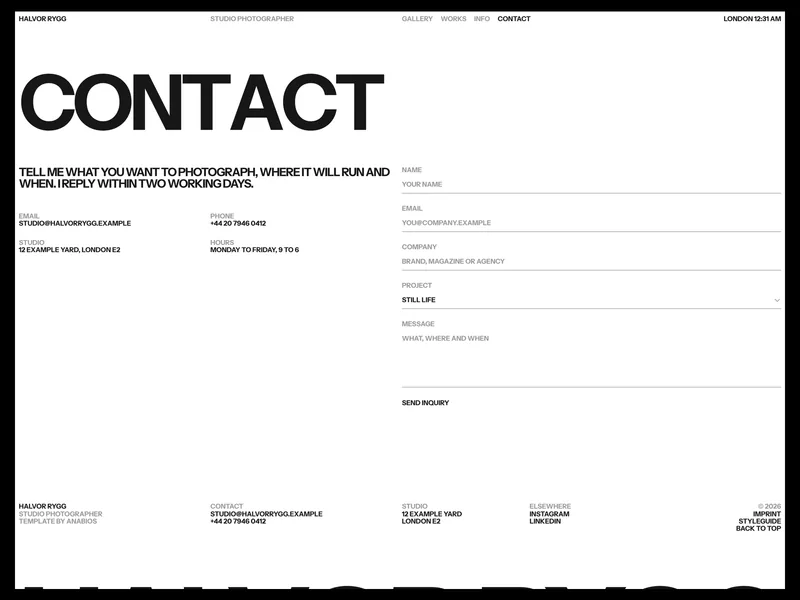
- Contact: your email, phone, studio address and hours next to an inquiry form. Visitors pick a project type from a select, add their name, email, company and message, and the send button shows sending, sent and error states.
- Imprint: responsible person, contact, image rights, liability and hosting, ready for your own legal details.
A one-line header carries your name, role, navigation and the local time of your city, and on a phone it opens a full screen menu. The footer ends with your name as a wordmark that fills the width at any screen size, and a Back to top link.
One collection behind everything
All projects live in one Works collection: title, number, category, client, year, place, summary, description, cover and gallery. The sphere reads it from a hidden list on the home page, so a new project appears on the sphere, in the Works index, in the cursor preview and in Next project at once. Number sets the order everywhere.
Every page has its own entrance motion: page titles rise letter by letter, content follows in order, and photographs settle inside their frames as they arrive.
Easy to make your own
A Styleguide page shows every colour, text style, link style and component, with the grid and the motion rules behind them. Two built-in Framer Skills work inside Framer AI: /customize walks you through your name and contact details, the sphere, your projects, the styles and SEO, and /design-system keeps anything you add in Halvor’s style. The sphere is a code component with controls for rows, columns, gap, corners, lens blur, dispersion, parallax, open size and timing.
What’s included
- 8 pages: Home, Works, Project page, Info, Contact, Imprint, Styleguide and 404
- Two Framer Skills:
/customize and /design-system
- A WebGL sphere gallery on Home with drag, open frames with captions and keyboard control
- A percentage preloader that plays once per visit
- A Works index with instant row hovers and a cover preview that follows the cursor
- Project pages with details, a story, a full-frame gallery, a full screen viewer and a Next project link
- An Info page with a portrait, bio, services, clients and studio details
- A contact form with a project type select and sending, sent and error states
- Live local time in the header, and a full screen menu on phones
- A footer wordmark that fills the width at any size, and Back to top
- One CMS collection, Works, with 20 sample projects
- Reusable Header, Work Row and Text Button components
- Responsive layouts for desktop, tablet and phone
- SEO ready, with titles, descriptions and social images per page
- Entrance motion on every page; the sphere and the preloader respect reduced motion settings
Set in Instrument Sans. The sphere gallery is ported from Atelier UI by Jérémie Nallet for Codrops, released under the MIT license. Open /customize in Framer AI, follow the steps, then publish.