Framer how-to ·
Framer Pricing 2026: Plans, Custom Domain, Is It Worth It
Framer pricing checked Oct 11, 2026: what Free, Basic, Pro and Enterprise include, what a custom domain costs, and which plan a portfolio needs.
Short answer: Framer is free to build with and free to publish on a Framer subdomain. You pay once you want your own domain. On October 11, 2026, Framer’s pricing page listed Basic at $10 per month and Pro at $30 per month on yearly billing, with Enterprise priced on request. For a personal portfolio, Basic is usually enough.
I build free Framer templates, and a free template is only the start. The real question is what you pay once you hit Publish. This post answers it with the numbers taken straight from Framer’s own pages.
Prices were checked on framer.com/pricing on October 11, 2026, with the page set to yearly billing. Framer says pricing is localized, so you may see a different amount in your currency. Check the page before you buy.
Framer plans at a glance
Here is what the pricing page showed on the day I checked. All four plans are per site, not per account.
| Free | Basic | Pro | Enterprise | |
|---|---|---|---|---|
| Price (yearly billing) | $0 | $10 per month | $30 per month | Custom |
| Domain | Free Framer domain | Custom domain | Custom domain | Custom domain |
| Pages | See FAQ below | 30 | 150, then $20 per 100 (700 max) | Custom |
| CMS collections | See FAQ below | 2 | 10, then $40 per 10 (40 max) | Custom |
| CMS items | See FAQ below | 1,000 | 2,500, then $20 per 10,000 (40,000 max) | Custom |
| Bandwidth | 1 GB | 50 GB | 100 GB, then $40 per 100 GB (2 TB max) | Custom |
| Hosting locations | Not listed | 20 | 300+ | All available |
| Analytics history | Not listed | 30 days | 90 days | Unlimited |
| AI credits | 500 to try | 1,000 per month | 3,000 per month | Custom |
Pro also adds site redirects, a staging environment and branching with previews. Basic does not. If you are moving an old portfolio to Framer and want to keep old URLs working, that redirect line matters more than it looks.
What about monthly billing
The pricing page opens on yearly billing, and the fine print says prices are “billed according to the billing cycle selected at checkout.” Framer’s subscriptions article confirms that Basic and Pro come in both monthly and yearly options. Paying month to month costs more per month than the yearly rate. Flip the toggle on the pricing page to see your exact monthly price.
Is Framer free?
Yes, with limits. You can sign up, remix a template, design every page and publish it without paying anything. According to the Free plan FAQ on the pricing page, free projects get access to 10 CMS collections, 1,000 pages, 5 MB file uploads and one free locale to try. Workspaces without a subscription can have up to three editors.
Three limits decide whether free is enough for you:
- The address. A free site lives on a Framer subdomain. Framer’s domain guide lists framer.website, framer.photos, framer.media and framer.wiki as the free options. A photographer could publish at yourname.framer.photos today for $0.
- Bandwidth. The Free plan lists 1 GB. A portfolio with heavy images or self-hosted video will burn through that faster than a text-led site.
- Commercial use. Framer describes the Free plan as “ideal for non-commercial use.” If the site sells your services, plan on Basic.
My honest take: the free plan is great for building and testing. It is not where a working freelancer should stay. A custom domain on your business card does more for you than the $10 a month costs.
How much does a custom domain cost on Framer?
There are two costs here, and people mix them up.
The first is the Framer plan. Connecting any custom domain needs a paid plan. The Free plan FAQ says so directly: “To connect a custom domain, you’ll need to upgrade to a paid plan.”
The second is the domain itself. You have two routes:
- Claim a free domain with a yearly plan. The pricing page notes a “complimentary domain included on yearly.” The domain help article explains it runs through Hover. The offer works once per subscription, only on yearly plans, renews at Hover’s standard rate, and claiming it removes your option to request a refund.
- Connect a domain you already own. Buy one from any registrar, then add the DNS records Framer shows you. For a root domain like example.com that means two A records and a www CNAME. I wrote a step-by-step custom domain guide with the exact values.
If you might want a refund in the first two weeks, connect your own domain instead of claiming the free one. That trade-off is in Framer’s own terms and it is easy to miss.
The extra costs nobody mentions up front
The plan price is the floor. These add-ons are listed on the same pricing page:
- Additional editors cost $20 per month each. Viewers are free.
- Content editors, who can update the CMS and use on-page editing, cost $10 per month each.
- Translation locales cost $20 per locale, up to 20.
- The Convert add-on for A/B testing costs $50 per 500,000 events.
- Advanced Hosting costs $200 and adds rewrites and custom headers.
A solo portfolio needs none of these. A two-person studio that both edit the site will pay for one extra editor, which turns a $10 site into a $30 site.
The CMS limit that catches template users
This is the part I wish more pricing guides covered. Basic includes 2 CMS collections. Many portfolio templates use more than two.
Here is how my own free templates compare, counted from their marketplace pages:
| Template | CMS collections | Fits Basic as-is |
|---|---|---|
| Silvan Rhyner | 2 (Projects, Series) | Yes |
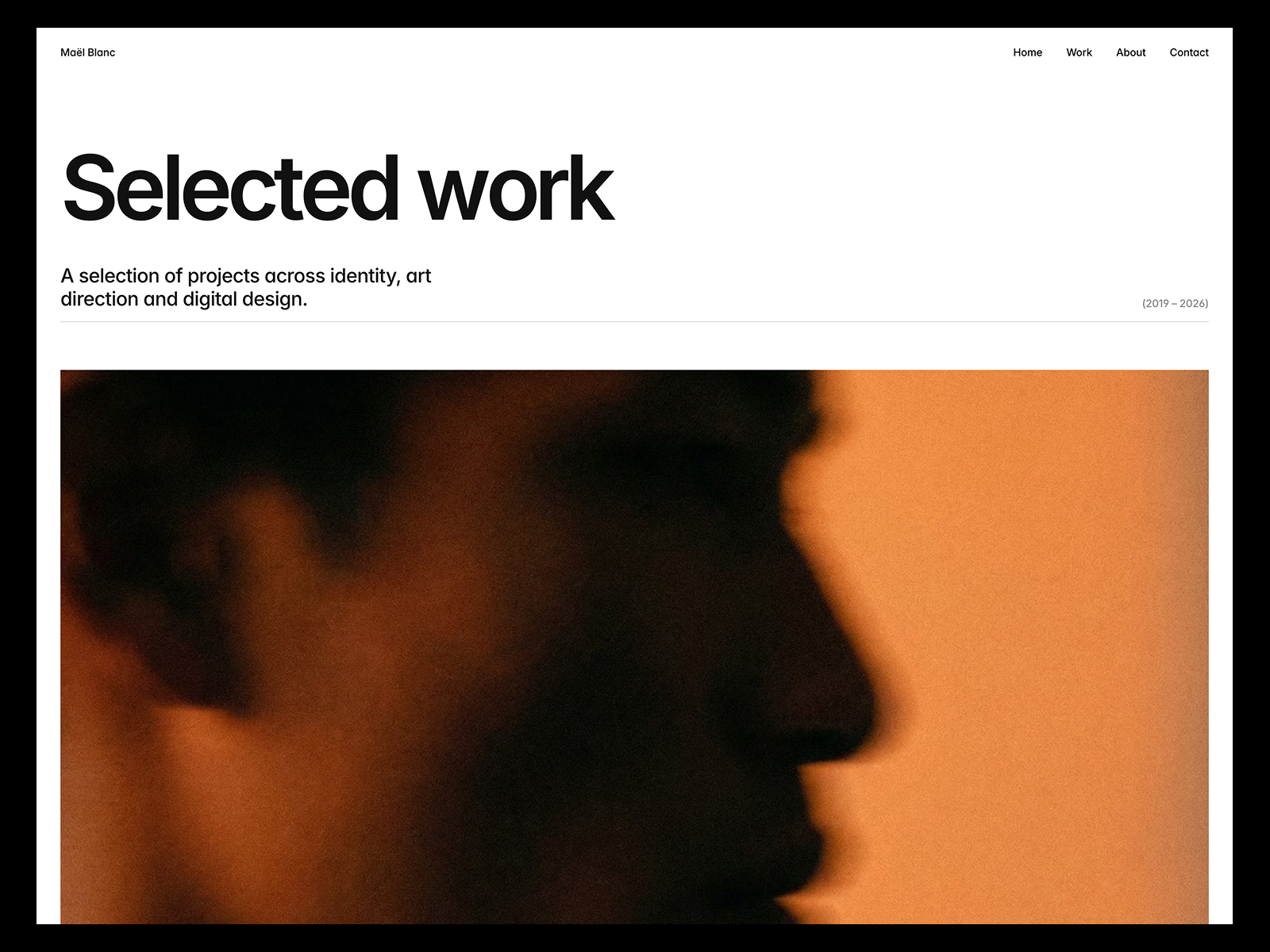
| Maël Blanc | 2 (Projects, Services) | Yes |
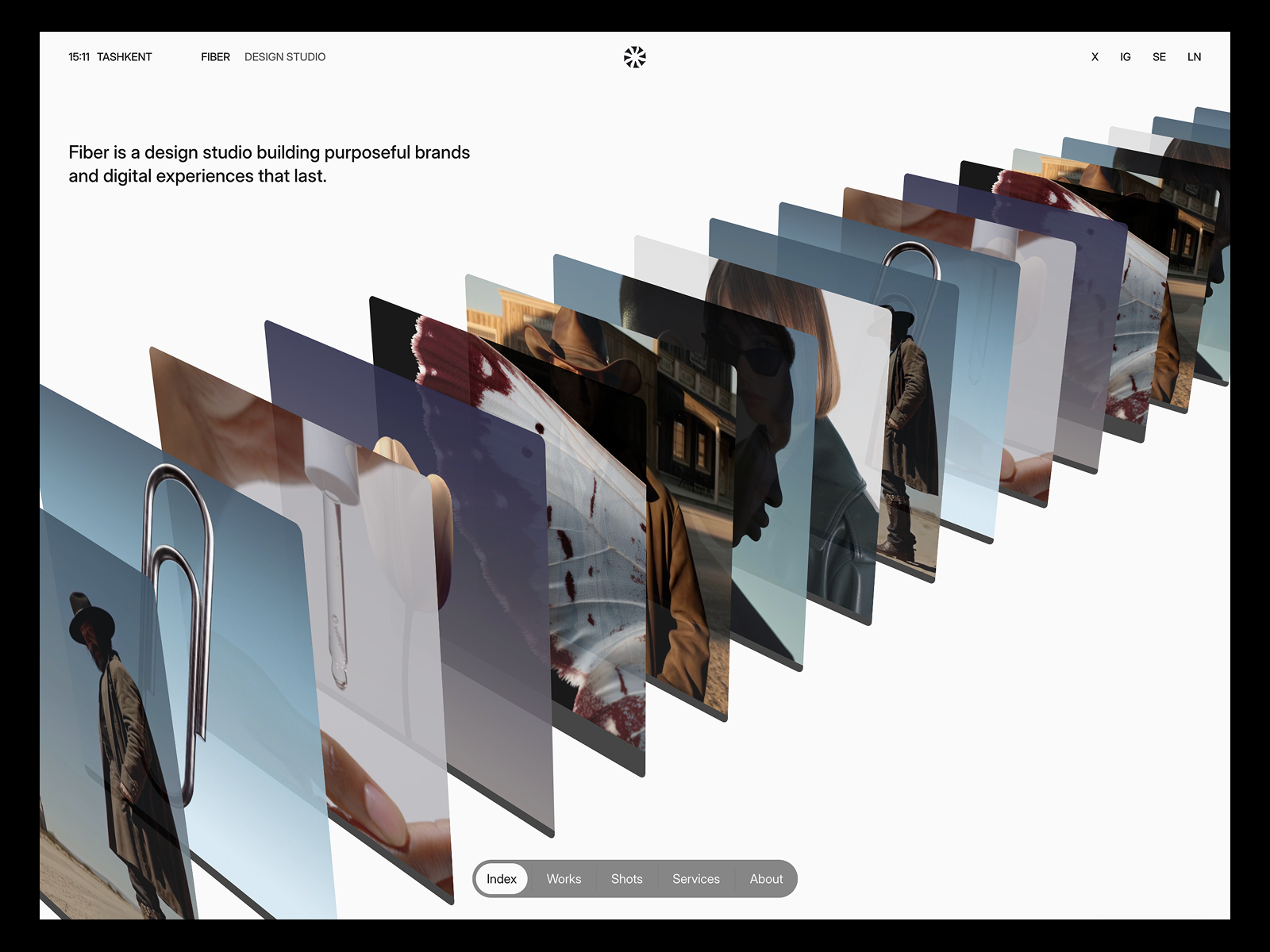
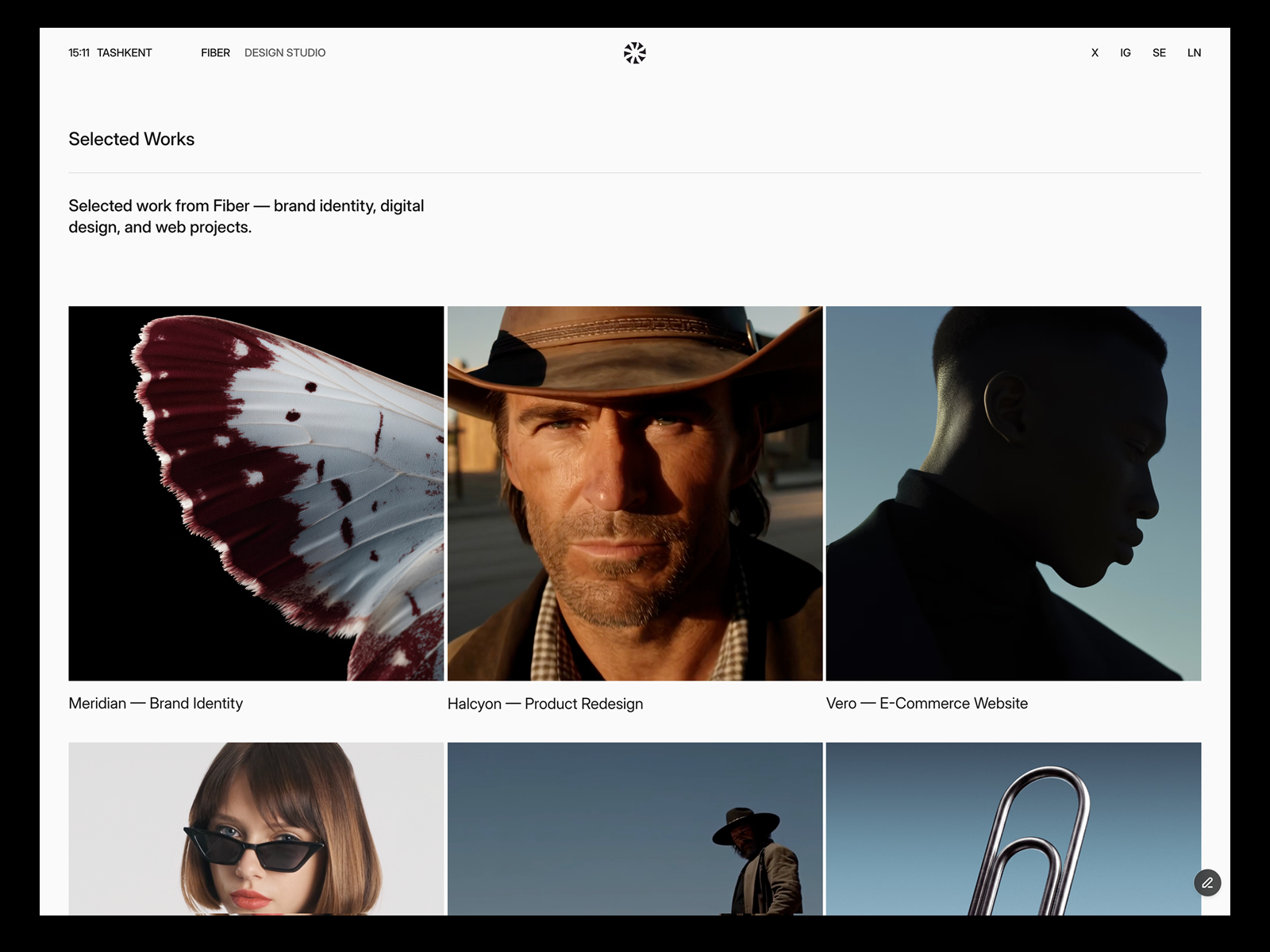
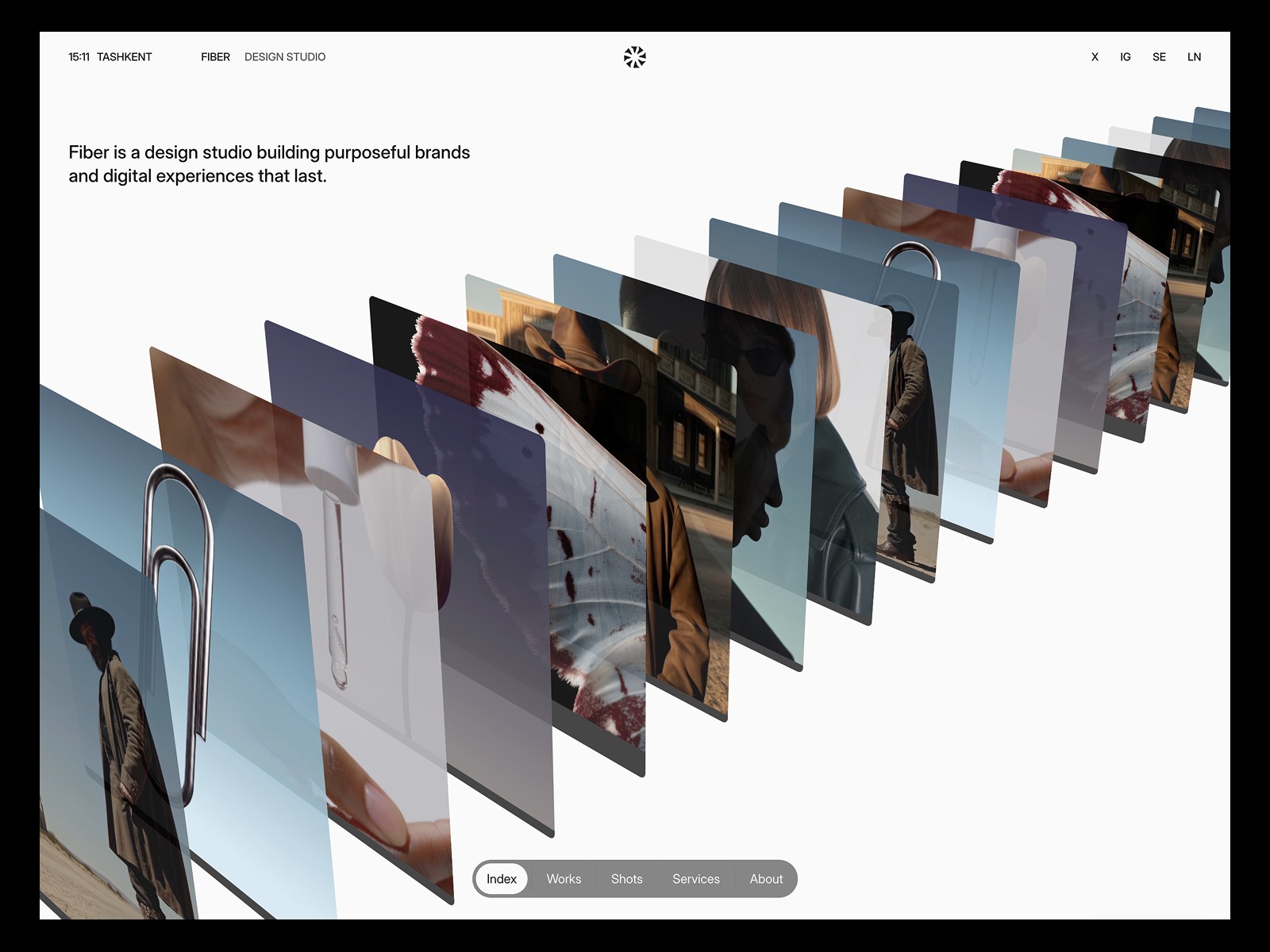
| Fiber | 2 (Works, Shots) | Yes |
| Léon Varet | 2 (Works, Tags) | Yes |
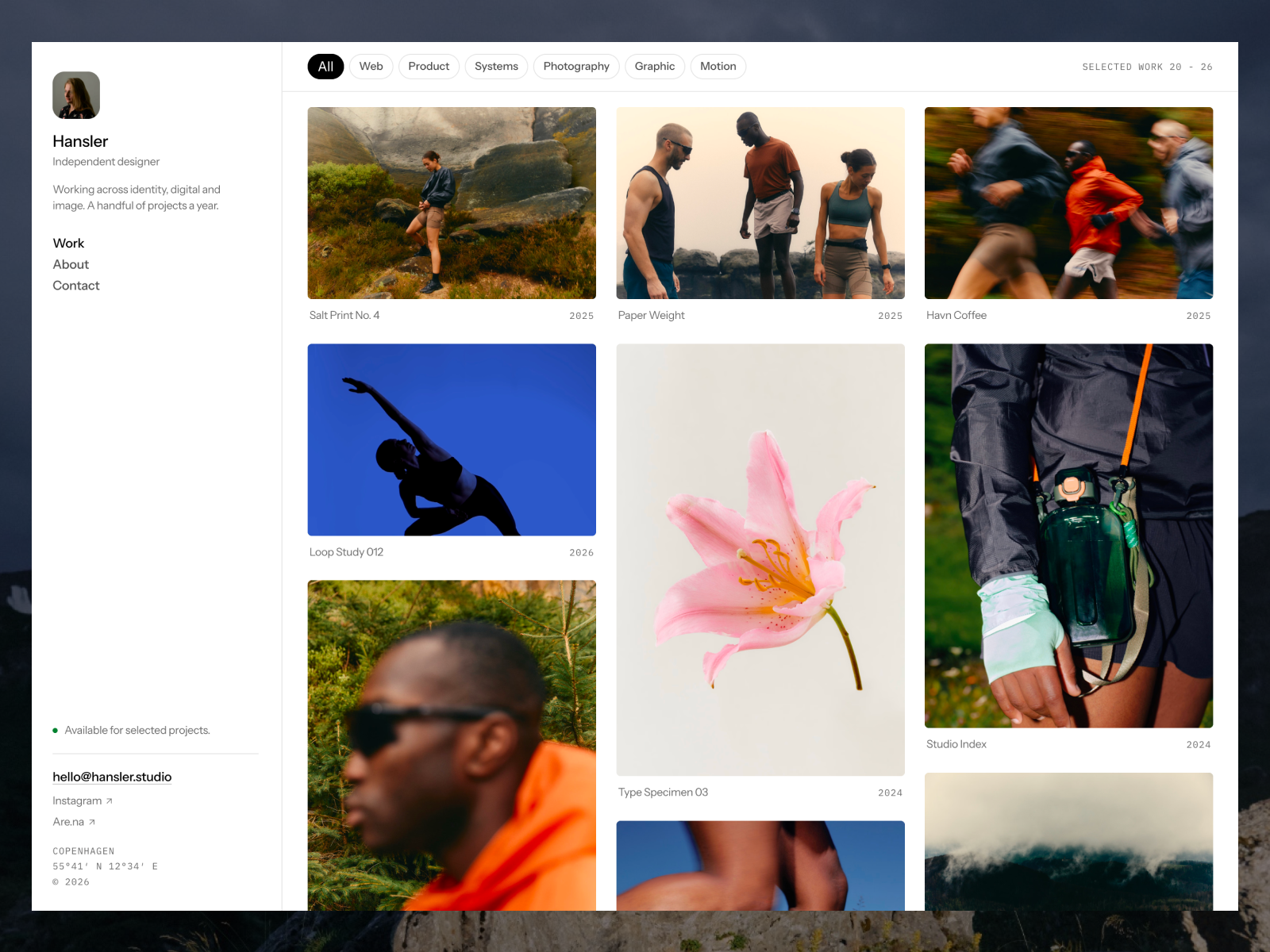
| Hansler | 3 (Work, Media, Categories) | No |
| Studio Aven | 3 (Works, Categories, Recognition) | No |
| Compass | 5 | No |
If you love a template with more collections, you have two options. Upgrade to Pro, or delete the collections you will not use before you publish. A careers collection on a solo portfolio is usually the first to go.
Which Framer plan does a portfolio need?
My rule of thumb:
- Free if you are a student, testing a template, or sharing a site with a few people.
- Basic if you are a freelancer or a small studio with a custom domain, fewer than 30 pages and no more than 2 collections. This covers most designer and photographer portfolios.
- Pro if you need redirects from an old site, a staging environment, more collections, or more than one person editing.
- Enterprise if your company needs SSO, SCIM or an uptime guarantee. A portfolio does not.
Is Framer worth it compared to other builders?
On price alone, Framer’s entry plan is cheaper than the closest alternatives I checked on the same day:
- Webflow’s Basic site plan was $15 per month billed yearly, and it does not include the CMS. The CMS starts on the Premium plan at $25 per month billed yearly.
- Squarespace’s Basic plan was $19 per month billed yearly or $25 month to month, and Squarespace has no free plan, only a 14-day trial.
Price is not the whole story. Squarespace has built-in commerce and Webflow has deeper CMS limits on its paid plans. I compare both in Framer vs Webflow for portfolios and Framer vs Squarespace for photographers.
For a designer who wants a portfolio that looks custom, Framer is worth it. You can start on a free template, publish on a free subdomain while you fill in your work, and only pay when the site is ready to carry your name. If you would rather have someone set it up for you, see Customization.
FAQ
Is Framer free to use?
Yes. You can build and publish a site on a free Framer subdomain without paying. The Free plan has 1 GB of bandwidth, no custom domain, and Framer describes it as best for non-commercial use.
Do I need a paid Framer plan for a custom domain?
Yes. Connecting your own domain requires Basic or higher. A yearly plan also lets you claim one free domain through Hover.
How much is Framer per month?
On October 11, 2026, Basic was $10 per month and Pro was $30 per month on yearly billing. Monthly billing costs more, and prices may be localized for your country.
What happens if my site goes over a limit?
Framer’s pricing FAQ says you will be asked to upgrade for some limits. For bandwidth, Framer lets you go over for one month and emails you so you can upgrade.
Can I get a refund on Framer?
According to Framer’s pricing FAQ, customers in the EU or Turkey can get a refund within 14 days of purchase by contacting support. Claiming the free Hover domain removes the refund option.