Niche guide ·
Framer vs Webflow for Portfolios: Price, CMS, Learning Curve
Framer vs Webflow for a design portfolio, compared on pricing, CMS limits, plan structure, code export and learning curve, using each company's own pages.

Short answer: For most solo designer portfolios, Framer is the faster and cheaper choice. Its Basic plan was $10 per month with a custom domain and a CMS on October 11, 2026. Webflow is the better pick when you need a large CMS, code export, or a site that a developer will extend, but you will pay more and learn more to get there.
I build templates in Framer, so read this with that in mind. I have tried to keep every number tied to the official pricing pages for Framer and Webflow, both checked on October 11, 2026.
The quick comparison
| Framer | Webflow | |
|---|---|---|
| Free plan | Yes, on a Framer subdomain | Yes, Starter, on a webflow.io subdomain |
| Cheapest plan with a custom domain | Basic, $10 per month billed yearly | Basic, $15 per month billed yearly |
| Cheapest plan with a CMS and a custom domain | Basic, $10 per month billed yearly | Premium, $25 per month billed yearly |
| CMS on the cheapest CMS plan | 2 collections, 1,000 items | 40 collections, 20,000 items |
| Pages on entry plan | 30 | 300 static pages |
| Bandwidth on entry plan | 50 GB | 10 GB on Basic |
| How you pay | One site plan | Site plan, plus an optional Workspace plan |
| Code export | Not offered as a plan feature | On paid Workspace plans |
The two tools look similar in screenshots. They are priced and structured very differently once you read the plan pages line by line.
Pricing: what a portfolio actually costs
Framer
Framer charges per site. A portfolio with a custom domain and a small CMS runs on Basic at $10 per month on yearly billing. Pro at $30 adds redirects, staging and more collections. There is no separate account fee. The pricing page lists extra editors at $20 per month if someone else needs to edit.
Webflow
Webflow has two layers. Every site has a Site plan, and every account sits in a Workspace. The Webflow pricing FAQ explains that Site plans let you publish and host, while Workspace plans add staging and collaboration features.
For a portfolio, the Site plan decides most of the price:
- Starter is free, with 2 static pages, a limited CMS and a webflow.io domain.
- Basic is $15 per month billed yearly, with a custom domain and 300 static pages, but no CMS. Webflow describes it as “for simple sites that don’t need a CMS.”
- Premium is $25 per month billed yearly and adds the Webflow CMS, site search and form file upload.
So a CMS-driven portfolio on Webflow starts at $25 per month. On Framer it starts at $10.
CMS: the one area where Webflow clearly wins
If your portfolio is mostly project pages, both tools let you build one detail layout and fill it from a collection. The difference is scale.
Framer Basic includes 2 collections and 1,000 items. Pro includes 10 collections and 2,500 items, and add-ons stretch that to 40 collections and 40,000 items, according to the pricing page.
Webflow’s CMS plan, on the same day, listed 40 collections and 20,000 items. It also lists features like scheduled publishing, RSS feeds and per-item publishing.
Does a portfolio need that? Usually not. A designer with 25 projects and a journal fits easily on Framer Pro, and a designer with 25 projects and no journal fits on Framer Basic. But if you plan to publish weekly writing for years, Webflow’s limits are more generous for the money.
Design and learning curve
This is where opinions matter more than spec sheets, so here is mine.
Framer feels like a design tool. You place frames and stacks on a canvas, and the published site follows. Designers who come from Figma usually publish a first page on day one.
Webflow asks you to think like a front-end developer. You work with classes, the box model and a style panel that maps to CSS. That is a strength. It gives you precise control and it teaches you how the web works. It is also a steeper climb if you have never written CSS.
Both have mature animation tools. Webflow’s pricing page lists Interactions powered by GSAP on every Site plan. Framer templates lean heavily on built-in effects. Nordlyn, for example, uses text scramble, row inverts, line-by-line reveals and parallax, all built into the template.
Code export and ownership
Webflow’s pricing FAQ says you can export your site’s HTML and CSS on any paid Workspace plan and host it elsewhere. It adds two caveats: dynamic CMS content must be exported collection by collection, and forms stop working.
I could not find an equivalent code export feature on Framer’s pricing page. If being able to walk away with your code is a hard requirement, Webflow is the safer choice.
Templates for portfolios
Both have template marketplaces with free and paid options. On Framer, a free template opens straight into your account when you click the free button, as described in Framer’s template help article.
Two of mine that show what a Framer portfolio can do without custom code:
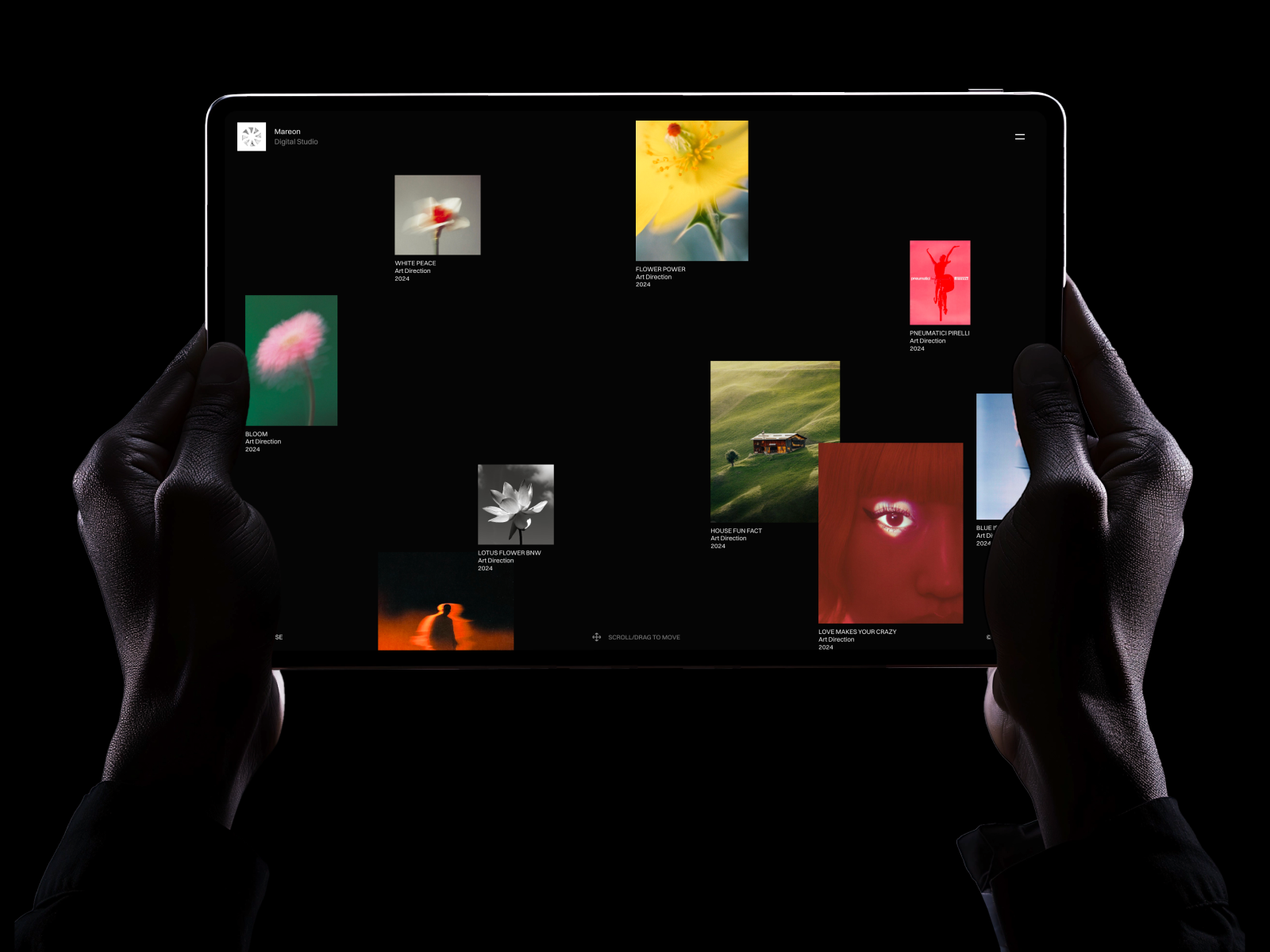
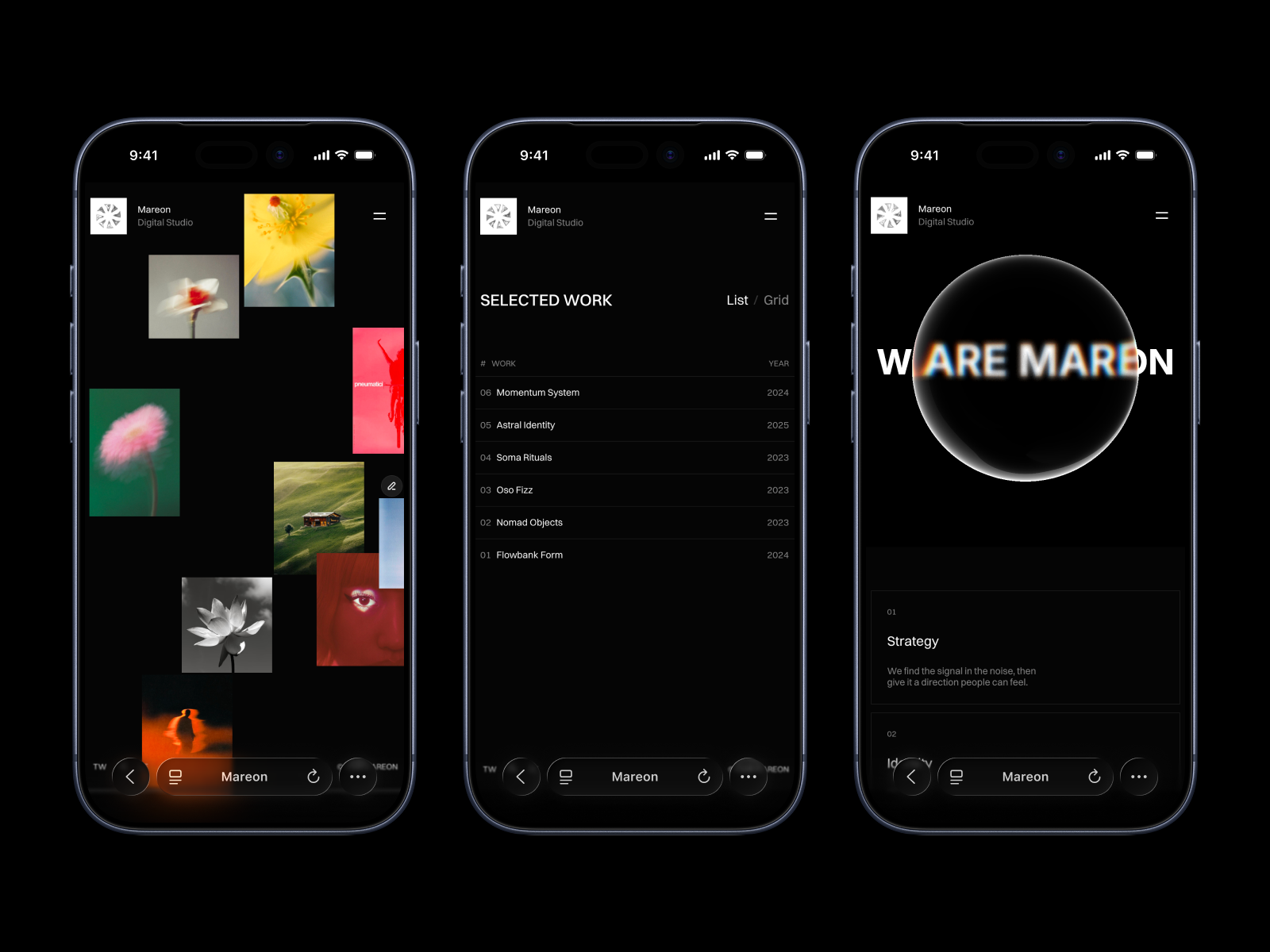
- Mareon uses canvas-style project cards on the home page, a list view and a grid view, and CMS case studies with image or video covers. See the Mareon listing.
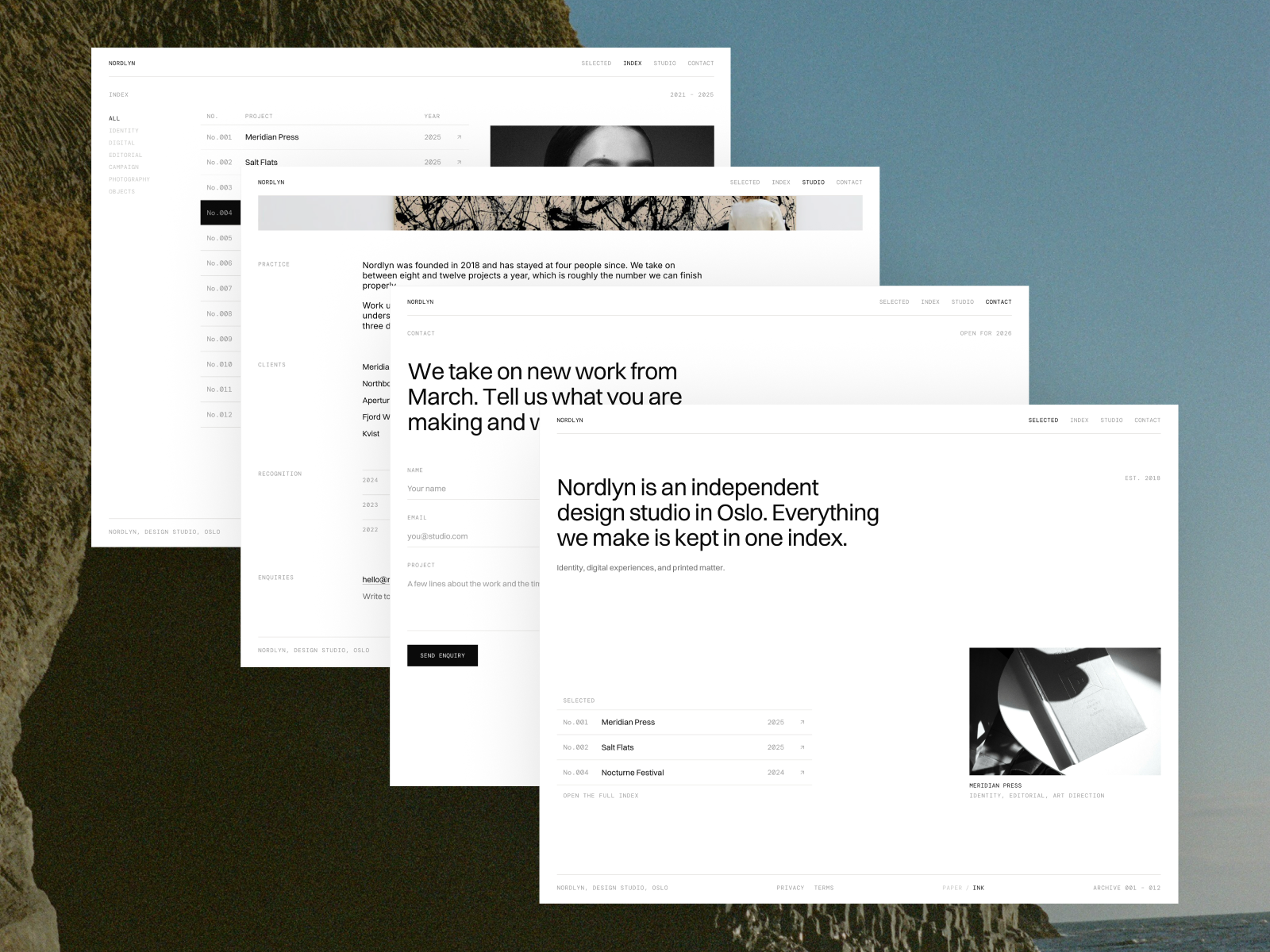
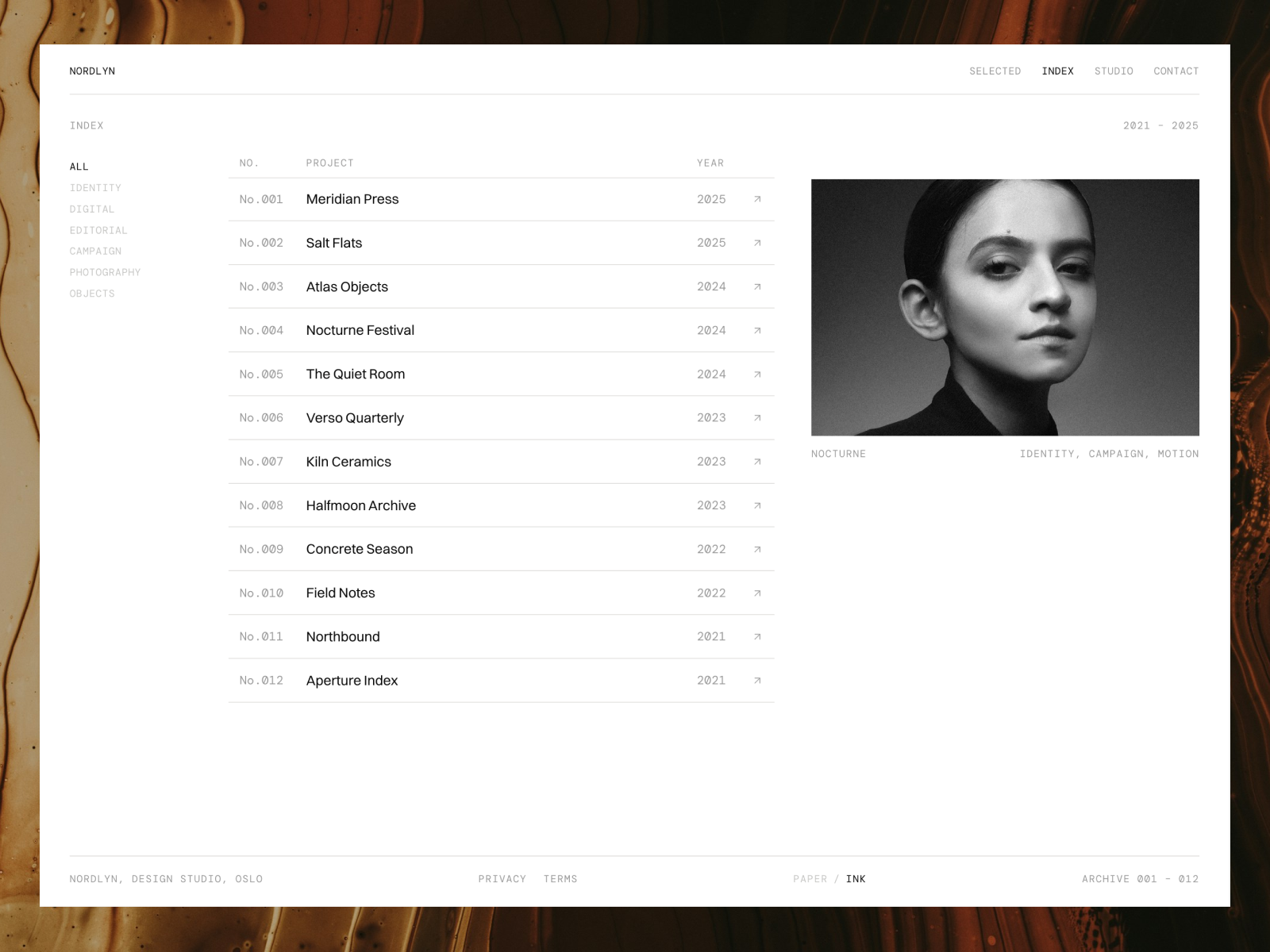
- Nordlyn is an archive-style portfolio where projects filter by discipline, with light and dark themes that follow the visitor’s system. See the Nordlyn listing.
Both run on the Framer CMS. Mareon keeps it to a Projects collection, which fits Basic.
When to pick Framer
- You are a designer who wants to publish this week, not next month.
- Your portfolio has under 30 pages and one or two collections.
- You care more about motion and layout freedom than about CMS scale.
- You want the lowest monthly cost for a custom domain plus a CMS.
When to pick Webflow
- You plan to publish a lot of writing and need thousands of CMS items.
- You want to export HTML and CSS, or a developer will maintain the site.
- You already know CSS and want class-level control.
- You need features like scheduled CMS publishing or RSS feeds that Webflow lists on its CMS plan.
My verdict
For a portfolio, Framer wins on speed and price, and Webflow wins on CMS depth and code ownership. If you are reading this because you want a site live by Friday, start with Framer and a free portfolio template. If you are building something you expect to grow into a content site, Webflow is worth the extra cost and learning time.
Still deciding between tools? I also compared Framer vs Figma for designers and wrote a full breakdown of Framer pricing.
FAQ
Is Framer cheaper than Webflow?
For a portfolio with a CMS and a custom domain, yes. On October 11, 2026, Framer Basic was $10 per month and Webflow’s cheapest CMS plan was $25 per month, both billed yearly.
Is Framer easier than Webflow?
For most designers, yes. Framer works like a design canvas, while Webflow’s style system maps closely to CSS. Webflow gives more precise control once you learn it.
Can I move my portfolio from Webflow to Framer?
Framer has a help article on migrating a site page by page using a staging domain and rewrites. For a small portfolio, rebuilding on a template is often faster.
Which is better for SEO, Framer or Webflow?
Both let you set page titles, descriptions and social images. If you are moving from an old site, check redirects: Framer lists site redirects on Pro, not Basic. Content quality matters far more than the builder.