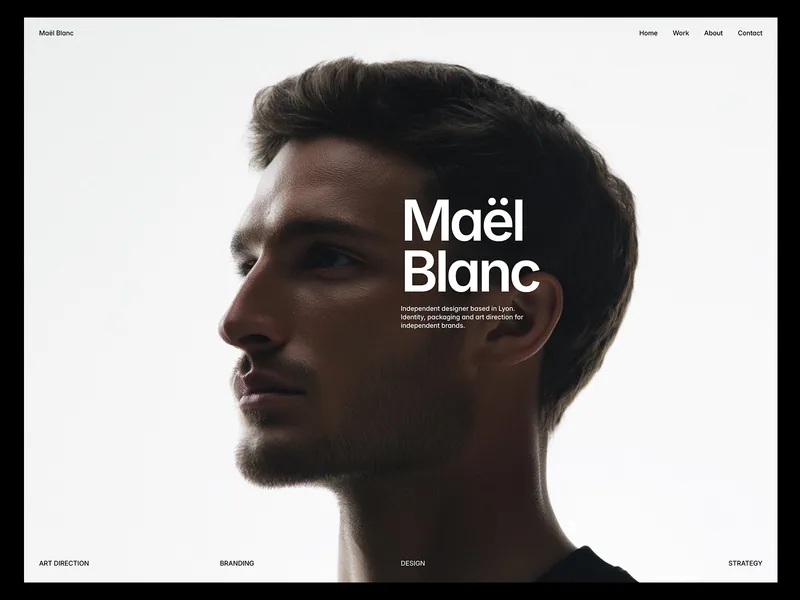
Kaspar is a light, Swiss Framer portfolio template for art directors, product designers and independent designers who work on apps, websites and design systems. It keeps everything quiet and exact: one typeface, a strict twelve-column grid, black text on white, and no divider lines. The one loud moment is the home page.
A home page you can play
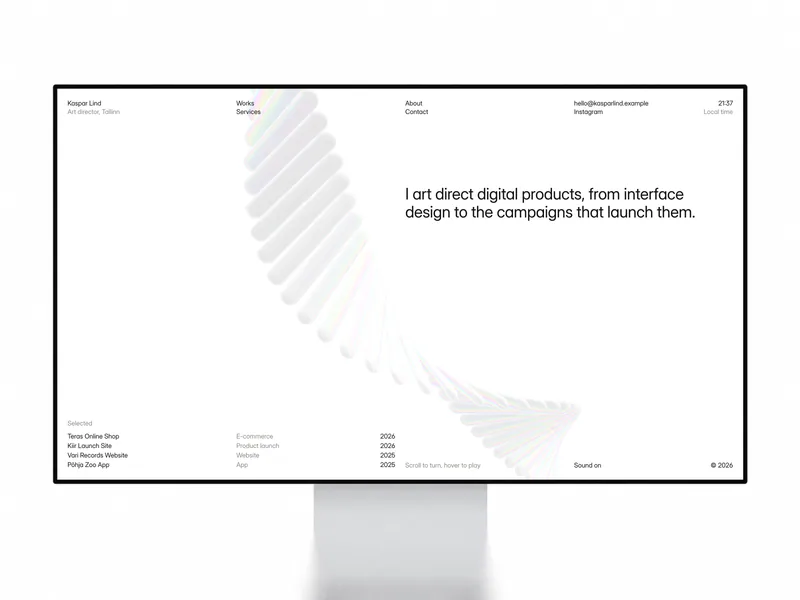
The home page fits on a single screen. A short statement sits next to a glass xylophone: hover a bar to play its note, and scroll or drag to turn the whole instrument. On a phone, you drag to turn it and tap to play. A Sound toggle turns the notes on and off, and visitors hear nothing until they click, as browsers require. Under the statement, a Selected list shows your four featured projects with their discipline and year.
The header stays the same on every page: your name and role, the navigation, your email and Instagram, and a live clock with your local time.
Work, shown two ways
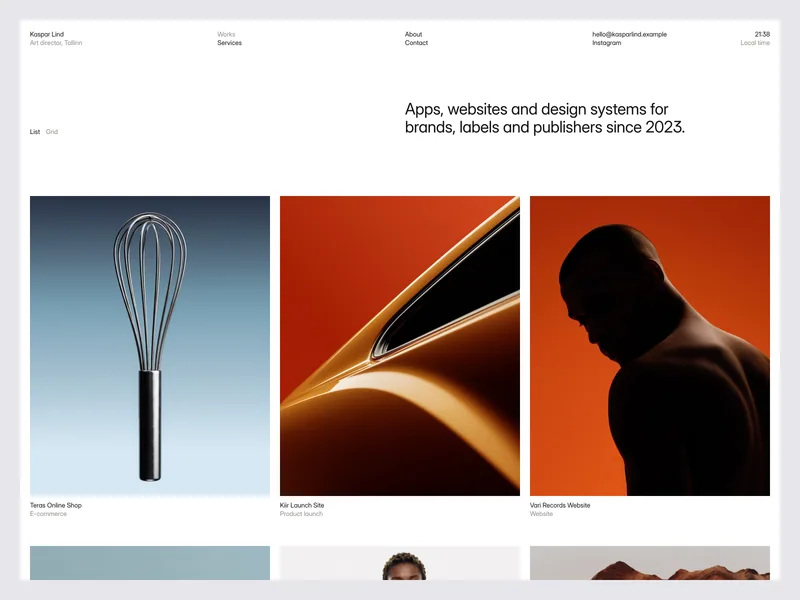
The Works page opens with a one-line introduction and a switch between two views. The List view is an index with project, client, discipline and year; each row turns black on hover, and the project’s cover follows your cursor. The Grid view shows the same projects as large covers with their names below.
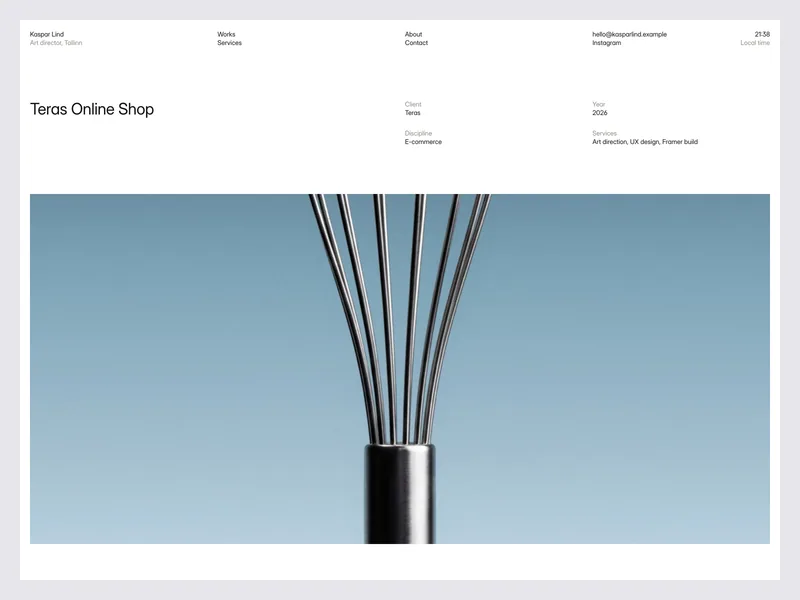
Every project has its own case study page: the title, client, year, discipline and services at the top, then the story of the project and a gallery of images with captions. A Next project link at the bottom takes visitors to the following case study, so they can read through your work without going back to the index.
- Services: a statement, your disciplines grouped under Product design, Design systems, Brand and Web, four process steps from first conversation to delivery, a FAQ that opens on click, and a closing call to action.
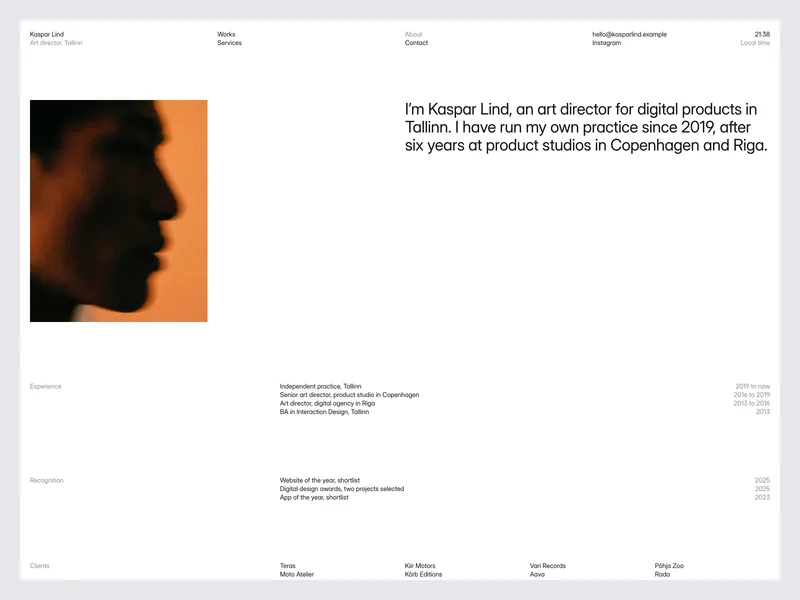
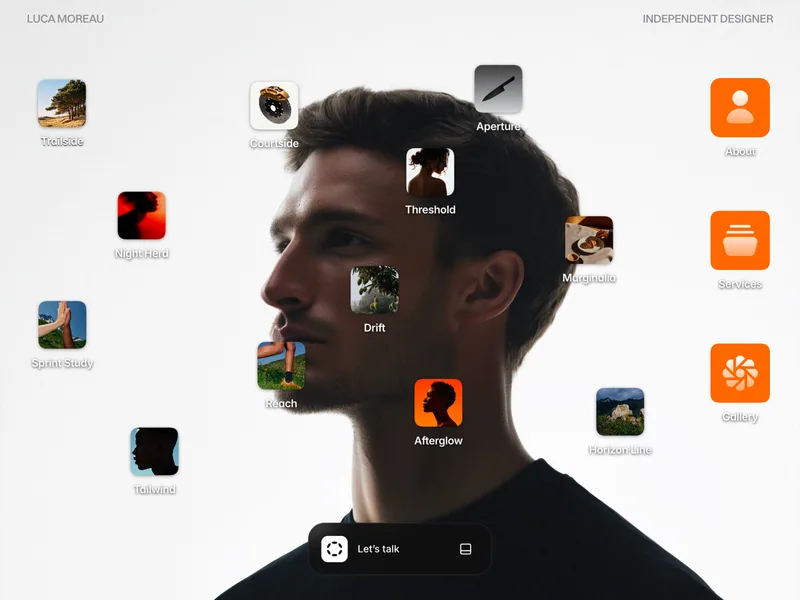
- About: a portrait, a short bio, experience with dates, recognition and a grid of client names.
- Contact: your email, studio location and hours, and a project enquiry form. Visitors pick a service and a budget from chips, then add their name, email, company, timeline and message. The send button has its own sending, sent and error states.
- Imprint: company, address, privacy and credits, ready for your own legal details.
Easy to make your own
All projects live in one Works collection with a title, client, category, year, summary, services, cover, gallery, story, a Featured switch and an order number. The order sets each project’s place on the Works page and its Next project link; the Selected list on the home page shows the first four featured projects.
A Styleguide page shows every color style, text style, link style and component in one place, along with the grid, the motion rules and the CMS model. Kaspar also includes two Framer Skills that work inside Framer AI: /customize walks you through replacing the demo content with your own, and /design-system keeps any new section in the template’s style.
What’s included
- 9 pages: Home, Works, Case Study, Services, About, Contact, Styleguide, Imprint and 404
- Two Framer Skills:
/customize and /design-system
- A playable glass xylophone on the home page, with scroll, drag and tap controls and a sound toggle
- A Selected list of featured projects on the home page
- Works in List and Grid views, with rows that invert on hover and a cover preview that follows the cursor
- Case studies with project details, a story, a captioned gallery and a Next project link
- Services with disciplines, process steps and a FAQ
- About with a portrait, bio, experience, recognition and clients
- A contact form with service and budget chips and sending, sent and error states
- A live local time clock in the header
- A Works CMS collection with nine sample projects
- Reusable Work Row, FAQ Item, Sound Toggle, View Switch and Submit Button components
- A twelve-column grid with responsive layouts for desktop, tablet and phone, and a dark menu on phones
- Motion that respects reduced motion settings
- SEO ready, with a title and description for every page
Set in Inter Display. The glass xylophone is based on WebGL Xylophone by Sujen Phea for Codrops, released under the MIT license. Open /customize in Framer AI, follow the steps, then publish.