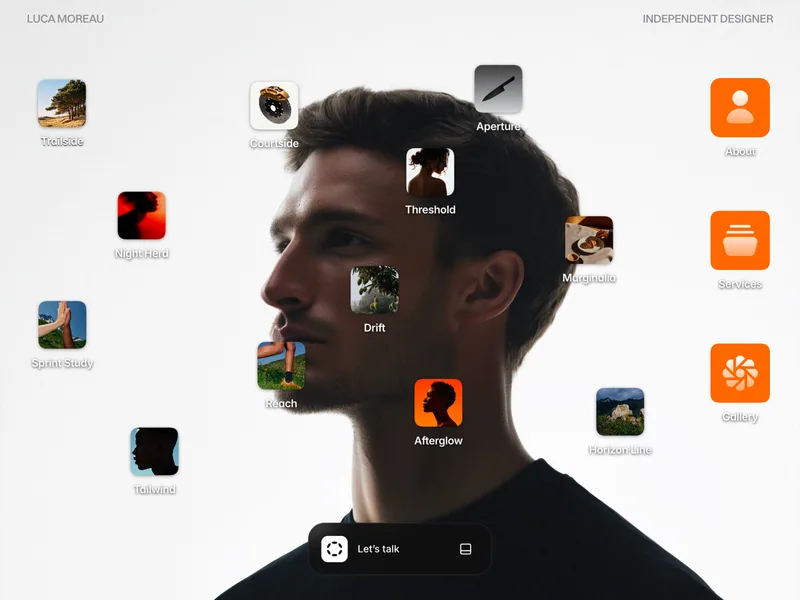
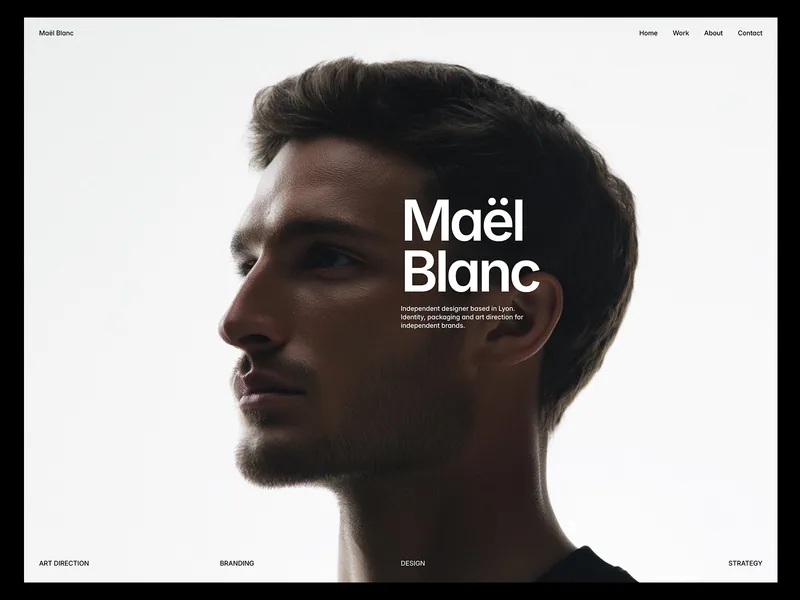
Moreau OS is a Framer portfolio template for photographers, designers and art directors who want their site to feel like a computer desktop. It is light and quiet: a large portrait as the wallpaper, small photo icons for each project, orange folders for the rest, and every piece of content opening in a macOS-style window.
A desktop instead of a home page
The home page is the desktop. A slim menu bar carries your name on the left and your role on the right. Twelve project icons, each a small thumbnail with a label, sit across the wallpaper, and three folders for About, Services and Gallery line up on the right edge.
Visitors can drag any icon to a new spot on the desktop. A drag only moves the icon; a window opens only on an actual click, so nothing pops open by accident. At the bottom, a dark dock reads Let’s talk and expands to show links for X, Threads, Email and Phone.
Every page is a window
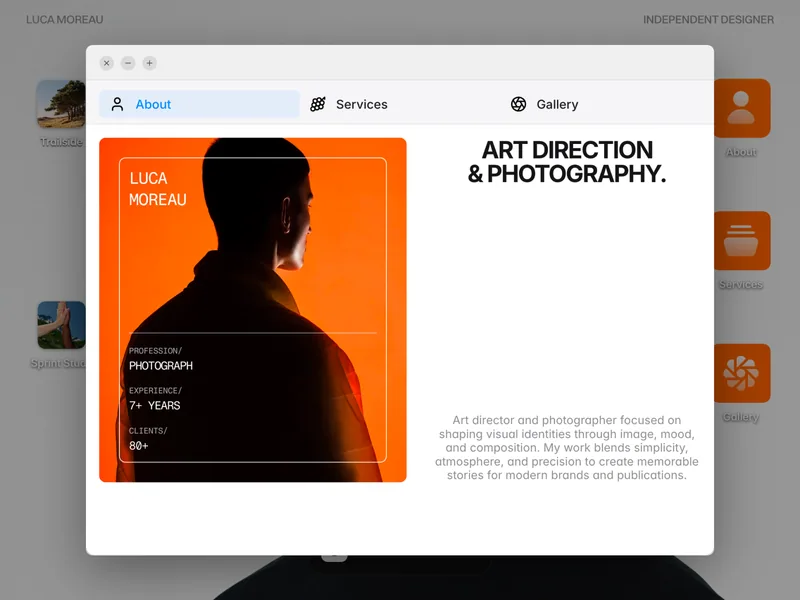
Click an icon or a folder and a window opens over the dimmed desktop, with the three familiar window buttons in its title bar. The close button shuts it and takes visitors back to the desktop.
Every window carries the same About, Services and Gallery navigation, along with your email and phone, so visitors can move between sections without closing anything. A project opens inside the same window as the rest of the site, so nothing feels like a jump to a separate page.
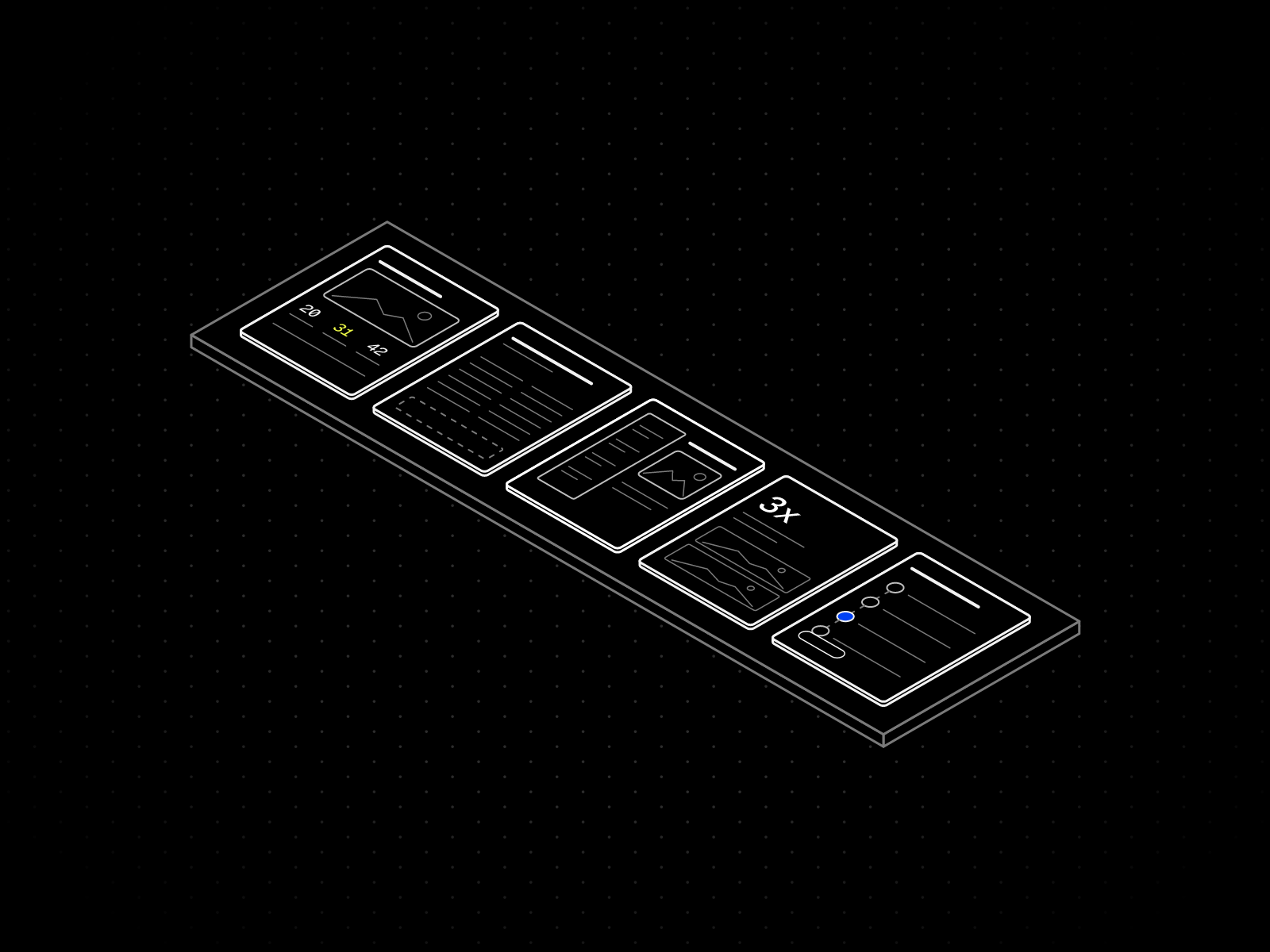
- About: a portrait card with your name, profession, years of experience and number of clients, next to a large heading and a short bio.
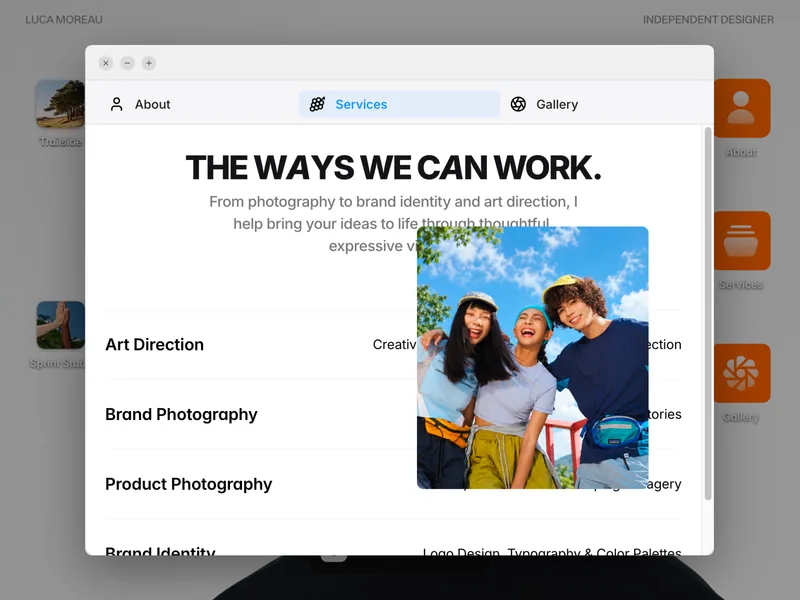
- Services: a heading, a one-line introduction and four services, each with a short note on what it covers. Hover a row and a photo for that service appears beside it.
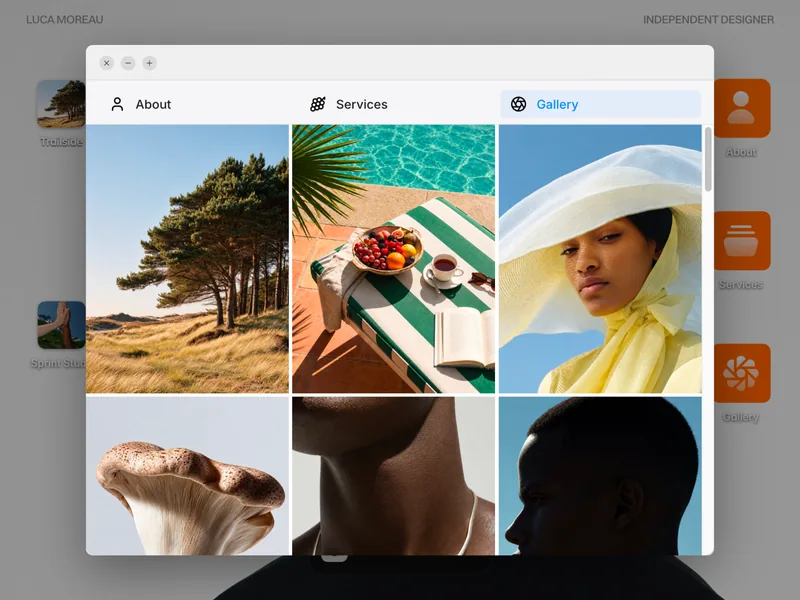
- Gallery: a three-column grid of photographs. Click one to see it at full size, and press Escape to go back.
Case studies in the same window
Each project icon opens its case study. It starts with the category and title, then the type of work, the client and the date. Overview, Challenge and Solution sections tell the story, a Credits list names the people behind it, and the project’s photographs sit alongside the text.
On a phone, the desktop turns into a tidy grid, with the three folders on top and the project icons below. Windows shrink to fit the screen and scroll inside, so content never runs off the edge.
Easy to make your own
The case studies live in a Projects collection with a title, slug, category, client, date, description, challenge, solution, a credits list, a thumbnail and a gallery. It ships with 17 sample projects, and twelve of them are placed on the desktop. Each desktop icon opens the window for one project by its slug. The Gallery window reads from its own collection of 30 sample photos, so swapping in your pictures is a CMS job too.
About, Services, Gallery and the project view each live in their own editable section, so a change there shows up in every window that uses it. Colors and text styles are global, so one edit updates the whole site. The dock links, email and phone number are placeholders ready for your own, and the site title and description for search are already filled in. A short Welcome guide inside the project shows where to edit each part.
What’s included
- A desktop home page with a menu bar, a portrait wallpaper, twelve project icons and three folders
- Draggable icons that open only on a click
- One window for every section, with a working close button and shared About, Services and Gallery navigation
- An About section with a portrait card, a heading and a short bio
- A Services list of four services with a photo preview on hover
- A Gallery grid with a full-size image viewer
- Case studies with type, client, date, overview, challenge, solution, credits and photos
- A Let’s talk dock with X, Threads, Email and Phone links
- Two CMS collections: Projects with 17 sample case studies and Gallery Images with 30 photos
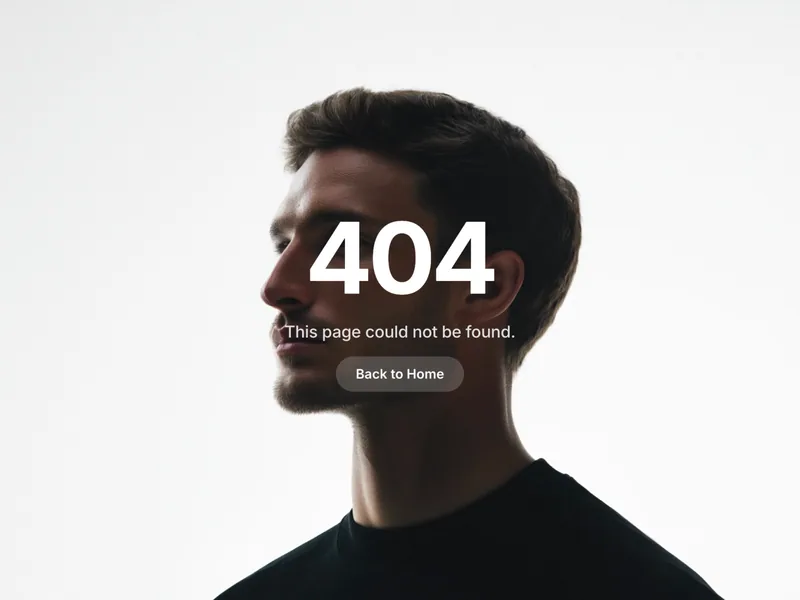
- A 404 page with a Back to Home button
- Global color and text styles
- Responsive layouts for desktop, tablet and phone, with windows that scroll inside
- SEO title and description already set
- A Welcome guide inside the project
Set in Inter, with Fragment Mono on the About card and Switzer for the name in the menu bar. Remix it in Framer, swap in your content, then publish.