Niche guide ·
Best Free Framer Portfolio Templates (2026 Picks)
Free Framer portfolio templates for designers, photographers and studios, with pages, CMS setup and best use for each. Includes picks from other creators.
Short answer: The best free Framer portfolio template is the one whose structure matches your work. Pick a feed-style layout like Hansler if you have lots of images, an editorial case-study layout like Maël Blanc or Mareon if you write about process, and a sidebar layout like Silvan Rhyner if you keep two bodies of work. Every template below is free to remix on the Framer Marketplace.
A quick disclosure before the list. I made eight of these templates. I have tried to describe them the way their marketplace pages do, without overselling, and I have added three free templates from other creators that I think are worth your time. They are labeled clearly.
How I picked these
A free template is only free if it does not cost you a weekend of fixes. So every pick here had to meet three bars:
- It is free on the Framer Marketplace on the day of writing, October 11, 2026.
- It is built for showing work, not for selling a SaaS product.
- Its listing tells you what pages and CMS collections you get, so you know what you are starting with.
One more practical filter. Framer’s Basic plan includes 2 CMS collections, according to the pricing page. I note the collection count for each template so you can tell which ones fit Basic without edits. My Framer pricing guide explains the plans in detail.
Quick comparison
| Template | Best for | Pages | CMS collections | Theme |
|---|---|---|---|---|
| Hansler | Image-heavy designers and photographers | 5 | 3 | Light |
| Maël Blanc | Independent designers and art directors | 9 | 2 | Light and dark |
| Silvan Rhyner | Client work plus personal photography | 7 | 2 | Dark |
| Nordlyn | Studios with a growing archive | Selected work, archive, studio, contact, case study, legal, 404 | Projects, categories, legal | Light and dark |
| Oktav | Design and development studios | 11 | 4 | Light, dark, system |
| Mareon | Editorial visual portfolios | Home, About, Services, projects, 404 | Projects | Not stated |
| Grove | Bold editorial portfolios | Not listed | Yes | Not stated |
| Rauten | Dark, minimal personal brands | 7 | Yes | Dark |
Free Framer portfolio templates by Brand
1. Hansler
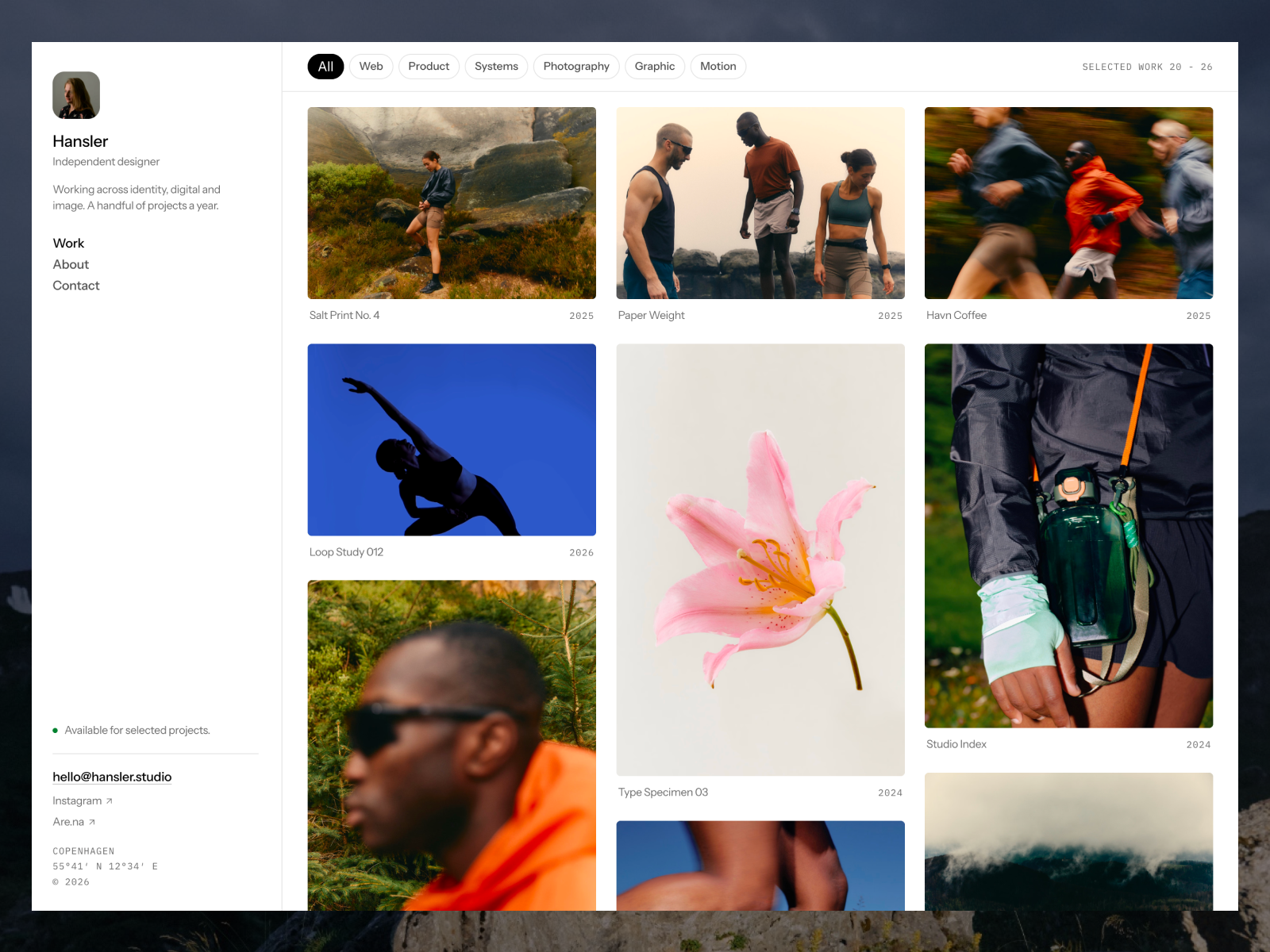
Hansler has no hero section. The home page is the feed. That was a deliberate choice: the feed loops over a Media collection instead of a Projects collection, so one project can put six frames into the grid and each frame becomes its own tile.
What the listing includes:
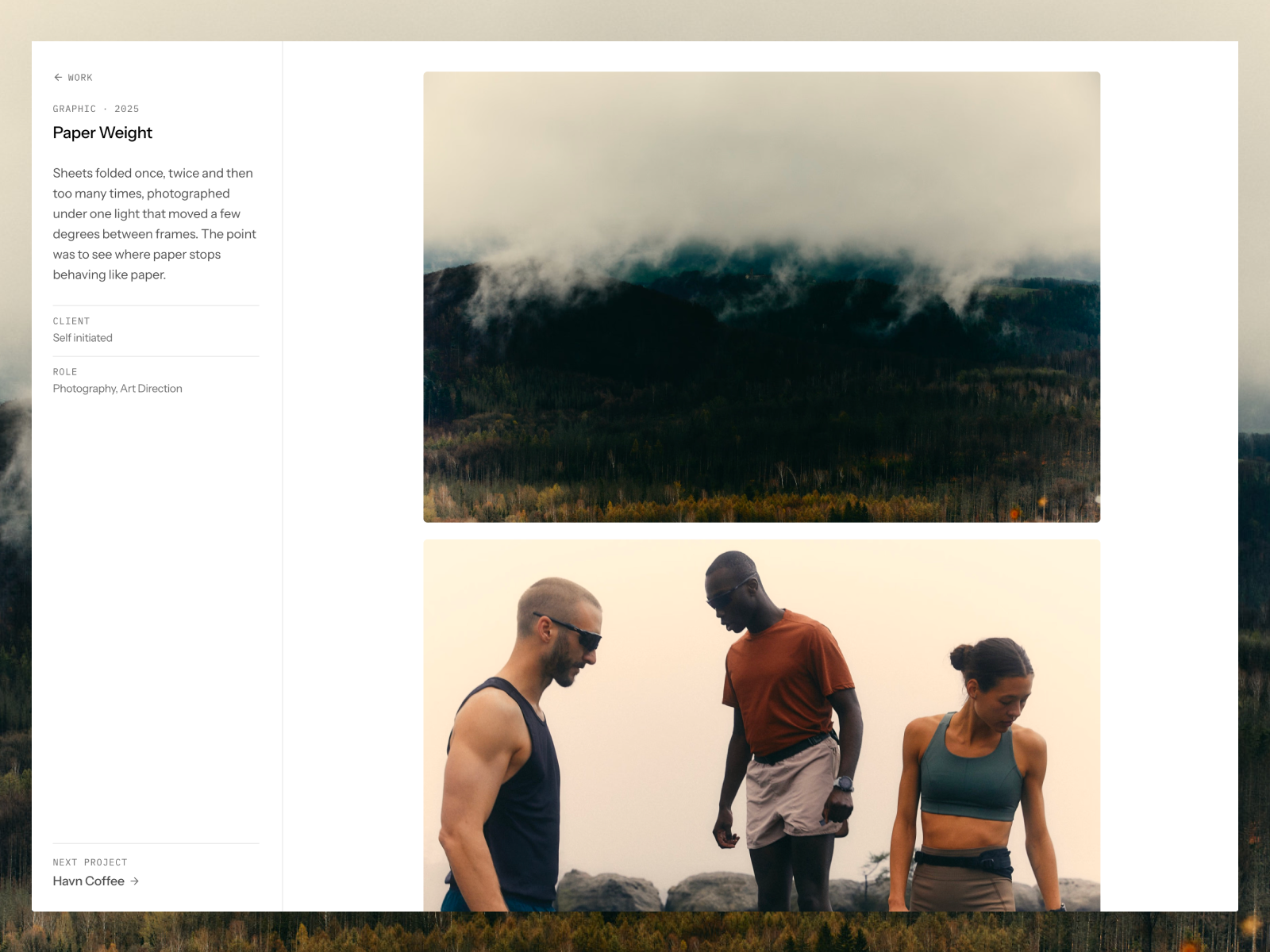
- Home, Work detail, About, Contact and 404 pages.
- Three CMS collections, Work, Media and Categories, filled with 18 projects and 30 media items.
- A glass sidebar that turns into a floating pill and a drawer on phones.
- Video tiles alongside images, in the feed and in the lightbox.
Pick it if your best work is visual and you are tired of writing intros. It uses three collections, so it needs Pro or a small edit to run on Basic.
2. Maël Blanc
Maël Blanc is a calm editorial portfolio for independent designers, art directors, and brand or packaging designers. The work grid alternates wide and narrow projects, and case study pages keep a sticky details sidebar next to the gallery.
From the listing: 9 pages including a Styleguide, Projects and Services collections, a contact form with budget and service fields, and light and dark mode that follow the visitor’s system setting. It also ships with two Framer Skills, /customize and /design-system, that work inside Framer AI to walk you through replacing the content.
3. Silvan Rhyner
Silvan Rhyner is for people with two bodies of work. A fixed sidebar holds your name, your navigation and a status badge that says whether you are taking work. Projects and photo series each get their own index and detail pages.
The listing is clear that it is dark only, by design, with one typeface and two sizes. If you want a loud display headline, this is not your template. If you want the work to do the talking, it is.
4. Nordlyn
Nordlyn treats your portfolio as a living archive. Projects sit in a minimal index that you can filter by discipline, with image previews on hover, and selected projects open into editorial case studies with masonry galleries and a lightbox.
Per the listing, it has light and dark themes called Paper and Ink that match the visitor’s system and remember a manual switch. Pick it when you have 20 or more projects and need people to find the right one fast.
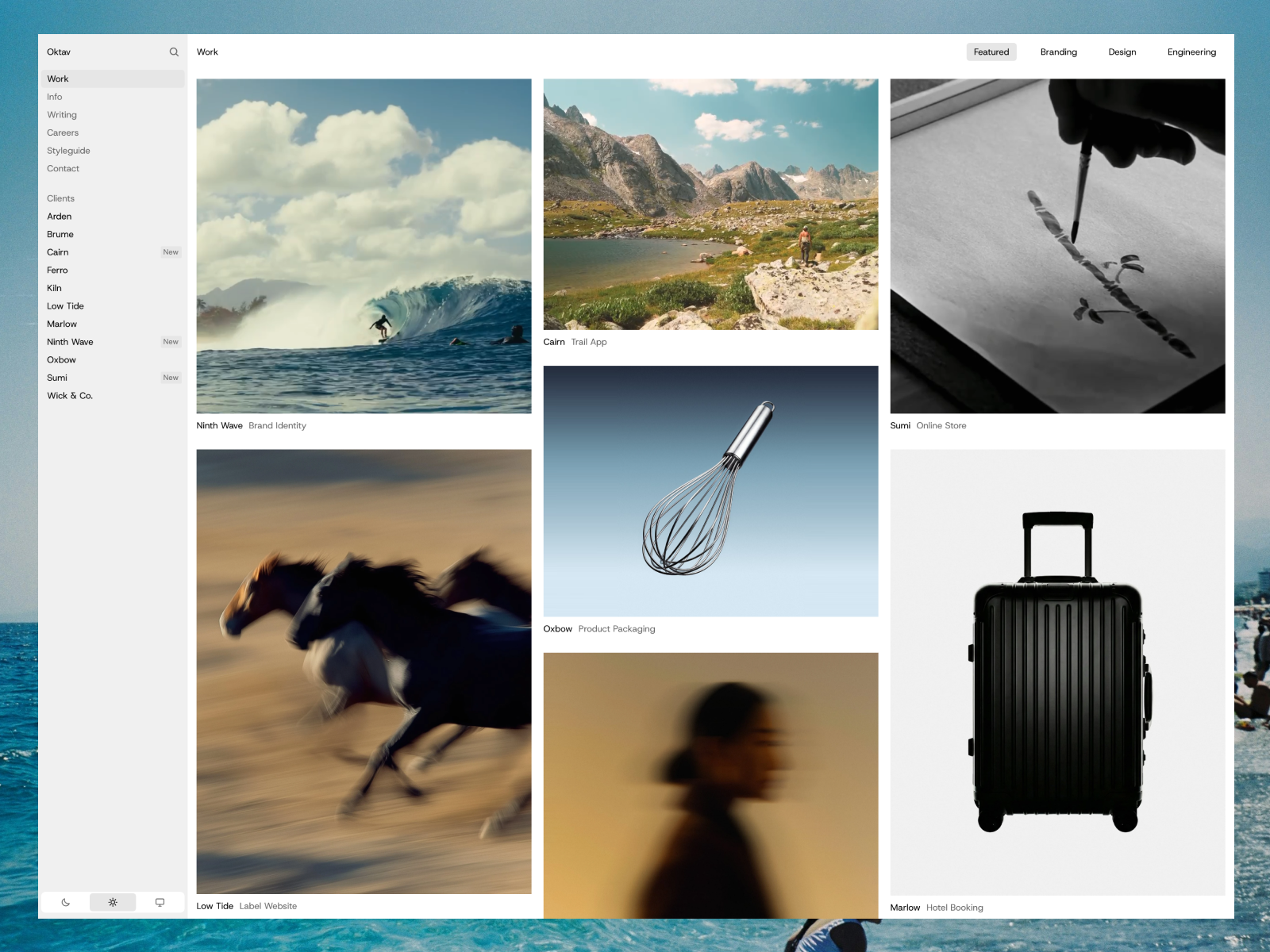
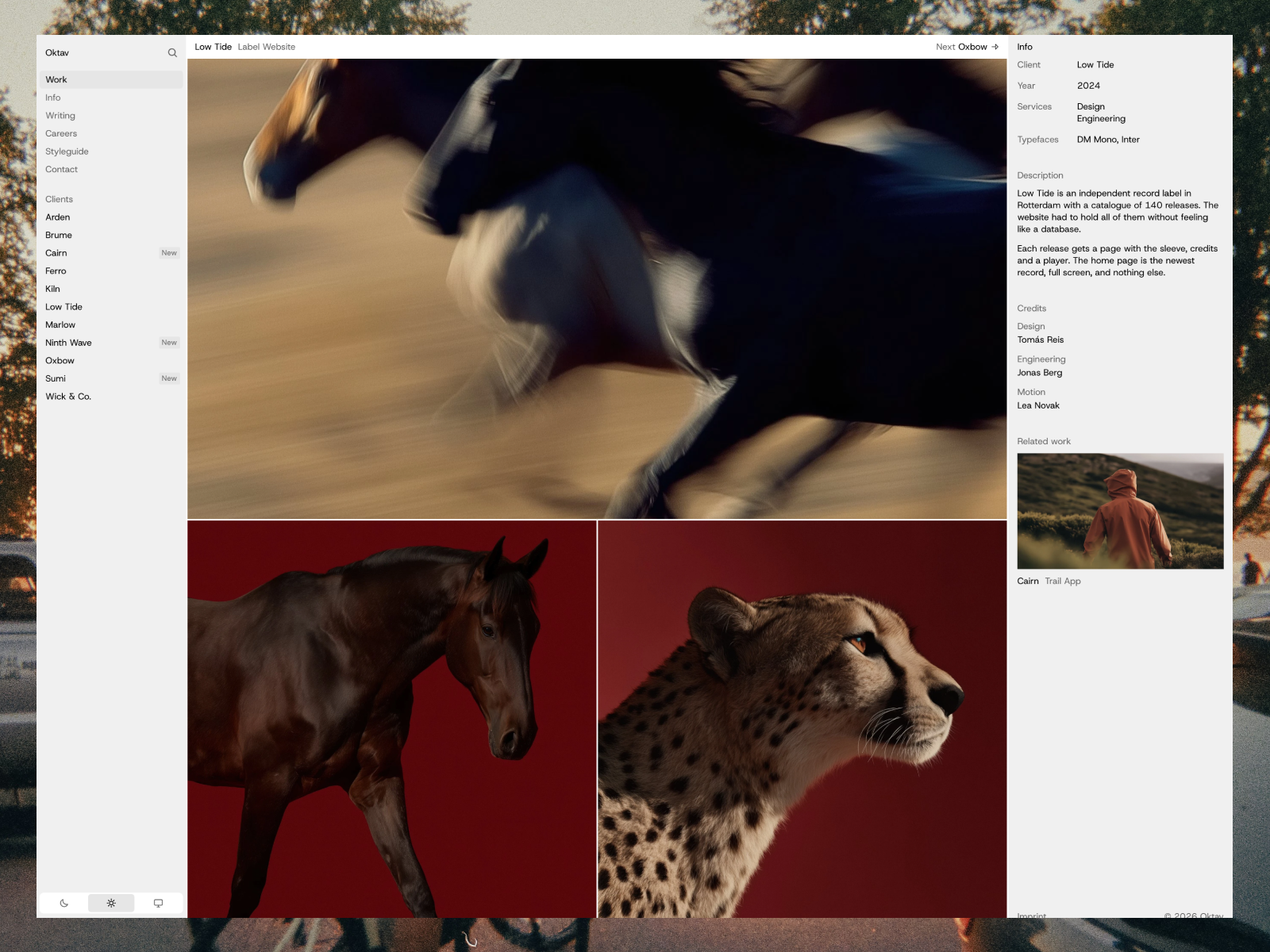
5. Oktav
Oktav is listed as an agency template for studios, but it works for any practice with a lot of clients. It behaves like a desktop app: a sidebar index of every client, a masonry work grid in the middle, and an info panel that changes per page.
The listing shows 11 pages and four collections for projects, disciplines, articles and open roles. That is more than a solo designer needs, so plan to remove the careers pages if you are one person.
6. Mareon
Mareon is built around interactive, canvas-style project cards on the home page, with a list view and a grid view for browsing. The listing mentions image and video project covers, project galleries, and About and Services pages. It suits photographers, art directors and motion designers who want an editorial feel.
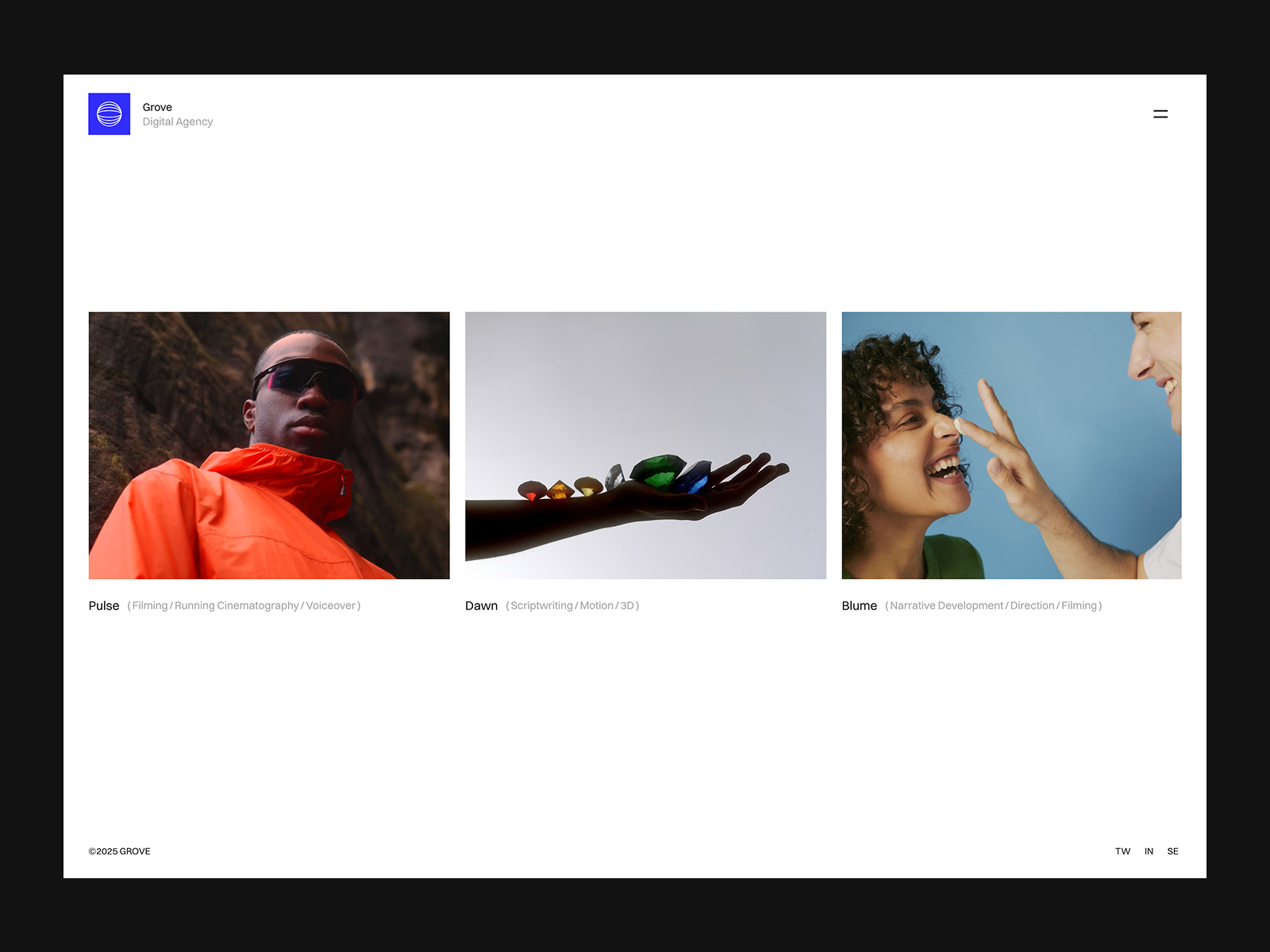
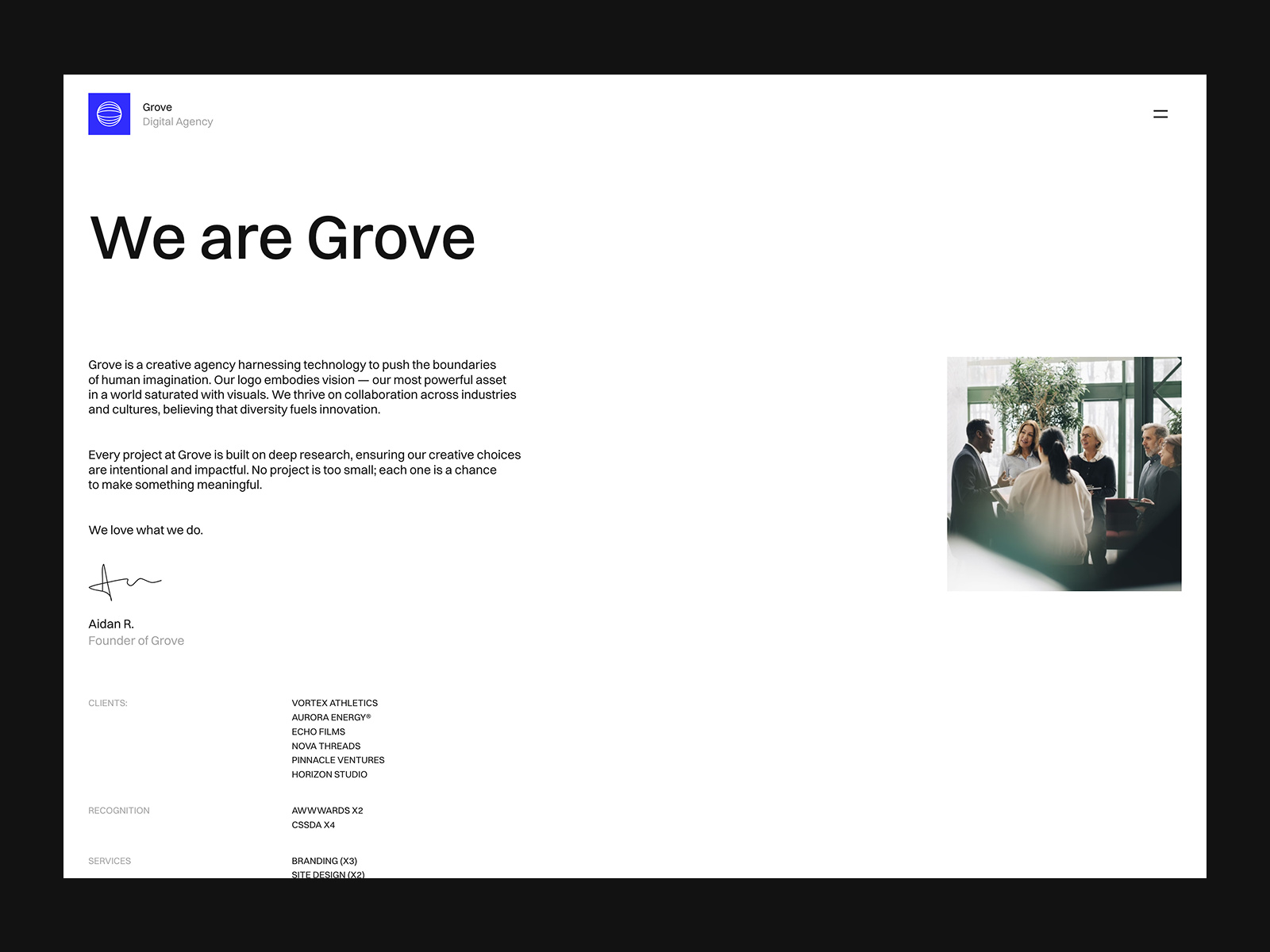
7. Grove
Grove is the loudest template on this list. The listing highlights CMS integration, smooth scroll, infinite scroll and distortion effects. Pick it if your brand can carry strong motion. Skip it if your clients are conservative.
8. Rauten
Rauten is dark and minimal, with Home, Works, Journal, Info, Contact, Privacy Policy and 404 pages per its listing. It adds custom cursors, slideshows, tickers and text effects. It is a good fit for a personal brand that also wants a journal.
Notable free templates from other creators
These are not mine. I include them because a fair list should, and because each solves a layout problem differently.
Haze by Nick Stepuk
Haze is a full-screen horizontal portfolio. The creator suggests taking your best five projects and giving each slide its own color. It is a good fit for branding designers with a small, strong body of work.
Portia by Jean
Portia mixes neo-brutalist and editorial styles in bold, structured layouts. Pick it if you want a portfolio that looks opinionated from the first screen.
Outtake Studio by The Weekend Supply
Outtake Studio is an editorial template for studios, photographers and art directors. Its distinctive feature is a Flux Column layout that moves projects beyond a standard grid.
How to choose in five minutes
- Count your projects. Under 8, a focused layout like Haze or Maël Blanc works. Over 20, you want an archive like Nordlyn or Oktav.
- Check your media. Lots of single frames suit Hansler. Long case studies suit Maël Blanc or Mareon.
- Check the collections. If you plan to stay on Basic, prefer templates with 2 collections or be ready to delete one.
- Open the preview on your phone. Every template here lists tablet and phone layouts, but taste on a small screen is personal.
- Remix and replace one project. If one project looks good, the rest will too.
How to get a free Framer template
Framer’s help article on templates describes the steps. Open the template on the Marketplace, click the free button, and the project opens in Framer and is added to your account. From there you edit it like any other project. My step-by-step portfolio guide covers what to change first.
Browse all free picks on the Portfolio templates page.
FAQ
Are Framer portfolio templates really free?
The templates on this list are free to remix on the Framer Marketplace. You still need a paid Framer plan if you want a custom domain.
Can I use a free Framer template for client work?
Check the license on the template page before you do. Framer also describes its Free plan as best for non-commercial use, so a client site should be on a paid plan.
Which free Framer portfolio template is best for photographers?
Hansler and Nordlyn both list photographers as a target audience. For series-based photography, also see Léon Varet, which is built for photographers.
Do free templates work on the Framer Basic plan?
Most do. Templates with more than 2 CMS collections need Pro or a small edit to remove a collection.