Niche guide ·
Framer vs Wix for a Portfolio: Cost and Verdict
Framer vs Wix for a portfolio, compared on price, free plans, selling, extra editors and design freedom, using each company's own pages read on Oct 26, 2026.
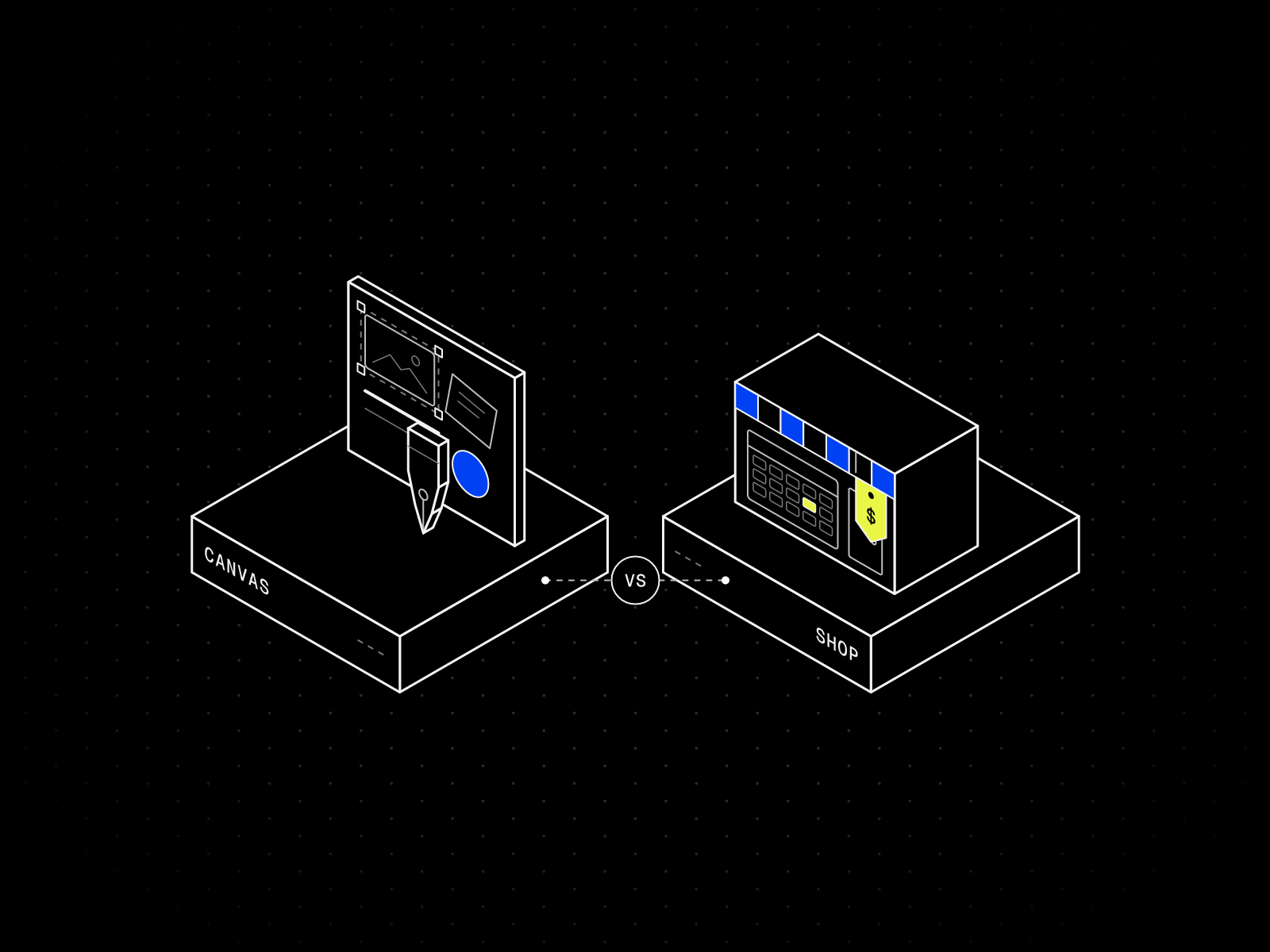
Short answer: Pick Framer if your portfolio mostly shows work and should look custom. Pick Wix if the same site also has to take payments or bookings. On October 26, 2026, Framer Basic was $10 per month on yearly billing, and Wix Light was listed at $17 per month in the US view, excluding taxes, though Wix says its prices vary by country. Both have a free plan that publishes on the company’s own address, and on both you pay to connect your own domain.
I make Framer templates, so read this as a builder’s notes, not a neutral review. Every price and limit below comes from the two companies’ own pages, read on October 26, 2026. Framer calls its own comparison page a verdict, and I treat it as Framer’s opinion, not as a fact.
What each tool is for
Wix is a business platform that includes a website editor. Its plans page lists payments, eCommerce, scheduling and services, a marketing suite and an AI site builder, with more than 2,000 templates. Wix has two editors. Its help center says the Wix Editor is the simpler one, and the Wix Studio Editor suits web designers who want more intricate design.
Framer is a design tool that publishes. You work on a canvas, and what you build is the live site, with a CMS, SEO settings and hosting included. Framer’s own comparison page says to pick Framer for a design-led marketing site that changes often and Wix when the site has to act as an all-in-one small-business system. I agree with the split for portfolios, with one change: most portfolios do not need the business system.
Framer vs Wix, side by side
| Detail | Framer | Wix |
|---|---|---|
| Free plan | Yes, on a Framer address | Creating a site is free, on a Wix address |
| Custom domain | Basic and up | A Premium plan |
| Cheapest plan with a custom domain | Basic, $10 per month yearly | Light, $17 per month yearly, excl. taxes |
| Free domain | One, with a yearly plan, through Hover | A one-year voucher with most yearly Premium plans, valid only for a new domain from Wix |
| Selling and bookings | No built-in store listed on the pricing page | Payments, eCommerce, scheduling from Core |
| Extra people | Editors $20 per month, content editors $10, viewers free | Light includes 2 collaborators |
| Limits listed | 30 pages, 2 CMS collections, 50 GB bandwidth on Basic | 2 GB storage on Light |
| Billed per | Site | Site |
Sources: Framer pricing and Wix plans, read on October 26, 2026. Wix shows US dollar prices for reference only, excludes taxes, and says prices and currency vary by country, so your price may differ. Framer says sales tax is added at checkout.
Wix lists storage and Framer lists bandwidth. They are different limits, so I do not compare them. I also did not find a Wix page limit on the plans page, so I am not quoting one.
Price: what a portfolio actually pays
A solo portfolio with its own domain is the common case. A second person who updates the site is the common surprise.
| Setup, yearly billing | Framer | Wix Light |
|---|---|---|
| Solo portfolio, custom domain | $10 per month, $120 a year | $17 per month, $204 a year, excl. taxes |
| Plus a helper who updates content | $20 per month with a content editor, $240 a year | $17 per month, 2 collaborators included |
| Plus a helper who also designs | $30 per month with an extra editor, $360 a year | $17 per month, 2 collaborators included |
On Framer, a content editor is $10 per month and can update the CMS, localization and on-page text. An additional editor is $20 per month and can design, edit content and publish. Viewers are free. I did not check which roles a Wix collaborator can have, so the Wix rows only say what the plan includes.
Wix offers a 14-day money-back guarantee on the first upgrade to a Premium plan. Framer’s refund rule is narrower: its pricing FAQ says customers in the EU or Turkey are legally eligible for a refund within 14 days. My Framer pricing guide covers the rest, including what Free allows.
Selling and booking
This is where Wix wins, and I would say so to anyone who asked.
On October 26, 2026, Wix listed accepting payments, basic eCommerce and scheduling and services from the Core plan, at $29 per month on yearly billing, excluding taxes in the US view. Business adds standard eCommerce and Business Elite adds advanced eCommerce.
Framer’s pricing page lists no built-in store. A Framer portfolio that sells prints or takes bookings links out to a separate shop or booking tool. If selling is half the point of the site, Wix or another builder with commerce built in is the simpler route. I compare Framer with Squarespace on the same point in Framer vs Squarespace for photographers.
Design freedom and templates
Framer wins on layout control. You place frames on a canvas, set breakpoints, and build components, and the template you start from is a finished Framer project you can edit.
Wix’s own help center describes its portfolio route as choosing a template, then dragging and dropping elements in the Wix Editor. It also mentions a Wix Portfolio app for projects and collections. That is a gentler start for a beginner.
I cannot write a hands-on Wix review, so I will stay with what the pages say. Framer fits when the site has a point of view in its layout. These three free templates are mine:
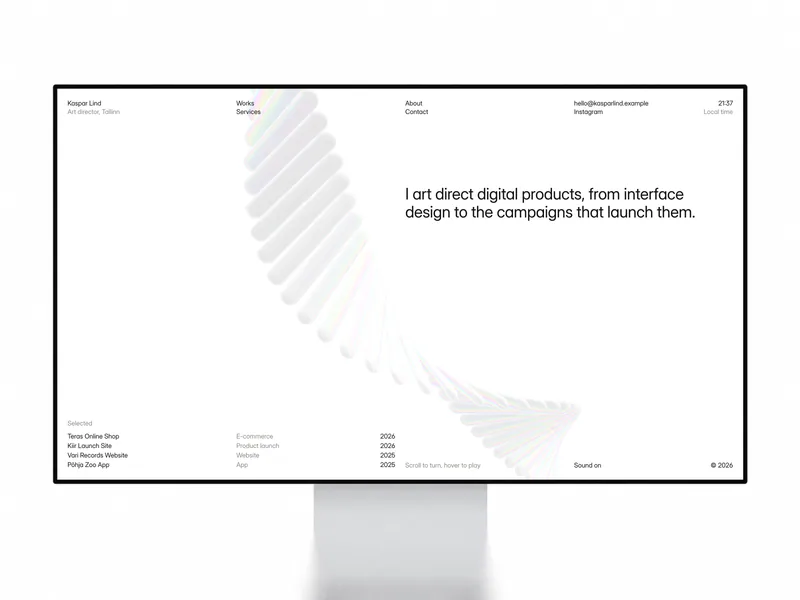

Kaspar
Portfolio · Free
A Swiss portfolio for product designers and art directors, with List and Grid views and one Works collection.


Maël Blanc
Portfolio · Free
An editorial portfolio for independent designers, with a services table, case studies and two CMS collections.


Halvor
Photography · Free
A quiet portfolio for studio photographers, with one Works collection behind the whole site.
All three fit Framer Basic’s limit of 2 CMS collections. Other templates use more, which is why I keep a table in my pricing guide.
SEO and speed
Both tools cover the basics. Wix says every Wix site has a sitemap that updates automatically, and you can add a title tag and meta description to each page. Framer generates a sitemap and a robots.txt file, and you set titles and descriptions per page. In both, the work you put into text and links matters more than the builder. The Framer details are in Framer SEO for portfolios.
One Framer limit to know: redirects for old URLs are a Pro feature, at $30 per month on yearly billing. If you are replacing an older site and want the old links to keep working, check that before choosing Basic. I have not read Wix’s redirect rules, so I will not compare them here.
I am not making speed claims for either tool. Test your own pages with a speed tool after you publish.
Who should pick which
Pick Framer if:
- Your portfolio shows work and does not sell it
- You want a custom layout and a CMS for projects
- You want to build and preview on a free address first, then pay for Basic once the site is live
Pick Wix if:
- The site also has to take payments, bookings or both
- You want to build with the drag-and-drop editor you may already know
- You want more people on the plan without paying per seat
Moving between them
Wix’s help center says a Wix site has to run on Wix’s servers. The content you build belongs to you, but you cannot host the site elsewhere. Moving to Framer means rebuilding the pages from your own text and images. I did not read Framer’s Switch section, so look there for migration help.
Framer’s comparison page also says you can keep operations in Wix and move a brand site to Framer. Two public sites mean more work, so I would split them by domain, not by page.
FAQ
Is Framer or Wix better for a portfolio?
Framer if the portfolio should look custom and mostly shows work, and Wix if the same site also has to sell or take bookings. That is my view, and Framer’s own comparison page says something close to it.
Is Framer cheaper than Wix?
On October 26, 2026, Framer Basic was $10 per month on yearly billing against $17 for Wix Light, excluding taxes. Framer charges $20 per month for an extra editor, while Wix Light includes 2 collaborators, and Wix prices vary by country.
Is there a free plan on Wix and on Framer?
Yes on both, and both publish on the company’s own address. Wix says a Premium plan is needed to connect your own domain, and Framer’s pricing FAQ says the same about a paid plan.
Can I sell prints or take bookings with Framer or Wix?
Wix lists payments, basic eCommerce and scheduling from Core. Framer’s pricing page lists no built-in store, so a Framer site links out to a separate shop.
Which is easier for a beginner?
Wix describes a drag-and-drop editor, and Framer has a freeform canvas that feels familiar to design tool users. Wix has the gentler start and Framer gives more layout control.
Can I use Framer and Wix together?
Framer says you can, for example Wix for operations and Framer for a brand site, but two public sites add work. A split by domain is easier than duplicating pages.