Niche guide ·
What Should a Videographer Portfolio Website Include?
What a videographer portfolio website should include: reel, work list with roles, project pages, rates, proof and contact, plus Framer setup tips.
Short answer: A videographer portfolio website should include a short showreel in the first screen, a list of projects with the client and your role on each, one page per project with the video and credits, a short About with where you work and what you shoot, proof such as clients or reviews, and a fast way to get in touch. Rates or starting prices and a gear list are strong extras.
That is the checklist. Below is what each item means in practice, how much to put in it, and how to set it up in Framer.
The checklist at a glance
| Section | Must have | Nice to have |
|---|---|---|
| Showreel | Yes | A 10 to 20 second loop as a background |
| Work list | Yes | Filters by category such as weddings, brand, music |
| Project pages | Yes | Behind-the-scenes stills |
| About | Yes | A portrait and your location |
| Proof | Yes | Client logos, testimonials, awards |
| Contact | Yes | A form with date, location and budget |
| Services and rates | Recommended | Starting prices per package |
| Gear and crew | Optional | Camera, drone and audio kit |
1. A showreel in the first screen
The reel is your handshake. Put it where nobody has to scroll for it.
- Short. Keep it to around a minute or two. A tight reel beats a long one.
- Silent-friendly. Chrome’s autoplay policy allows muted autoplay but usually blocks autoplay with sound until the visitor interacts. Cut the reel so it works without audio.
- Embedded, not uploaded, for the full version. Framer’s video optimization article notes that uploaded videos are served unaltered, while YouTube and Vimeo components adapt quality to the viewer’s screen and network.
2. A work list that shows your role
Clients hire for a role. Make it visible on every project in the list, not just on the detail page.
A good row has the project name, client, year, category and your role: “Shot and edited,” “Second shooter,” “Colorist.” If you shoot both weddings and commercial work, add category filters so each client sees the right half of your work.
3. One page per project
Each project page should answer three questions fast: what is it, what did you do, and can I see it.
Include:
- The video, embedded.
- A one-line description and the client.
- Your role and the rest of the crew.
- Three to six stills or frame grabs.
- A link to the next project.
In Framer, this is a CMS detail page. Framer’s guide on video in CMS pages shows how to bind a YouTube, Vimeo or MP4 URL field to a video component, so every project page gets its own video automatically. My Framer CMS tutorial walks through the full setup.
4. An About section that answers logistics
A wedding couple and a brand manager both want to know the same practical things. Where are you based? Do you travel? What do you shoot? How fast do you reply?
Answer those in four or five sentences, add a portrait, and stop. Long origin stories rarely help a booking.
5. Proof
Proof turns interest into trust. Use whatever you have, honestly:
- Client names or logos, with permission.
- Two or three short testimonials with a name and context.
- Festival selections, awards or publications.
If you are starting out, one detailed testimonial is better than a wall of logos you cannot back up.
6. Services and rates
Not every videographer publishes prices. If you do, it saves you from enquiries that were never going to fit your budget.
A simple format: two or three packages, each with what is included, the typical turnaround, and a “from” price. Agencies in the Framer Gallery do this well. I wrote about examples in Framer agency website examples.
7. Gear and crew, if it helps
For commercial work, a short gear list answers technical questions before the call: camera bodies, lenses, drone, audio and lighting. For weddings, most couples care more about the result than the kit, so keep it short or leave it out.
8. Contact that fits how you book
Make contact visible on every page. For event work, a form with date, location and budget fields filters enquiries well. For commercial work, a direct email often gets faster replies.
Gaps that cost videographers bookings
Run through these after your site is live:
- No role on the work list. A client cannot tell if you shot it, edited it, or both.
- A reel hidden below an intro paragraph. Move it up.
- Only YouTube links, no stills. Many people skim before they press play. Two or three frame grabs per project give them a reason to.
- A contact form with no date field. For event work, the date is the first thing you need to know.
- Old work at the top. Sort by year, or pin your best recent project first.
Setting this up with a Framer template
You do not need to build all of this from scratch. These free templates cover most of the checklist:
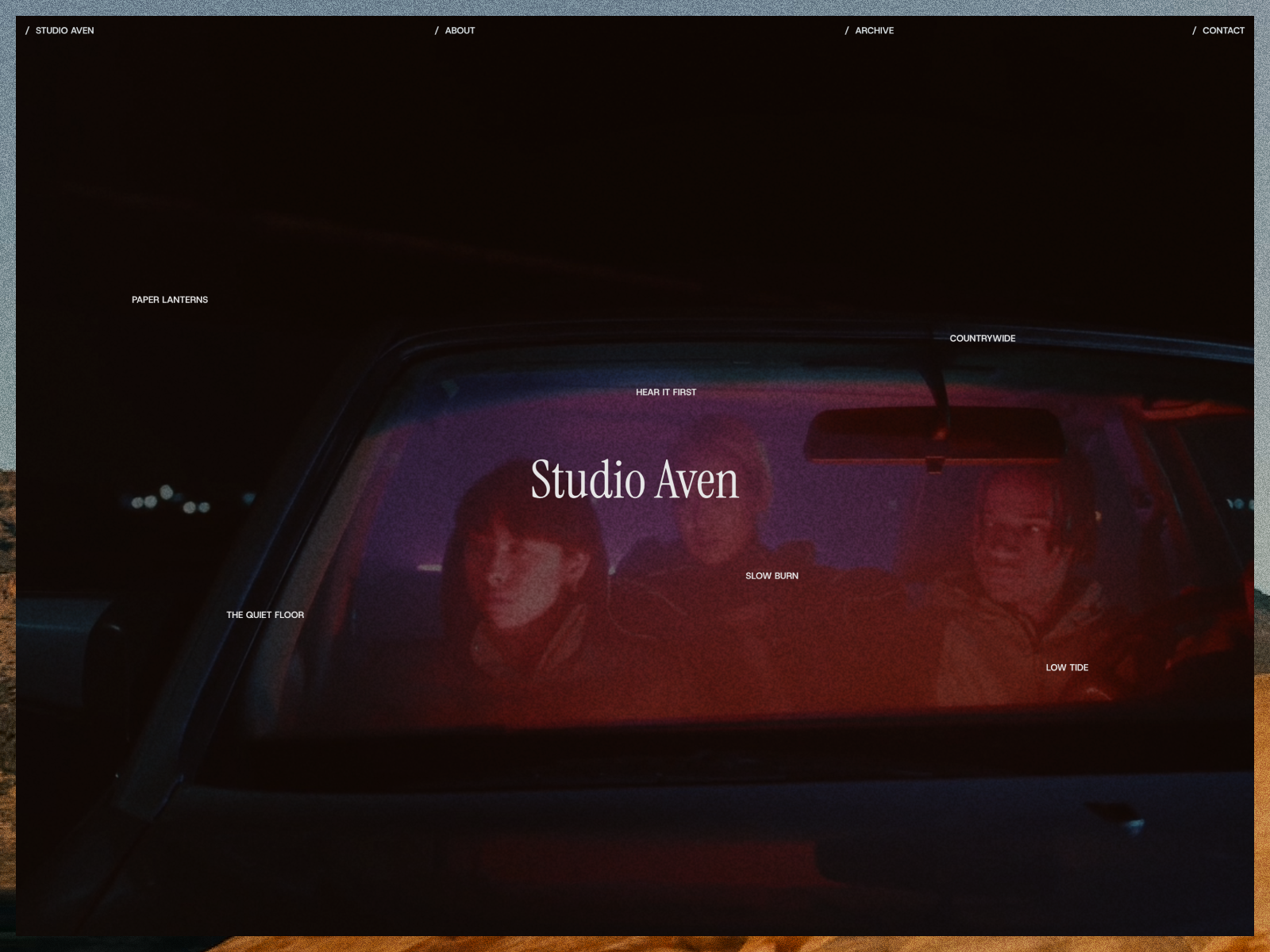
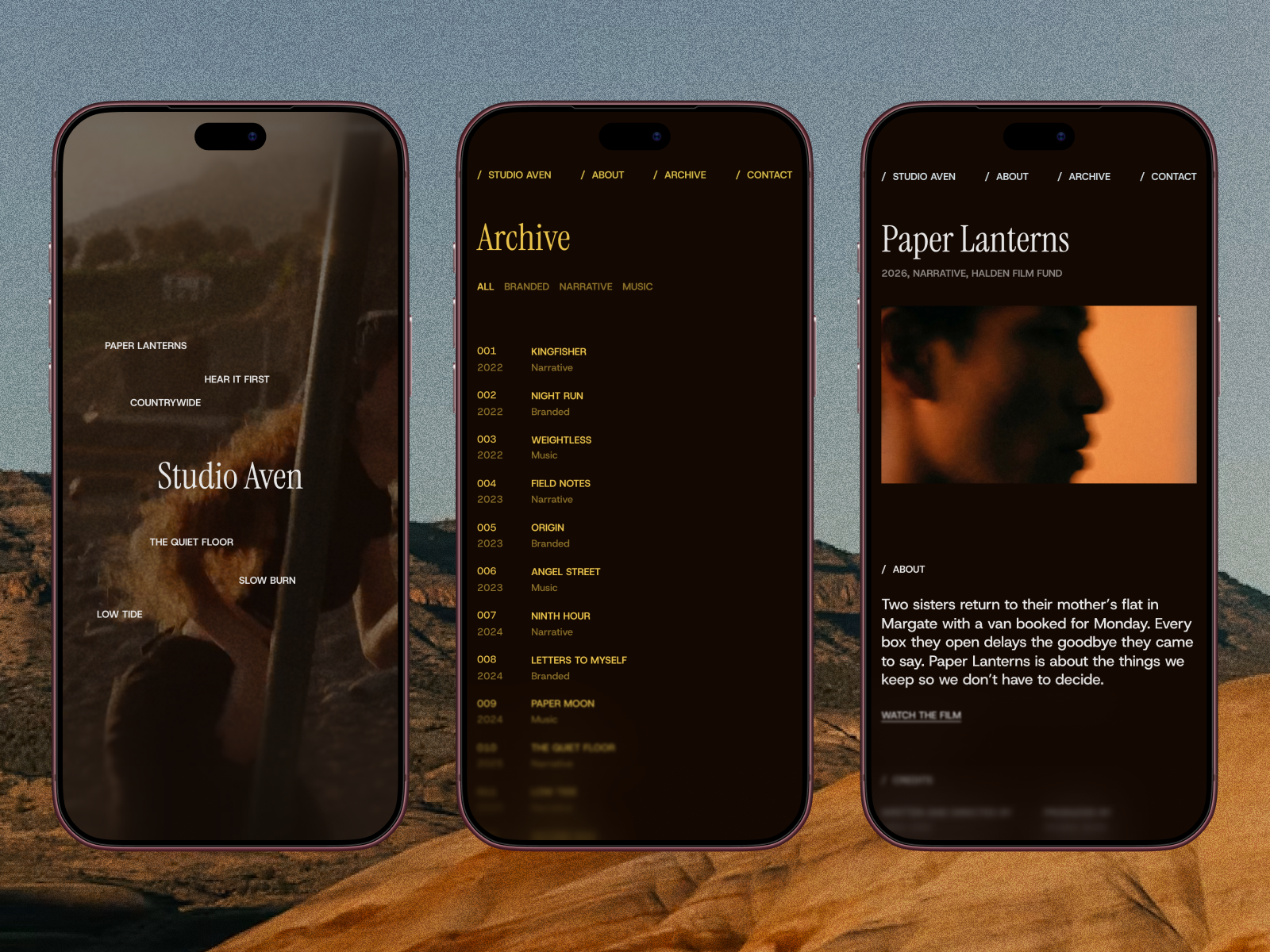
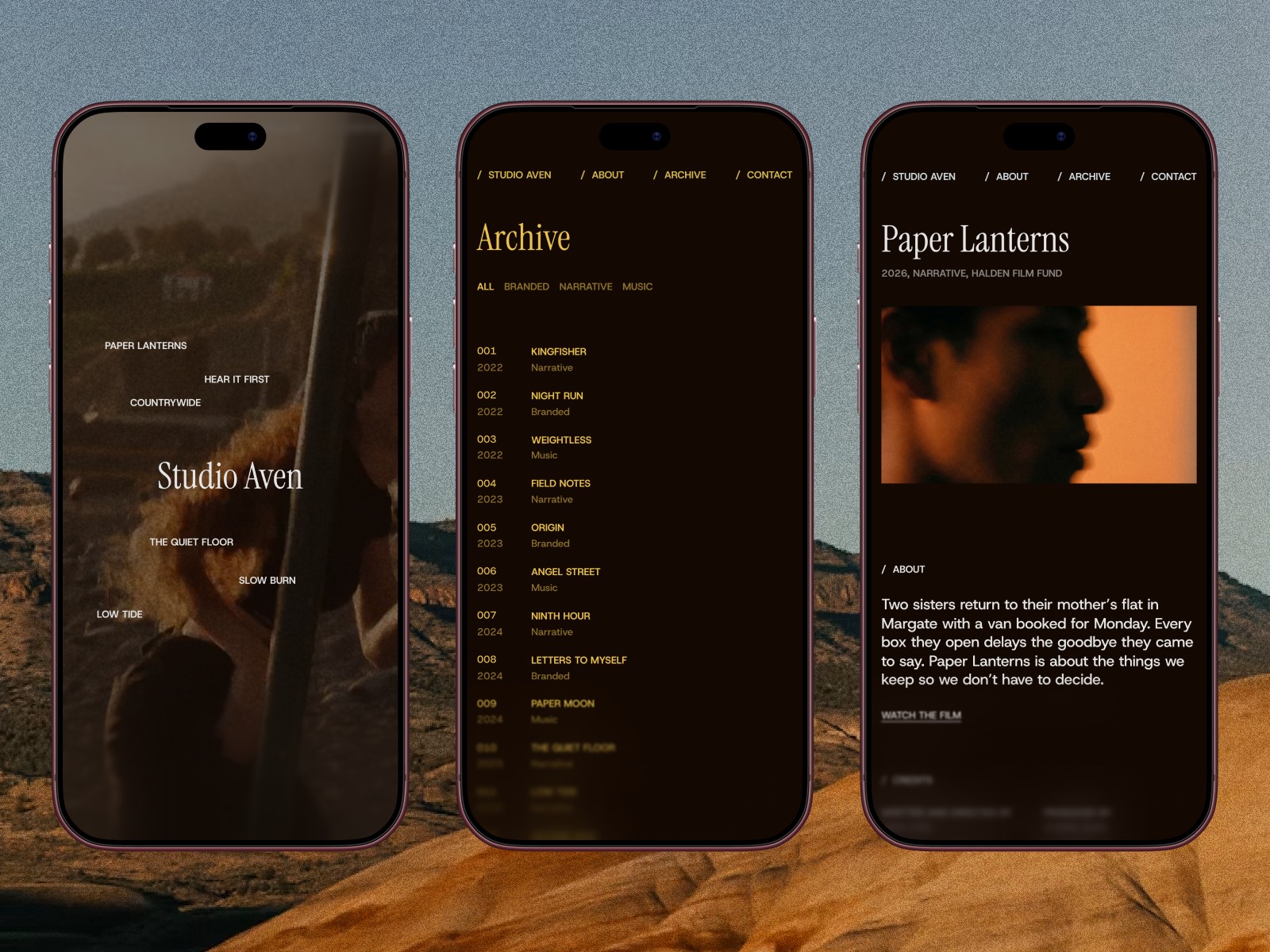
- Studio Aven is built for film production and directors. Its listing includes a full-screen showreel, an archive with category filters and a role column, project pages with credits and a film link, and a project enquiry form. It covers sections 1 to 5 and 8.
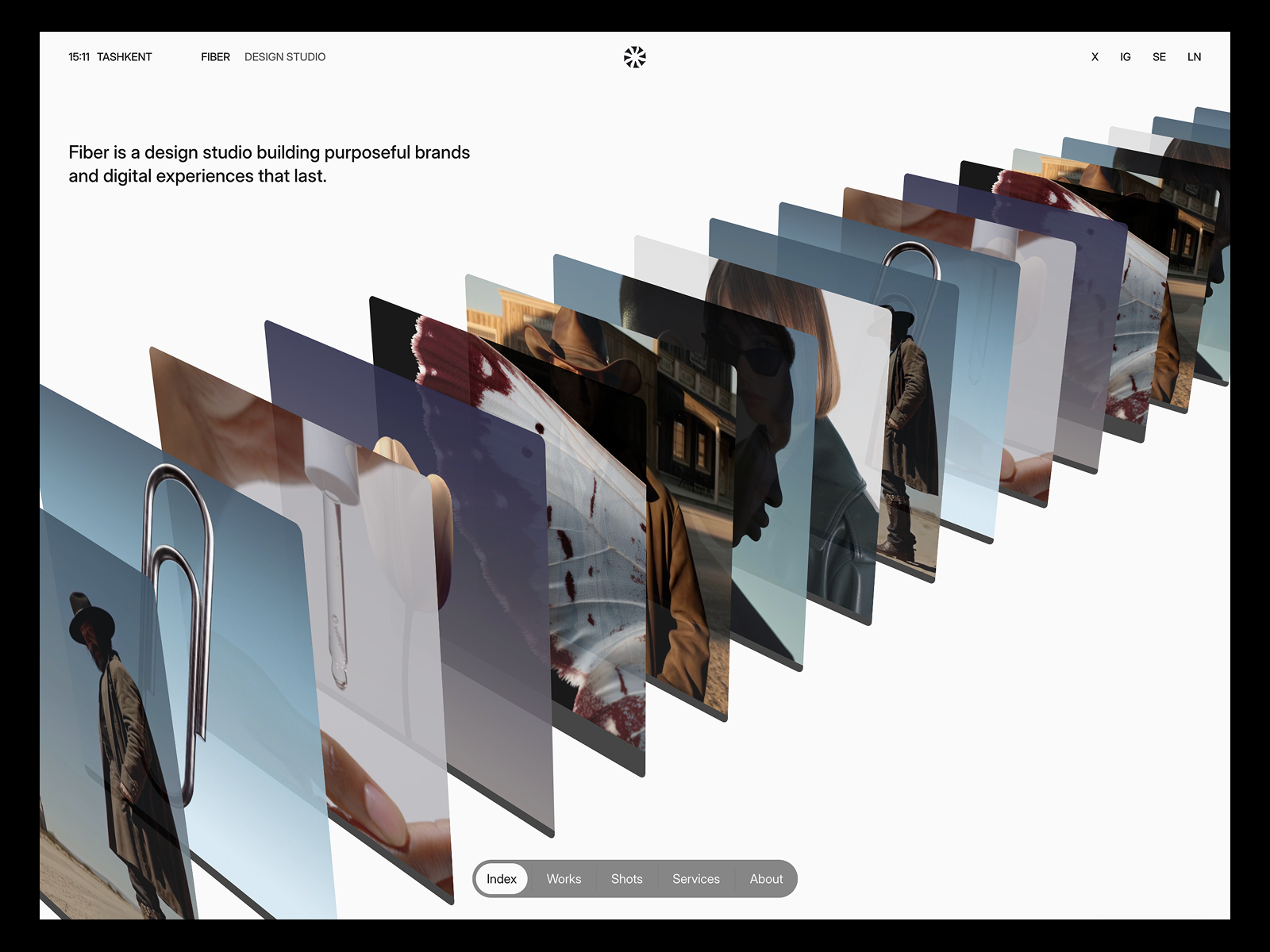
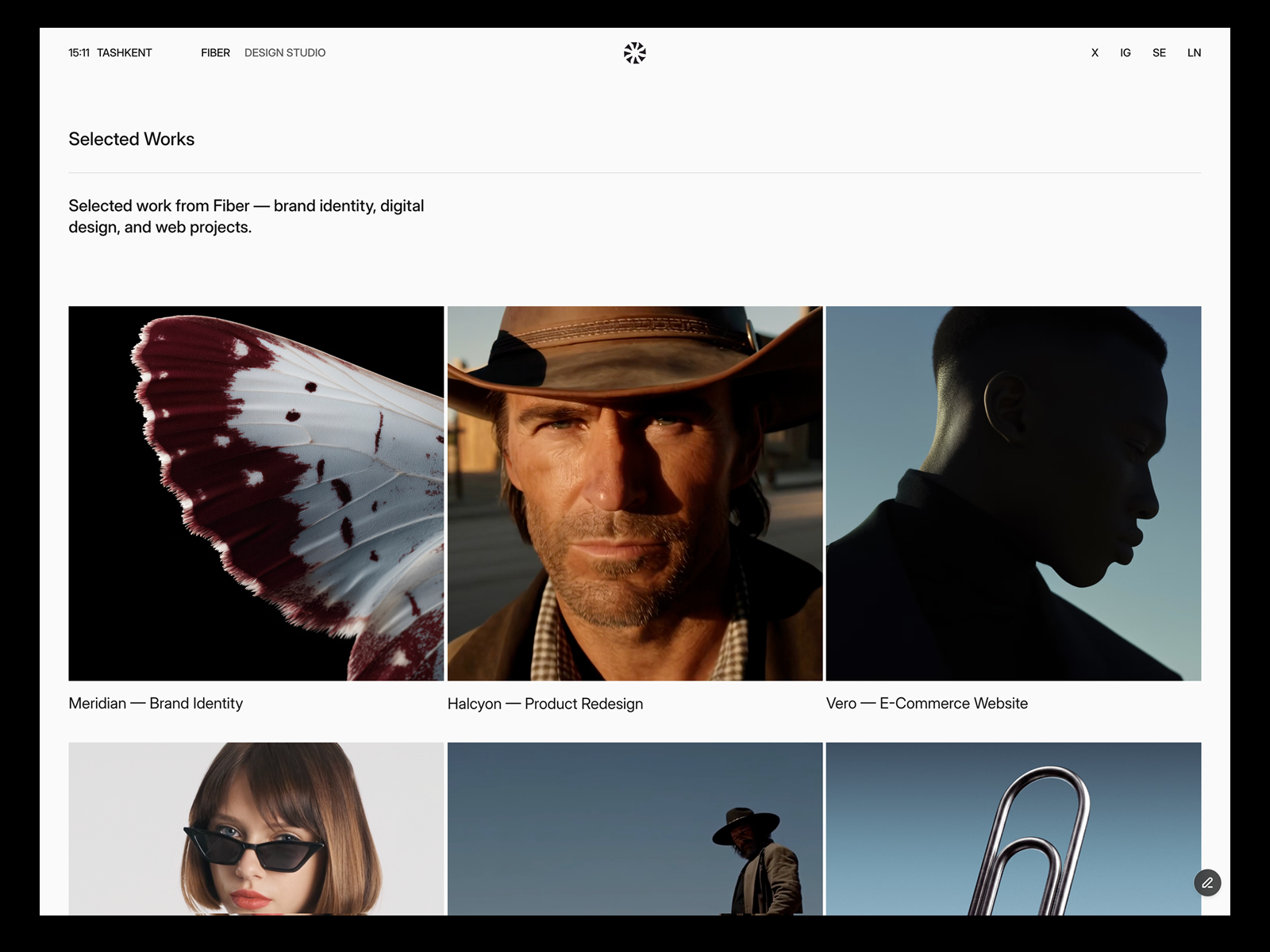
- Fiber is minimal, with image or video covers, case studies with up to three images or videos, and CMS support for video with poster frames per its listing. It also has a Services page with image cards.
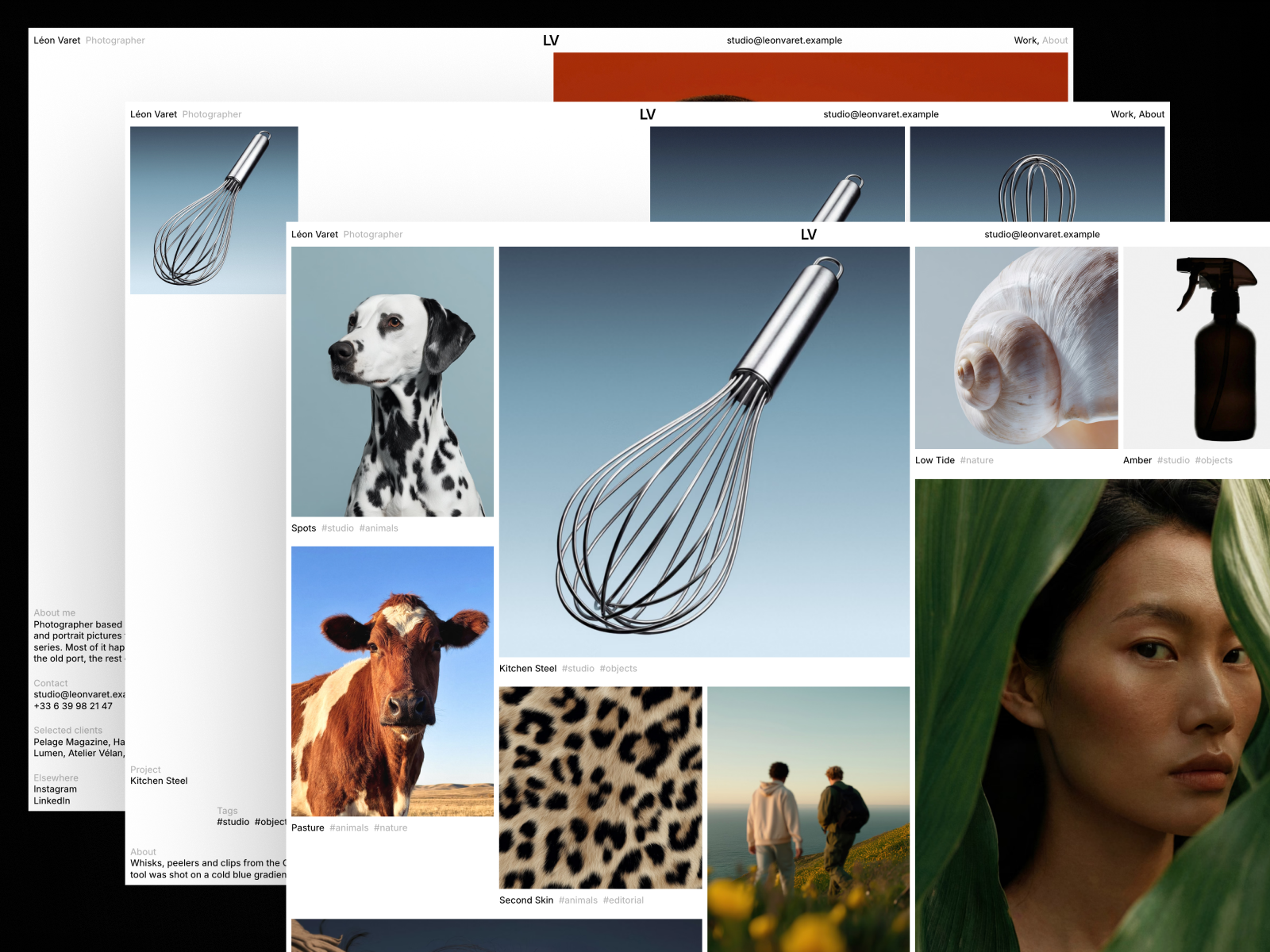
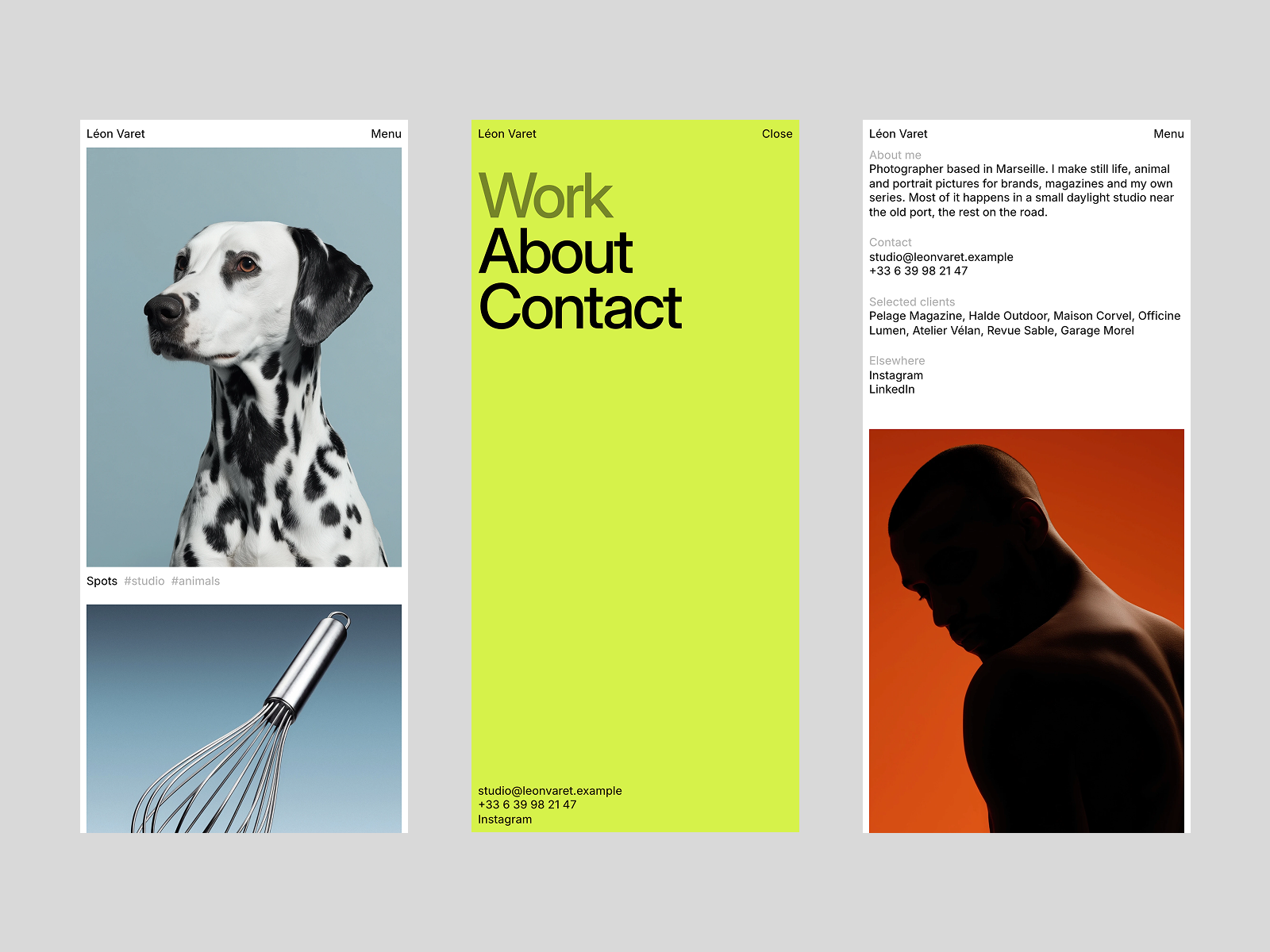
- Léon Varet is built for photographers who work in series, per its listing. It suits a videographer who also sells stills and wants a quiet, print-like layout. You would add video components yourself, since the listing does not mention video.
Brand does not have a dedicated Filmmaker template yet. Until it does, Studio Aven is the closest fit.
Technical checks before you publish
- Poster images on every video. Framer says posters enable its video optimizations and improve SEO.
- H.264 MP4 for uploads. Framer’s article notes it is supported across browsers.
- Compressed loops. Use a tool like Handbrake with Web Optimized settings, as Framer suggests.
- Bandwidth. Framer’s pricing page listed 1 GB on Free, 50 GB on Basic and 100 GB on Pro on October 11, 2026. Embed long videos to stay well under.
- Mobile test. Open every page on your phone over mobile data.
- Titles and descriptions. Give each project page its own SEO title, for example “Brand film for Client, Your Name, Videographer.”
For the full build process, see how to build a filmmaker portfolio website with a showreel. For template options, see Framer templates for video editors and videographers.
FAQ
What is the most important part of a videographer portfolio?
The showreel. Put it in the first screen and make sure it works without sound.
Should a videographer website show prices?
It helps if you work with clients who compare quotes, such as couples or small businesses. Starting prices per package are enough.
How many projects should a videographer portfolio show?
Six to twelve strong projects is a practical range. Filter by category if you shoot very different kinds of work.
Is there a free videographer website template for Framer?
Studio Aven is a free Framer template built for film and video production. Fiber is a minimal free alternative with video covers.