Niche guide ·
How to Build a Filmmaker Portfolio Website With a Showreel
Build a filmmaker portfolio website with a showreel: plan the reel, structure film pages with credits, host video well, and learn from real examples.
Short answer: Lead with a 60 to 120 second showreel on the home page, then a project list where every film shows its year, client and your role. Give each film its own page with a synopsis, credits and the full film embedded from Vimeo or YouTube, and end every page with a clear contact path. In Framer, a template like Studio Aven gives you this structure for free.
Filmmakers get hired on two things: whether the work moves people, and whether you can be trusted with the next job. A good site proves both in under a minute. Here is how to build one, with real examples and the setup I use in my own film template.
What the best filmmaker sites have in common
Look at enough director and editor sites and the same structure keeps appearing:
- A reel up front. Not after an intro paragraph. Up front.
- A list of work with roles. “Director,” “Editor,” “DP.” Clients scan for the role they are hiring.
- One page per film. Synopsis, credits, the film itself, stills, awards.
- Proof. Festival selections, awards, notable clients.
- A short About and a direct contact. Email beats a long form for most film work.
Real examples to learn from
The Framer Gallery does not have a film category, so I looked across its Portfolio and Agency categories on October 11, 2026.
- Pilea Agency, a French video content agency listed in the Portfolio category. Instead of a classic reel, its home page shows the editing process: a four-step method across a ten-day timeline, review comments on a timeline, and itemized example invoices. It is a strong model for editors who sell a service rather than a signature style.
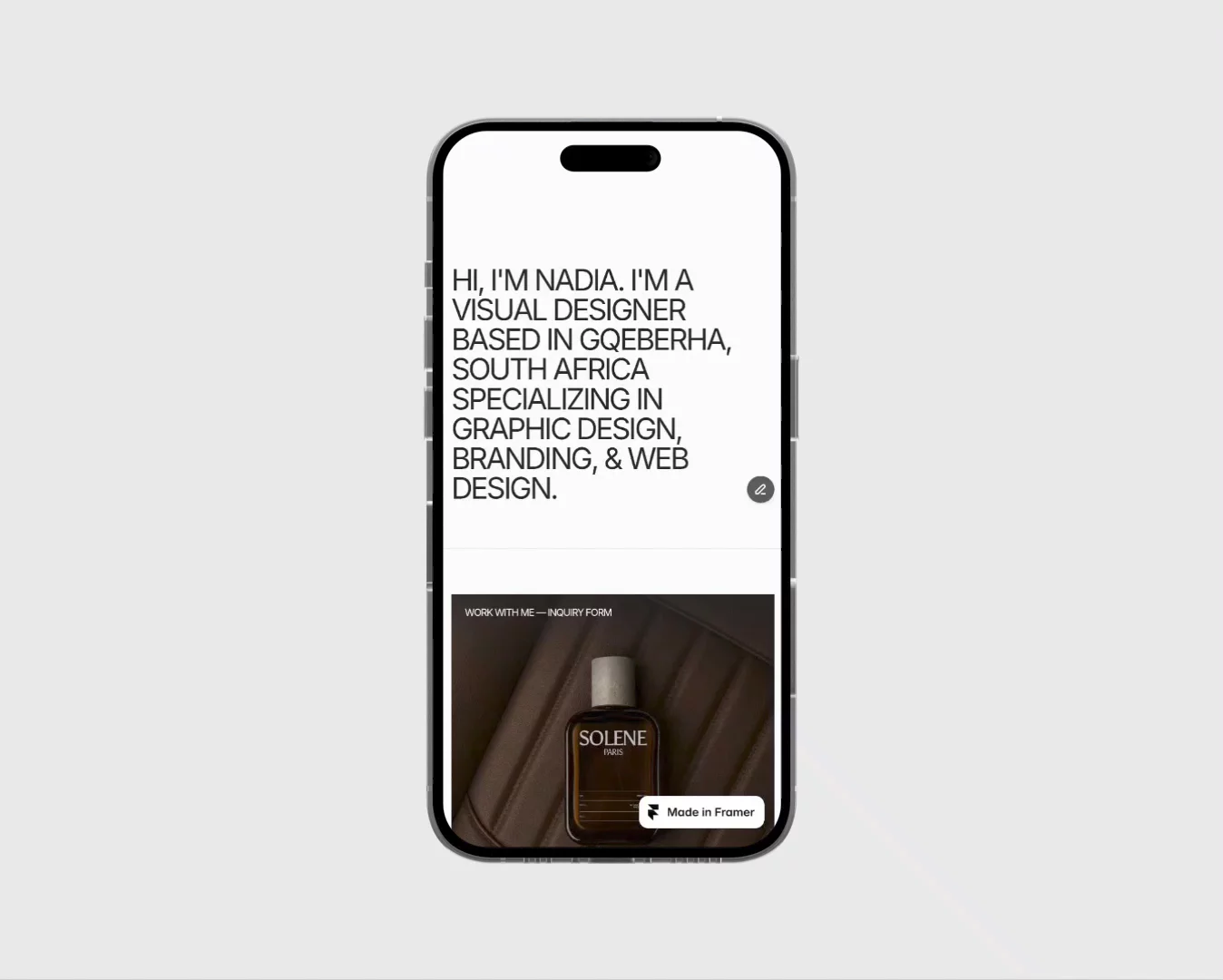
- Karolina Hess, also in the Portfolio category, is a web designer, not a filmmaker. Her home page still puts a “Play reel” button in the first screen. If a designer’s site benefits from a reel, a filmmaker’s certainly does.
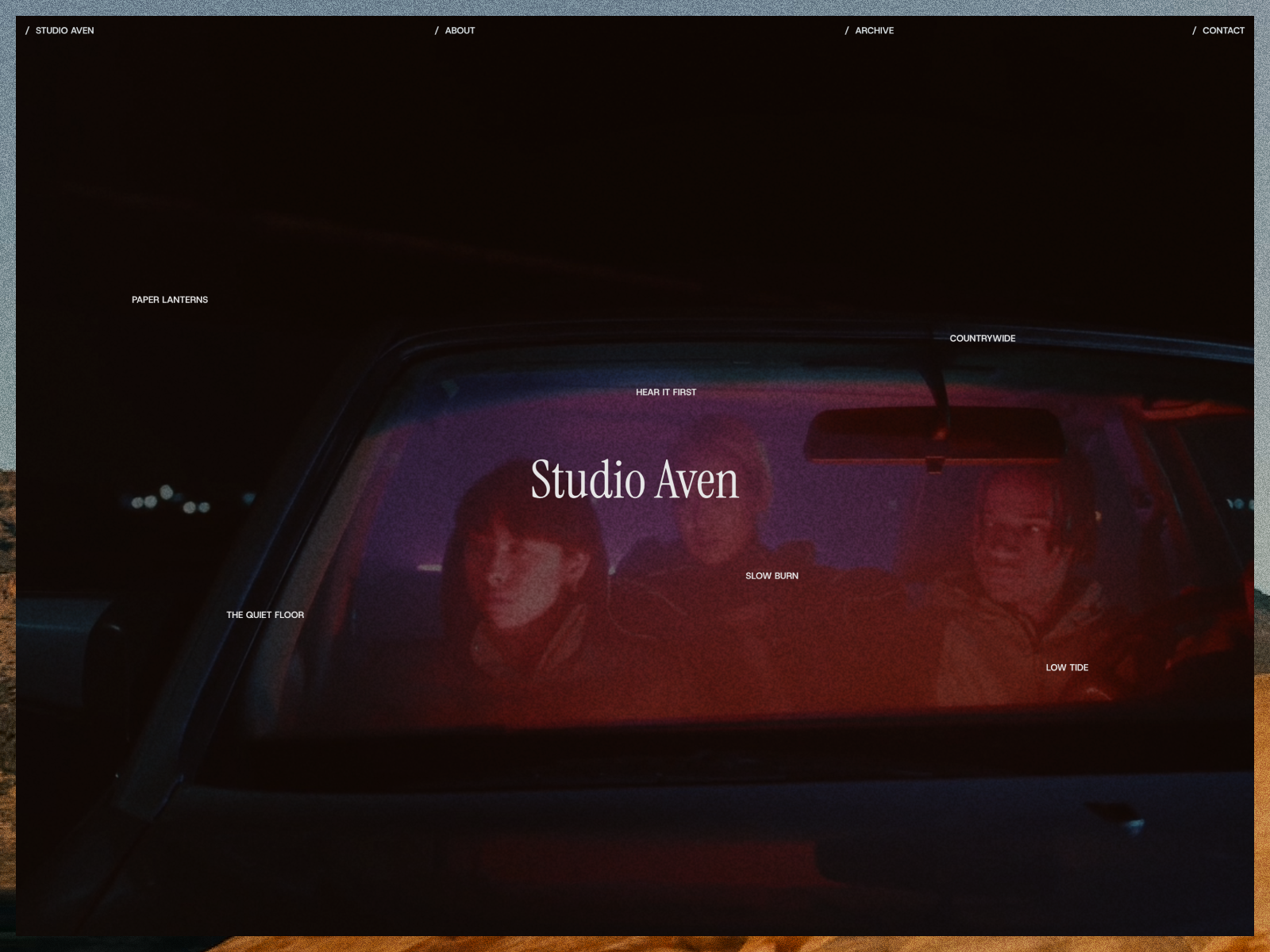
- The Studio Aven demo, my own free template, shows the full director layout described below. Open the preview to click through it.
Step 1: Cut a reel for the website
Your website reel is not your festival reel. It plays on a phone, often muted, to someone deciding in seconds.
- Keep it short. 60 to 120 seconds is a common range for a director or editor reel. Treat this as a guideline, not a rule.
- Open with your best three shots. Many viewers will not reach the end.
- Make it work without sound. Chrome’s autoplay policy always allows muted autoplay, but autoplay with sound usually needs the visitor to interact first. Assume your reel starts silent.
- Make a 10 to 20 second loop as well. Use it as a background or cover, and link to the full reel.
Step 2: Choose where the video lives
Framer gives you two options, per its help article on adding video: upload an MP4 or hosted MP4 with the Video component, or embed with the YouTube or Vimeo components.
Use both, for different jobs:
| Use | Best option | Why |
|---|---|---|
| Short background loop | Uploaded MP4, compressed | Loads inline, no player chrome |
| Full showreel | Vimeo or YouTube embed | Adaptive quality on any screen |
| Full films on project pages | Vimeo or YouTube embed | Keeps bandwidth low |
Framer’s video optimization article explains why. Uploaded files are served unaltered, so a 4K file plays at full size even on a phone, while YouTube and Vimeo adapt quality to the viewer. It also recommends H.264 in an MP4 file and a poster image for every video.
Step 3: Pick a structure, or a template
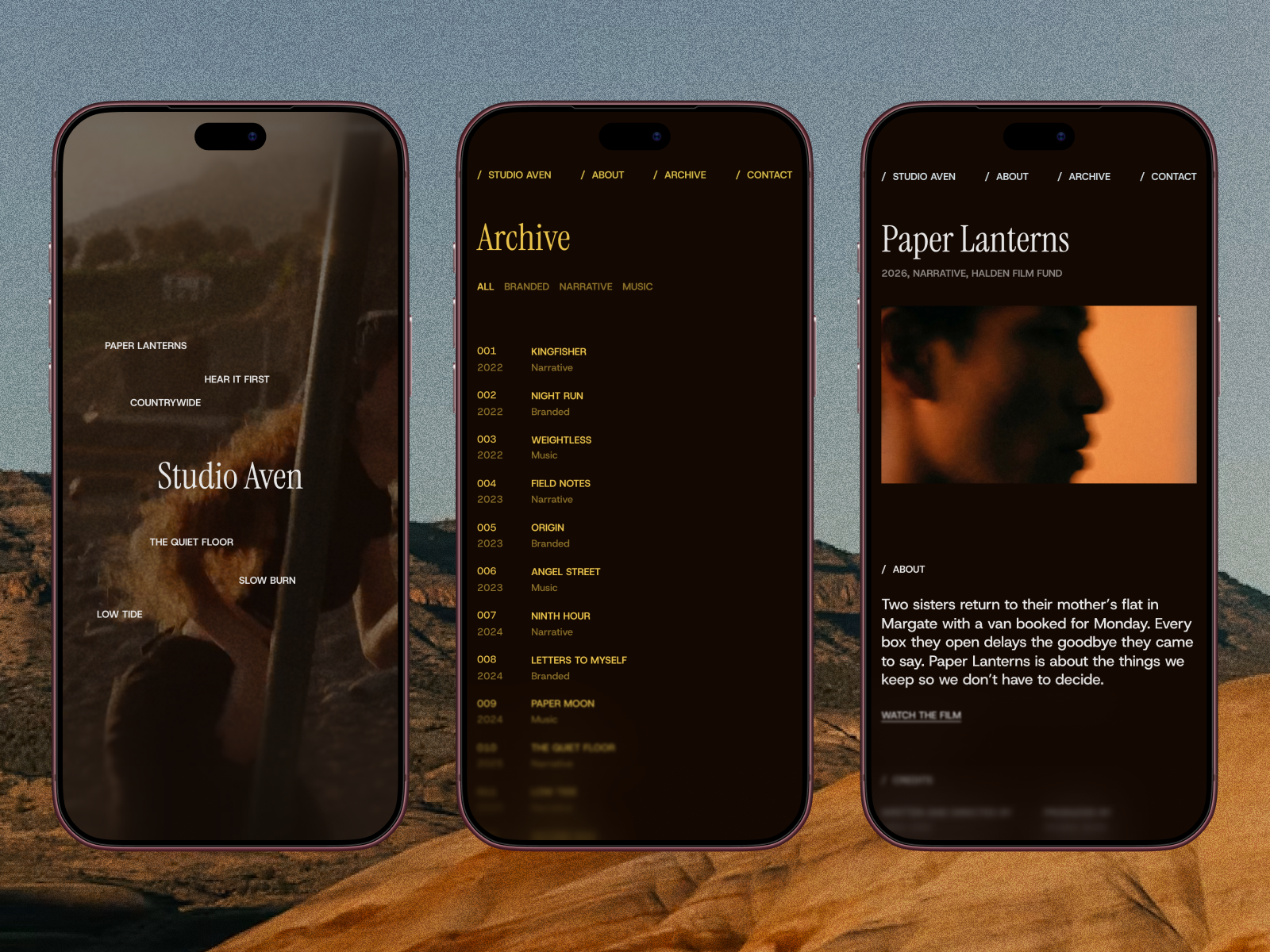
You can build this from scratch. If you want a head start, Studio Aven is the free Framer template I made for film production companies and directors. Its listing includes:
- A full-screen showreel with film grain, and project titles that swap the background to their cover on hover.
- An archive like a production datasheet with number, year, category, client and role for each project.
- Project pages with synopsis, credits, festival awards, a link to the film and a parallax gallery.
- An About page with bio, awards, festival selections and training, all from the CMS.
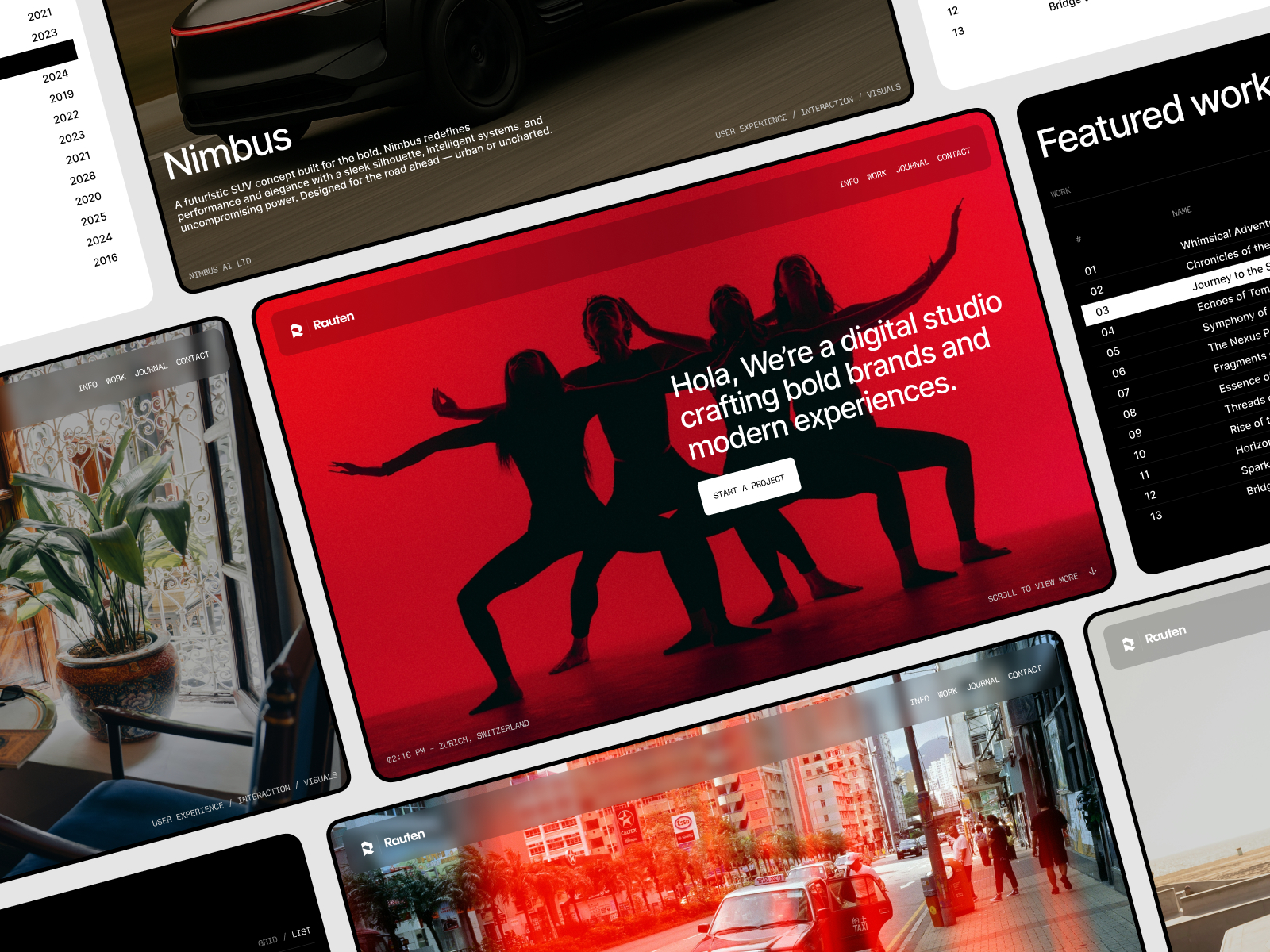
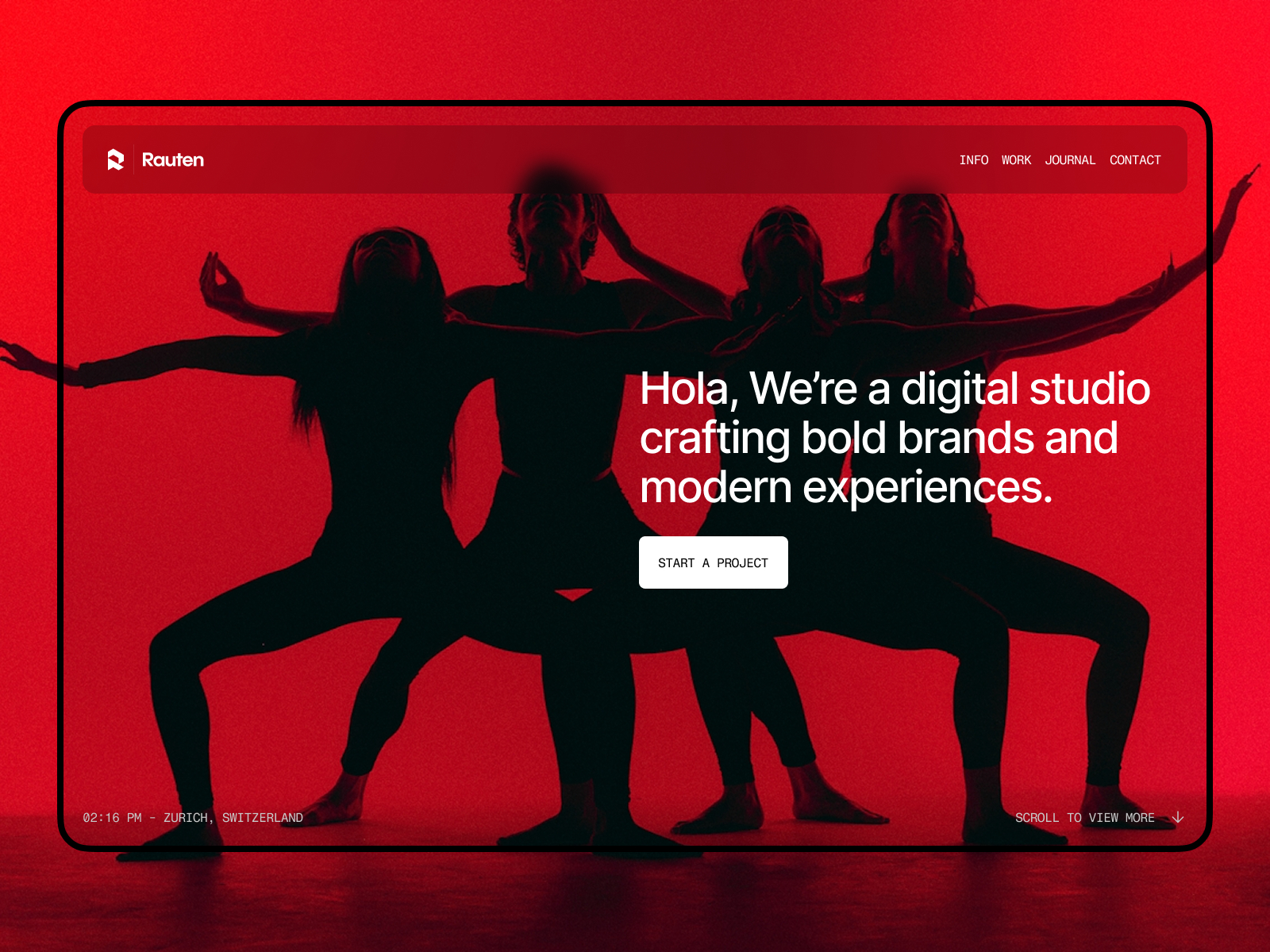
Closer fits from my catalogue are limited, and I want to be straight about that. Fiber supports video covers and video in case studies. Rauten and Léon Varet are dark-minimal and photography templates whose listings do not mention video. They can hold a Video or Vimeo component, but you would be adding the video structure yourself. If you want another free starting point built for film, Vidmo by Konrad Makowski and Directr by Slava Burian are both free on the Framer Marketplace and not made by me.
Step 4: Set up the CMS for films
Each film should be one CMS item. Framer’s article on video in CMS pages shows how: create a plain text Video URL field, paste a Vimeo or YouTube link per film, and bind the component’s URL to that field with Set Variable. For uploads, use a File field instead.
Fields I recommend for a film:
- Title, year, client and category.
- Your role, as a short text field.
- Synopsis of two to four sentences.
- Credits as formatted text: director, DP, editor, colorist, sound.
- Video URL and a poster still.
- Awards or festival selections.
- Three to eight stills for the gallery.
If a film has no awards, hide that block. Framer’s CMS supports visibility conditions so empty fields do not leave gaps.
Step 5: Write project pages people actually read
Keep each page tight:
- Title and one-line logline.
- The film, embedded.
- Your role, in bold.
- Synopsis.
- Credits.
- Stills.
- Next project link.
Studio Aven’s project pages follow this order, with previous and next links at the bottom.
Step 6: Add proof and contact
Awards, festival selections and client names go on the About page and on each film’s page. Then add one direct contact path. Studio Aven includes a project enquiry form with sending, sent and error states, per its listing. Many directors prefer a plain email address. Offer both if you can.
Step 7: Publish and connect your domain
Publish to a free Framer subdomain first. framer.media is one of the free options listed in Framer’s domain article. When you are ready, upgrade to a paid plan and connect your domain. My custom domain guide has the DNS steps.
Watch bandwidth if you upload video. Framer’s pricing page listed 1 GB on Free and 50 GB on Basic on October 11, 2026.
For a template-by-template comparison, see Framer templates for video editors and videographers.
FAQ
How long should a showreel be on a filmmaker website?
Sixty to 120 seconds is a common range. Open with your strongest shots, since many viewers will not watch to the end.
Should I upload my showreel or embed it?
Embed long pieces from Vimeo or YouTube for adaptive quality. Upload only short, compressed loops for covers and backgrounds.
What should a filmmaker portfolio include?
A showreel, a list of films with your role on each, one page per film with credits, proof such as awards, and a clear way to contact you.
Is there a free Framer template for filmmakers?
Studio Aven is a free Framer template built for film production companies, producers and directors.