Niche guide ·
Framer Templates for Video Editors and Videographers
Free Framer portfolio templates for video editors and videographers that support showreels and video covers, plus how to set up video so it loads fast.
Short answer: Studio Aven is the best free Framer template for video work, because it was built for film production with a full-screen showreel, a filterable project archive and credits on every project page. Fiber, Hansler, Oktav and Mareon are good alternatives that support video covers or video tiles. Whichever you pick, compress your files or embed from Vimeo or YouTube, because Framer serves uploaded video unaltered.
Video editors are badly served by most portfolio templates. They are built around still images, with video as an afterthought. I went through my own free templates and kept only the ones whose marketplace listing actually mentions video support. I also say plainly where a template is a stretch.
What a video portfolio template needs
Before the list, here is what I checked each template for:
- A showreel slot that can play large, ideally full screen.
- Video covers or tiles in the project grid, not just images.
- Project pages with credits, because editors and DPs are hired for their role on a project.
- CMS support for video, so adding a project does not mean rebuilding a page.
Framer itself handles the video part well. Its help article on adding video says it supports uploaded videos, hosted MP4 files, and embedded YouTube and Vimeo videos. Another article covers adding video to CMS pages, either with a URL field or a File field.
Quick comparison
| Template | Video support on its listing | Best for |
|---|---|---|
| Studio Aven | Full-screen showreel, film link per project | Directors, production companies, editors |
| Fiber | Image or video covers, video in case studies, poster frames | Motion designers and editors who want a minimal site |
| Hansler | Video tiles in the feed and lightbox | Editors who also shoot stills |
| Oktav | Image or looping video covers | Small studios with many clients |
| Mareon | Image and video project covers | Editorial, art-directed work |
1. Studio Aven, the closest fit
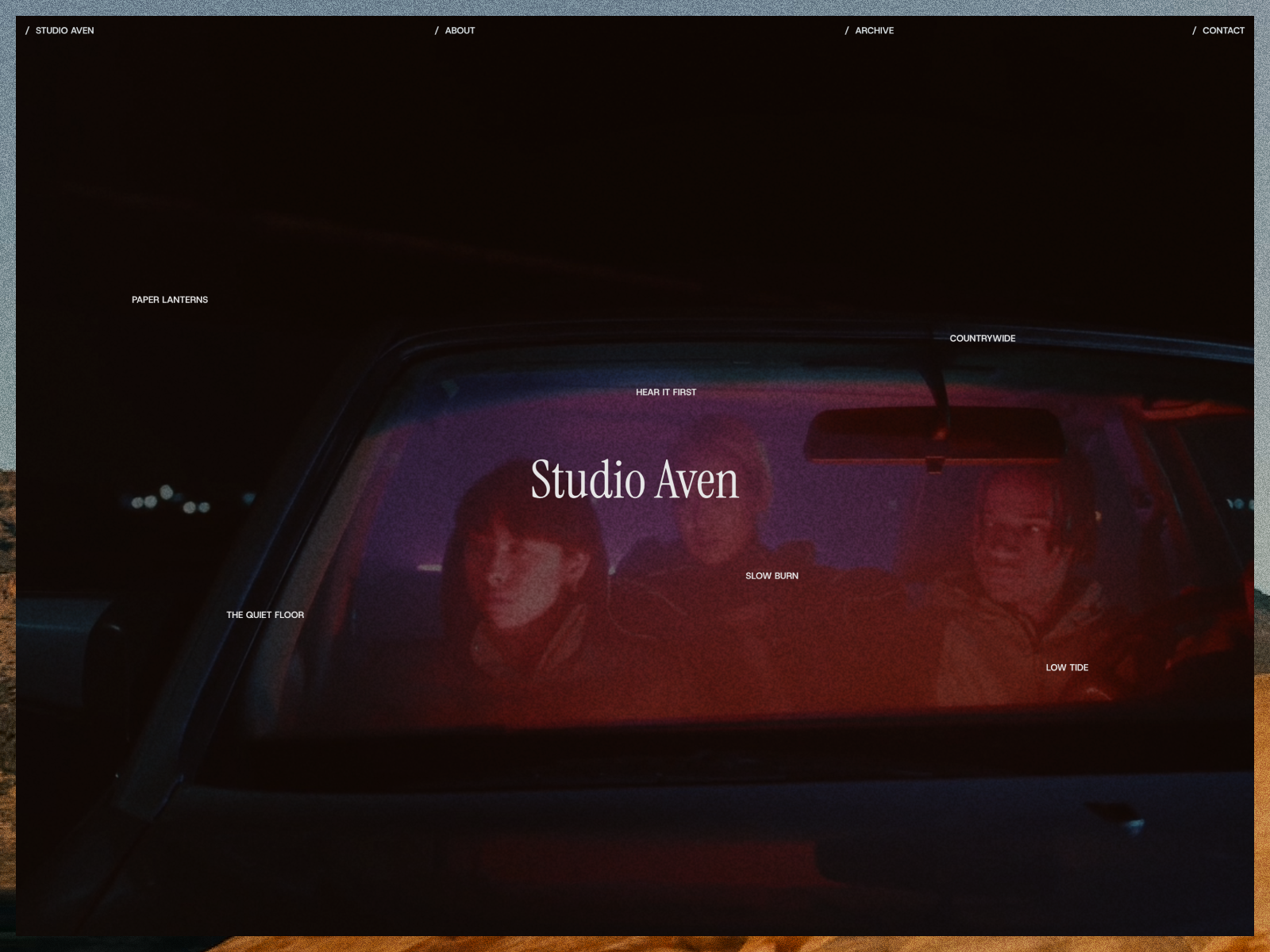
Studio Aven is a dark Framer template for film production companies, producers and directors who make short films, music videos and brand films. It is the template I would hand to a video editor first.
From its listing:
- A full-screen showreel with film grain. Project titles swap the background to their cover on hover.
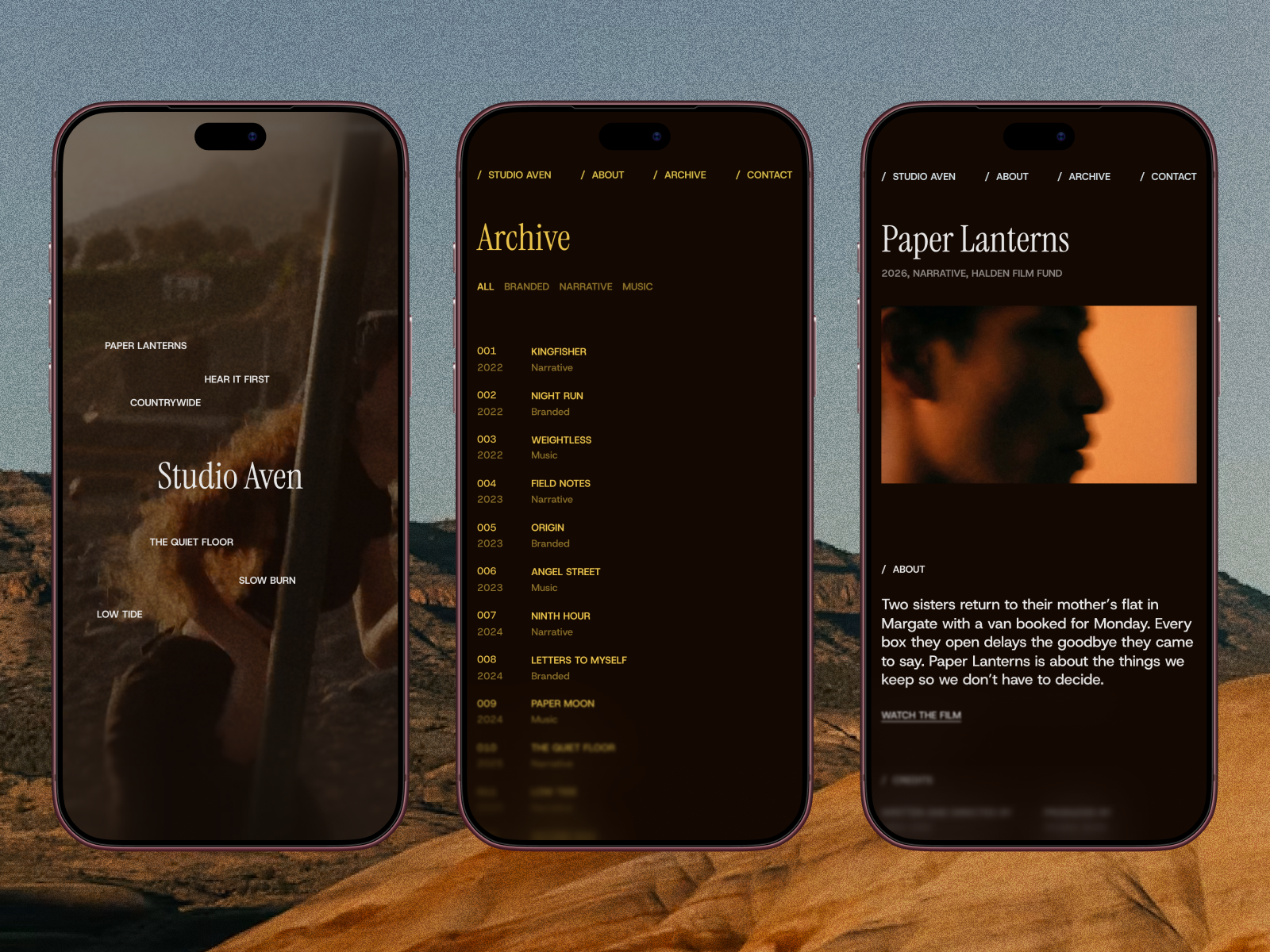
- An archive built like a production datasheet: every project with its number, year, category, client and role, with category filters and a cover that follows the cursor.
- Project pages with synopsis, full credits, festival awards, a link to the film and a parallax gallery.
- An About page with bio, awards, festival selections and training.
- Three CMS collections: Works, Categories and Recognition.
The role column in the archive is what makes it work for editors. A client can see in one line that you cut the piece, not just that it exists.
2. Fiber, for a minimal reel site
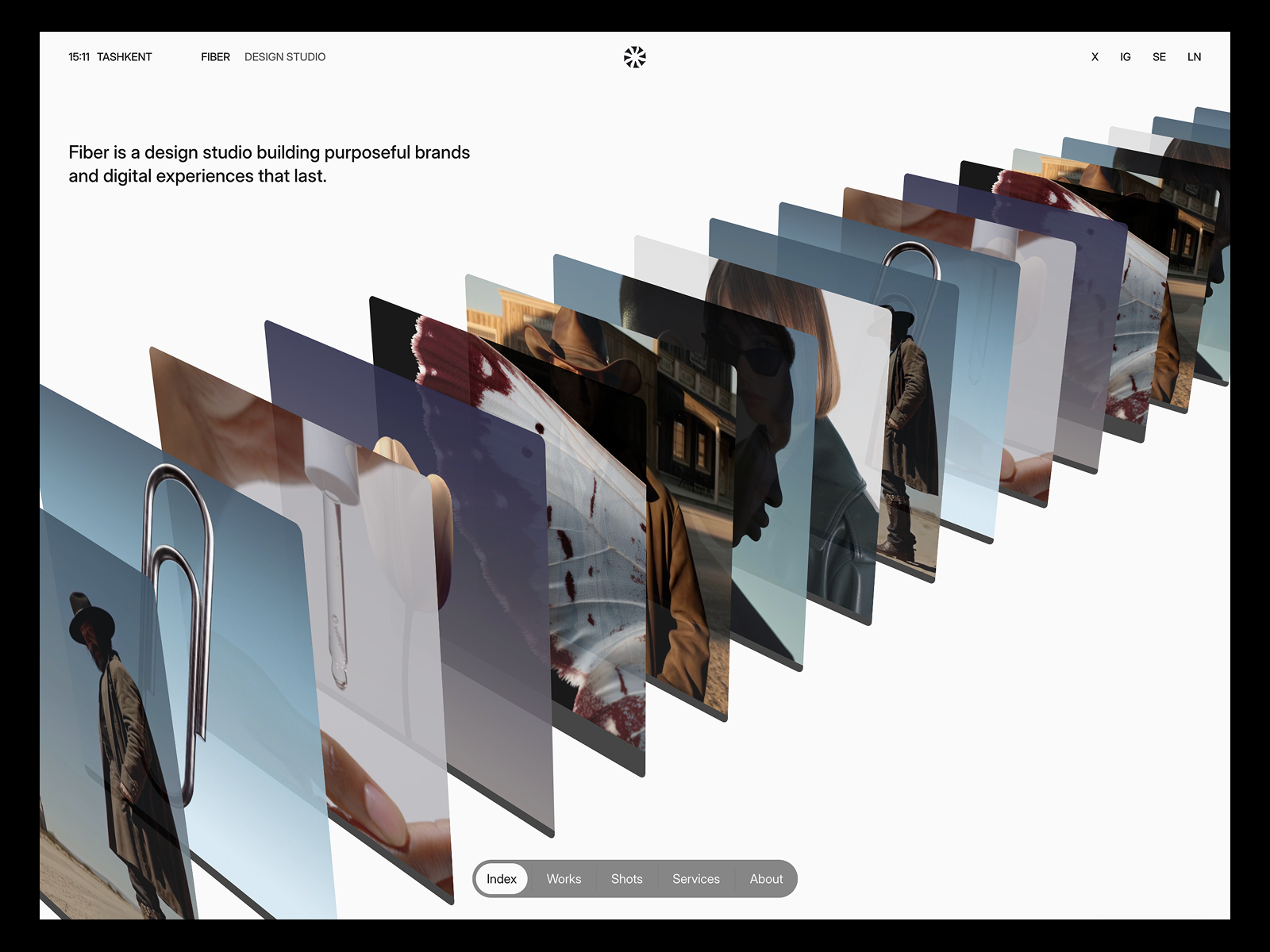
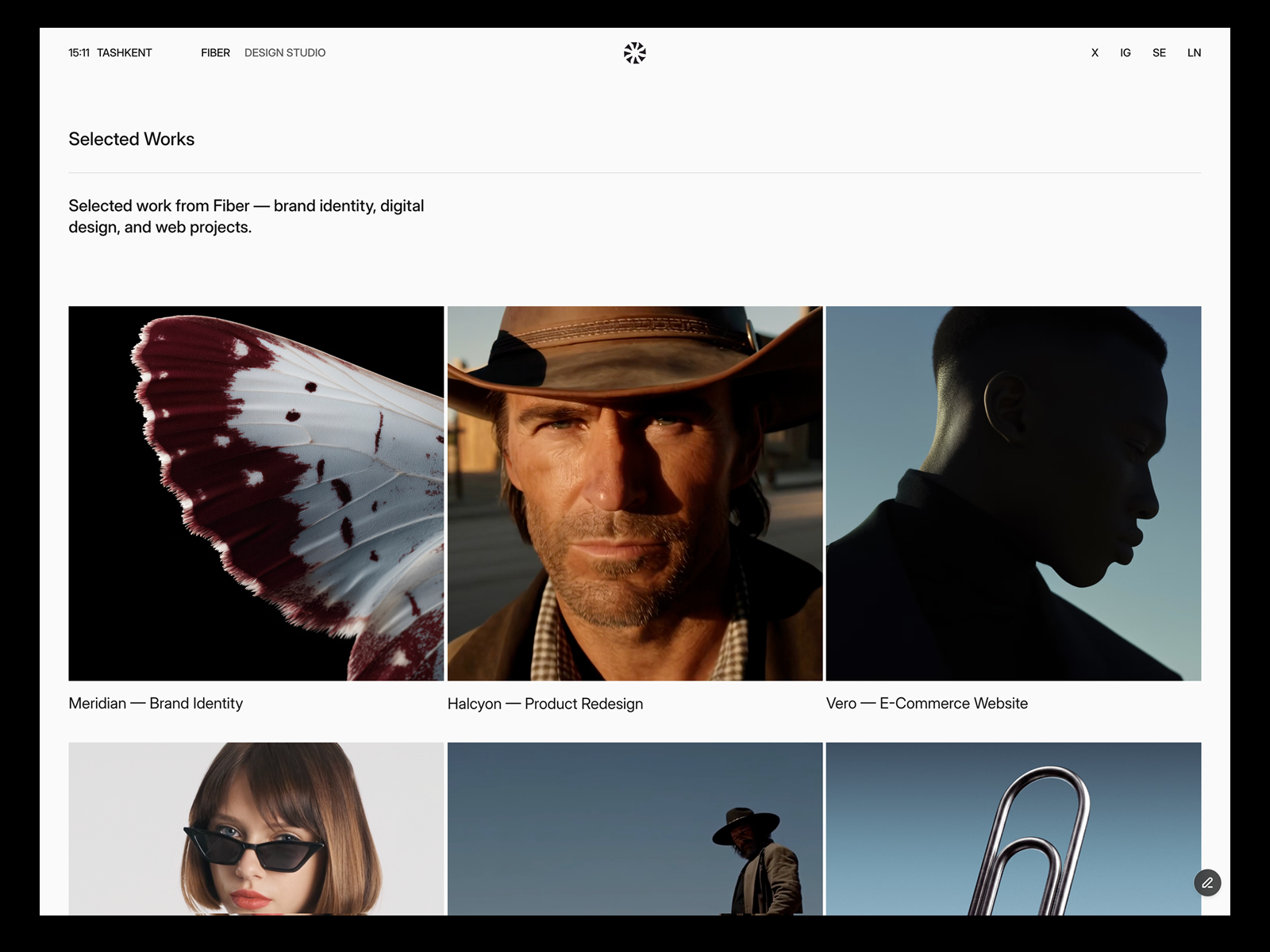
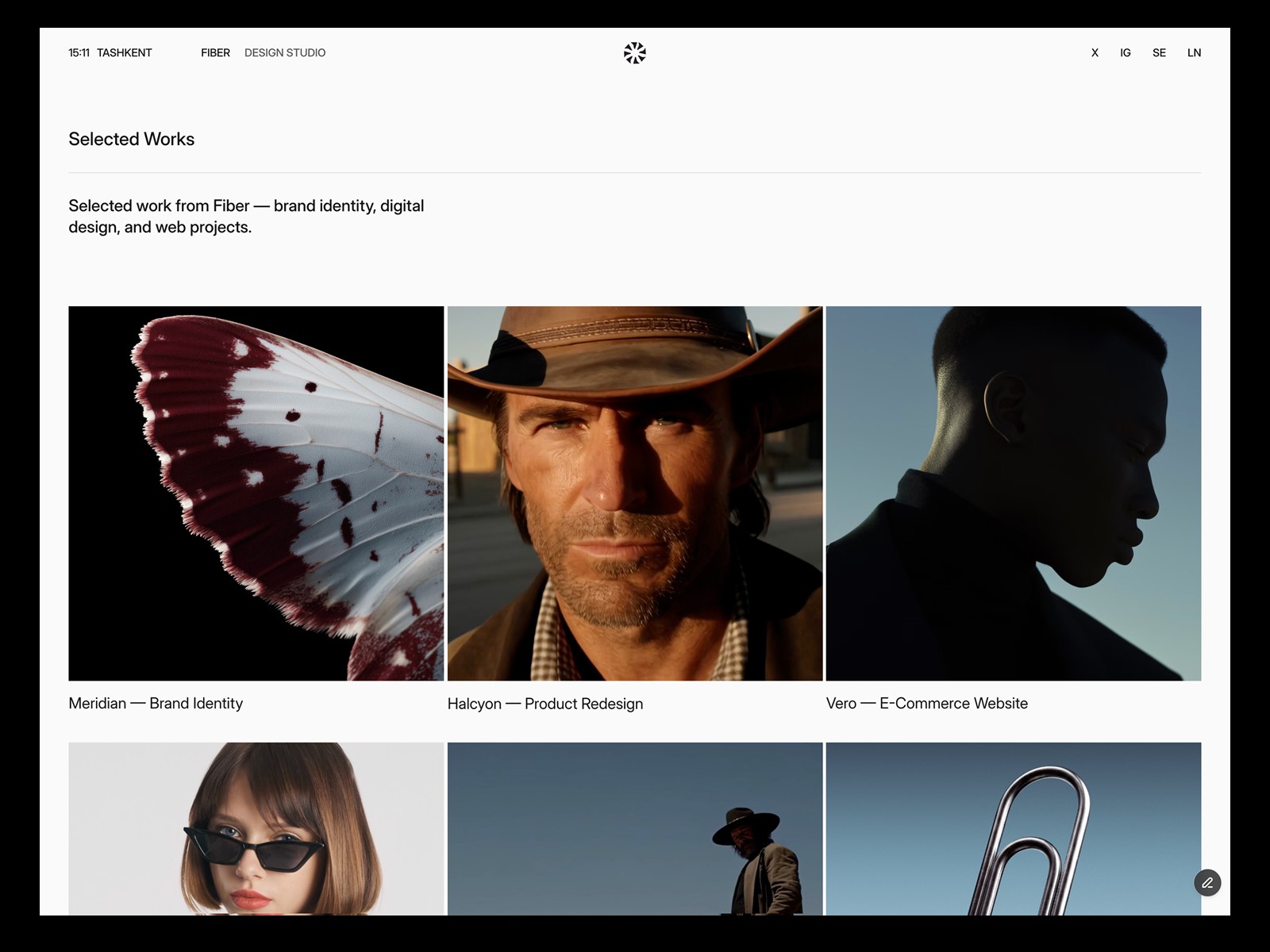
Fiber is a minimal template with one typeface, a black and white palette and square media. Its listing mentions a Works grid with image or video covers, case study pages with up to three images or videos, and CMS support for video with poster frames. The latest update also lists faster video loading with poster frames.
Pick it if your work is varied and you want the frame around it to disappear.
3. Hansler, for editors who also shoot
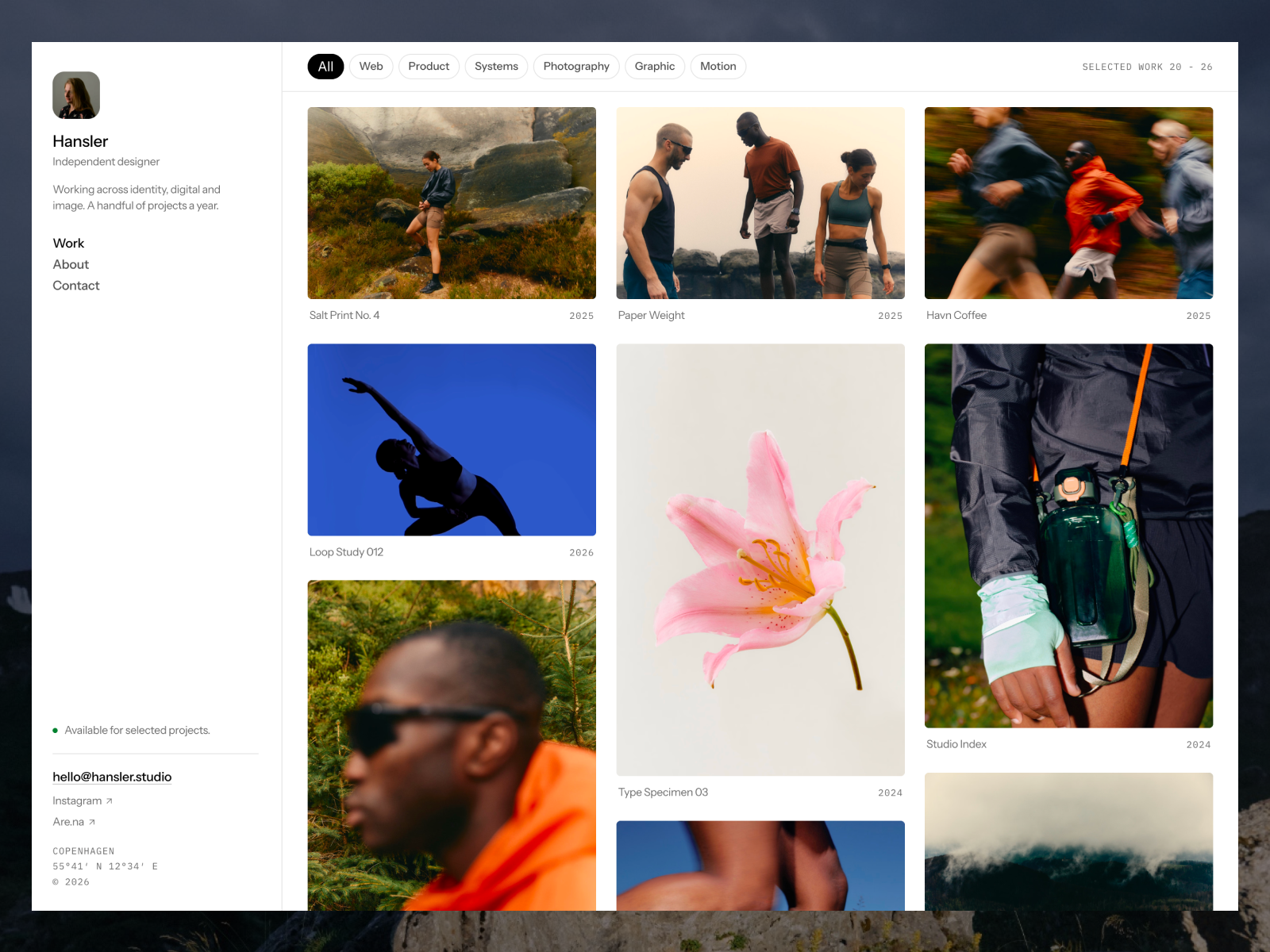
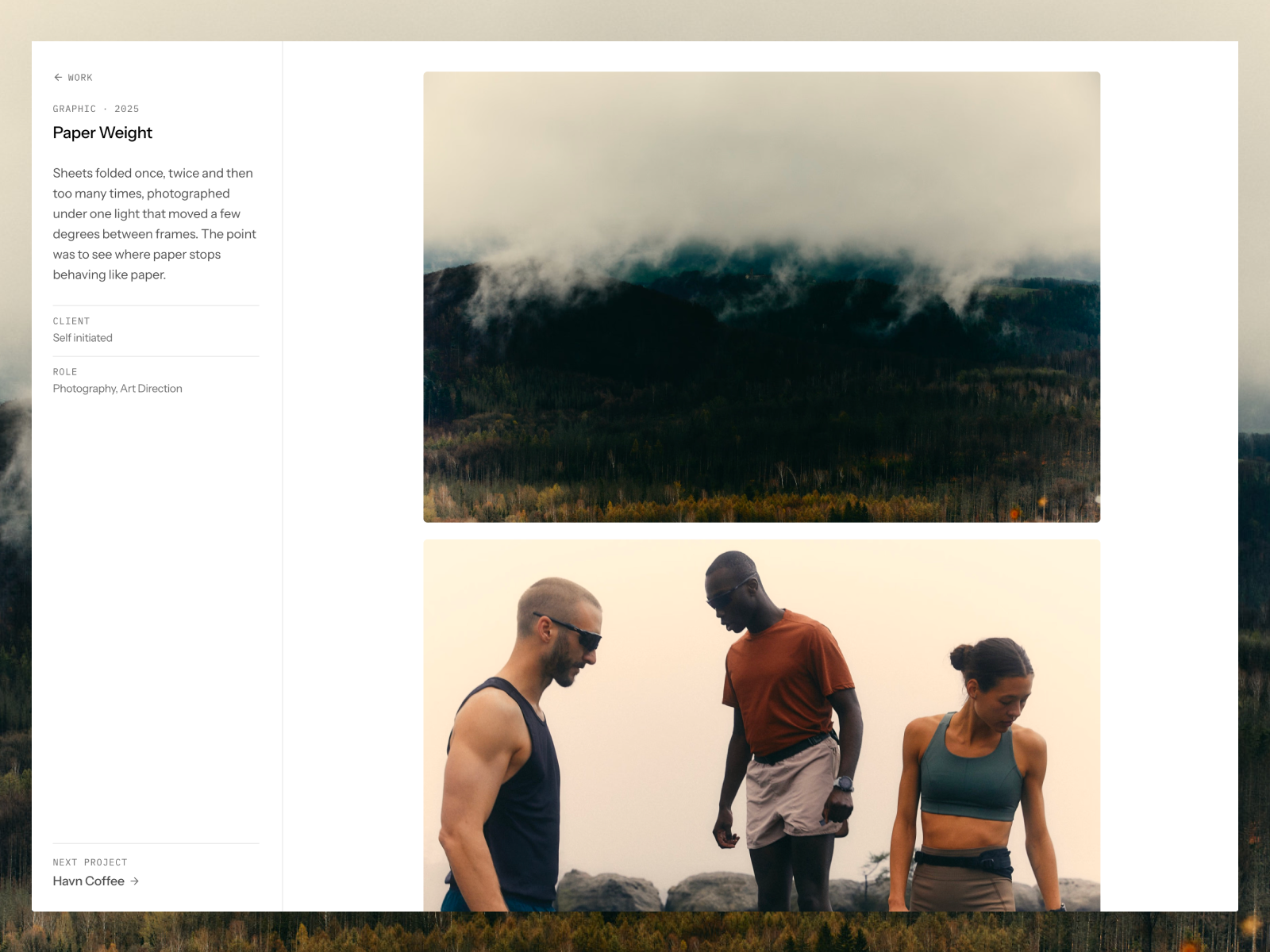
Hansler loops its home feed over a Media collection, where every image or video is its own item. Its listing mentions video tiles alongside images, in the feed and in the lightbox.
That makes it a good fit if you mix stills and clips, for example a videographer who also delivers photos for the same campaign.
4. Oktav, for small video studios
Oktav is a studio template with a sidebar client index and a masonry work grid. Its listing says covers can be images or looping videos and the grid keeps each thumbnail’s own ratio. That matters for video, where you might mix 16:9 and vertical 9:16 work.
5. Mareon, for art-directed work
Mareon uses canvas-style project cards and lists image and video project covers and a CMS field for video covers on its listing. The listing names motion design portfolios among its intended uses.
Two honest stretches: Rauten and Léon Varet
You might wonder whether Rauten or Léon Varet work for video. Neither listing mentions video support. Rauten offers slideshows, tickers and a dark, minimal layout, which can suit a reel-led personal brand if you add a Video component yourself. Léon Varet is built for photographers who work in series. Both can hold a video, but neither was designed around it. Start with Studio Aven or Fiber unless you love their look.
Brand does not have a dedicated Filmmaker template yet. When it does, this post will be updated. Until then, the free picks from other creators below are worth a look.
Notable templates from other creators
These are not mine. Because I do not have a dedicated Filmmaker template yet, it is only fair to point you to creators who built specifically for video.
Vidmo by Konrad Makowski (free)
Vidmo is a free template for video production studios, directors and editors. Its listing describes a full-bleed hero, a filterable work grid, case study pages with client, director, year, type and industry, a team page and a CMS journal.
Directr by Slava Burian (free)
Directr is a free template for filmmakers, directors, cinematographers and video creators. Its listing includes Home, CMS Projects and project pages, About, Journal, Contact and 404.
CUTT by heisenbergg (paid, $49)
CUTT is a single-page portfolio for video editors, colorists and filmmakers, priced at $49 on the day I checked. On desktop the site scrolls sideways along a timeline with a playhead as the navigation, and the listing says it switches to a vertical scroll on tablet and phone. It is the most editor-specific idea I found on the Marketplace.
Set up video so your site stays fast
The template is only half the job. Video files decide whether the site feels fast. Framer’s video optimization article gives clear guidance:
- Give every video a poster. Framer says this enables its video optimizations and also improves SEO.
- Compress before uploading. Uploaded videos are served unaltered, so a 4K file plays at full resolution even on small screens. Framer suggests tools like ffmpeg or Handbrake with Web Optimized settings.
- Use H.264 in an MP4 file. Framer notes it is supported across browsers, while AV1 is not supported on some older iOS and Mac versions.
- Use YouTube or Vimeo for long pieces. Their components give adaptive quality based on screen and network.
- Keep the Video component updated in the Assets panel, as the same article advises.
A simple rule that works: upload short, compressed loops for covers, and embed the full reel and long pieces from Vimeo or YouTube. Your bandwidth matters too. Framer’s pricing page listed 50 GB per month on Basic and 100 GB on Pro on October 11, 2026.
How to choose
- If you are a director or production company, pick Studio Aven.
- If you are an editor with mixed work and want a quiet frame, pick Fiber.
- If you shoot stills and video, pick Hansler.
- If you are a small studio with many clients, pick Oktav.
Then read my guide on how to build a filmmaker portfolio website with a showreel, and the checklist of what a videographer portfolio website should include. Browse all templates on the Filmmaker and Portfolio pages.
FAQ
What is the best free Framer template for a video editor?
Studio Aven is the closest fit, with a full-screen showreel, a filterable archive and a role column for each project. Fiber is a good minimal alternative.
Can I upload videos to a Framer site?
Yes. Framer supports uploaded MP4 files, hosted MP4 URLs, and YouTube or Vimeo embeds. Compress uploads first, since Framer serves them unaltered.
Should I host my showreel on Vimeo or upload it to Framer?
For a long reel, Vimeo or YouTube is usually better because they adapt quality to the viewer’s screen and network. Short loops for covers can be uploaded.
Does the Framer Free plan work for a video portfolio?
You can publish on Free, but it includes 1 GB of bandwidth. Video-heavy sites will need a paid plan or embedded video.