Niche guide ·
How to Make a Photography Portfolio Website in Framer
Make a photography portfolio website in Framer: organize series, pick a free template, prepare images, fill the CMS and publish on framer.photos.
Short answer: Group your photos into series, remix a free Framer photography template such as Léon Varet, replace the demo series in the CMS with your own, export images at web sizes with alt text, and publish. You can go live for free on a framer.photos address, then connect your own domain on a paid plan from $10 per month billed yearly.
Photographers have a harder job than most designers when they build a site. The images are the whole point, and they are big. This guide is the order I would do things in, and it is written around the template I built for photographers.
Step 1: Organize your work into series
Clients and editors rarely browse single frames. They browse bodies of work. Before you open Framer, sort your images into series.
- Pick 4 to 8 series. Still life, portraits, a commissioned campaign, a personal project.
- Choose 8 to 20 frames per series. Cut harder than feels comfortable.
- Write two lines per series. Where, when, for whom, and what you were after.
- Pick one cover frame for each series. This is the one that appears in grids and social previews.
This structure maps directly onto a CMS. Each series becomes one item.
Step 2: Pick a photography template
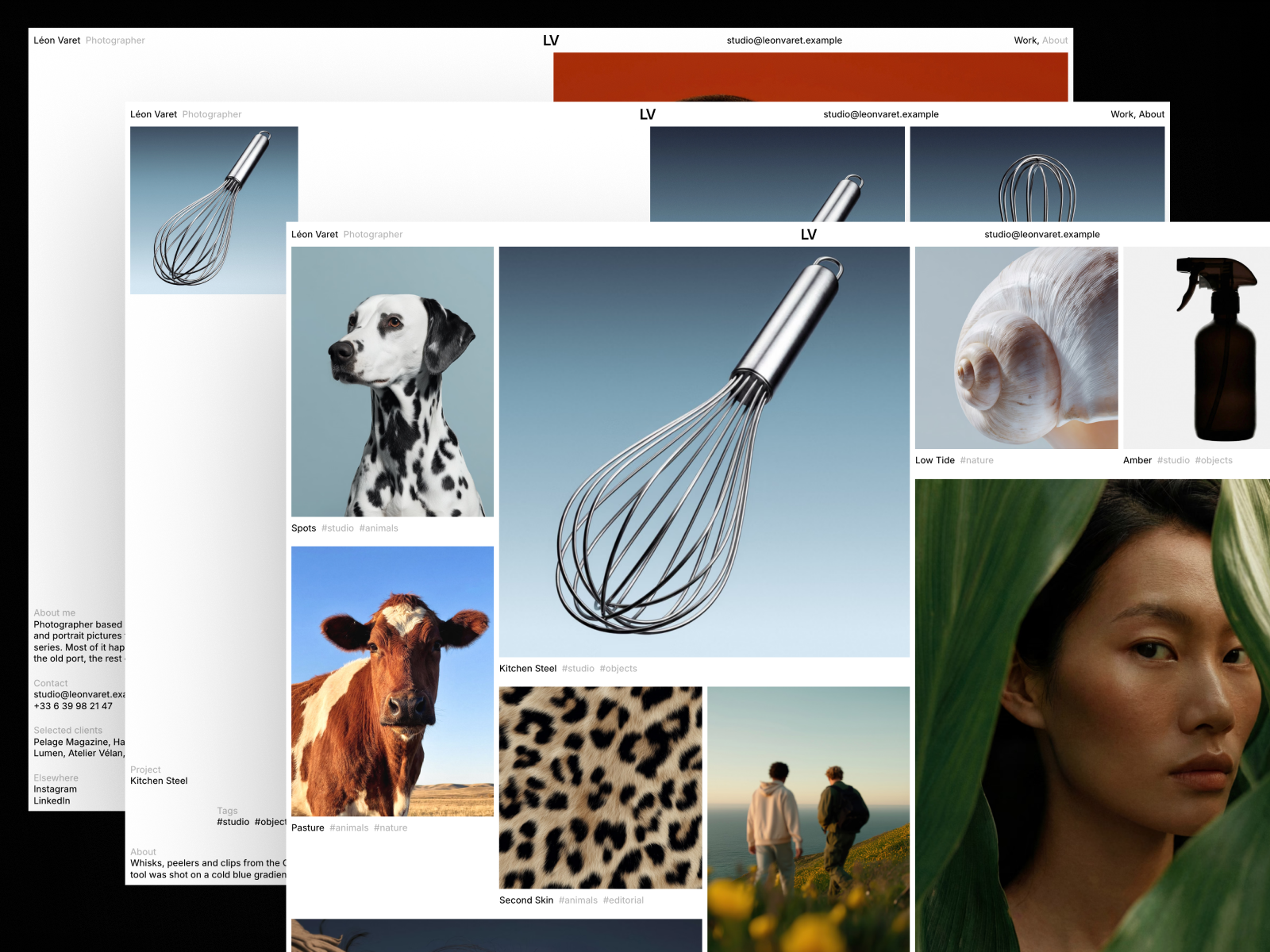
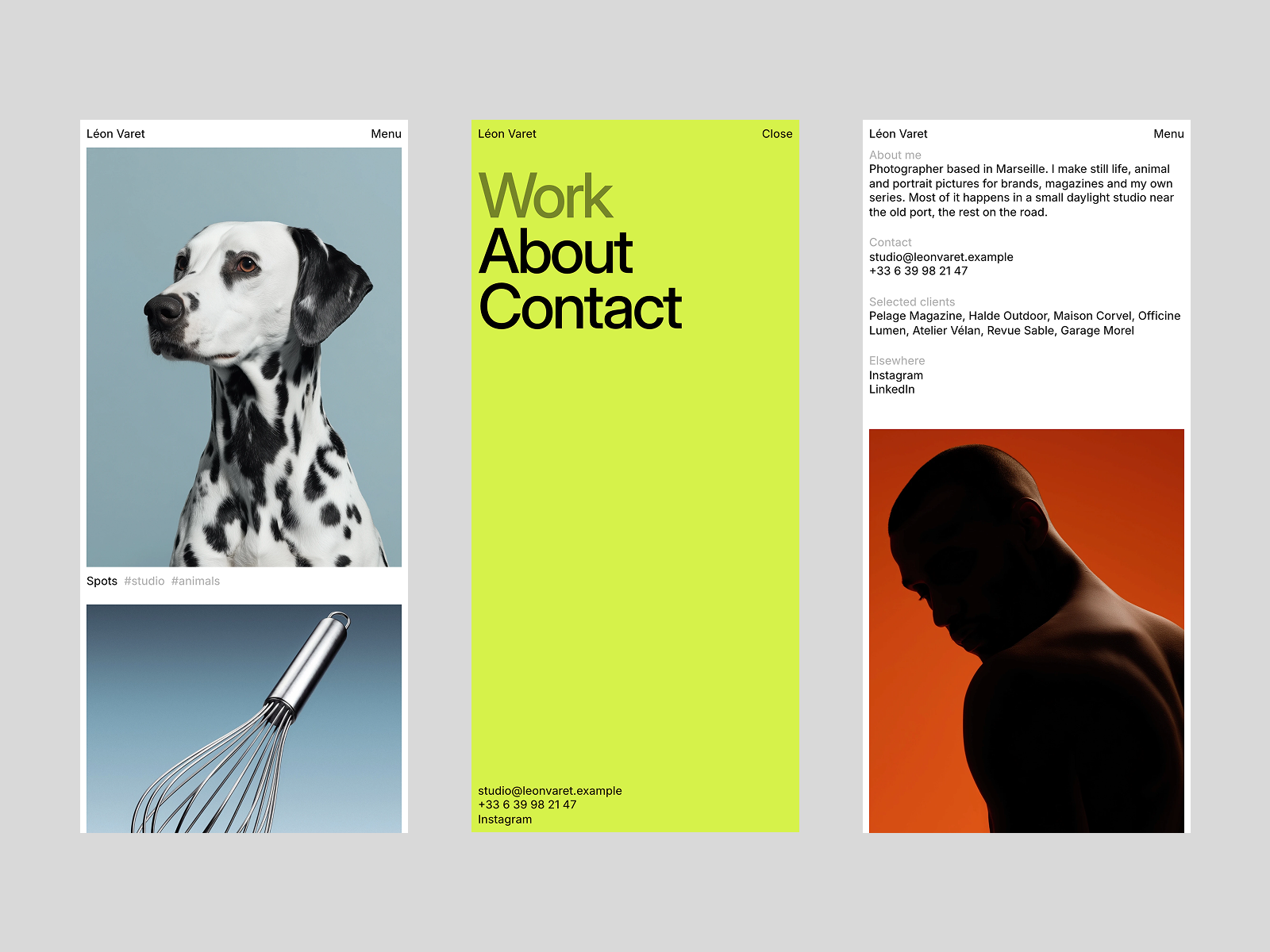
I made Léon Varet for photographers who work in series. According to its listing, it includes:
- 6 pages: Home, Work, About, Imprint, Styleguide and 404.
- An intro on every page with your name rising letter by letter and a flipbook of your photographs.
- A packed home grid with five frame sizes, like a contact sheet pinned to a wall. Each work picks its frame size with one field.
- Series pages with a sticky details grid, a two-column gallery and a full-screen viewer with Close, Previous and Next.
- Two CMS collections, Works and Tags, which fits Framer’s Basic plan.
- Smooth scrolling with an on and off toggle.
Two other free templates of mine list photographers as a target audience:
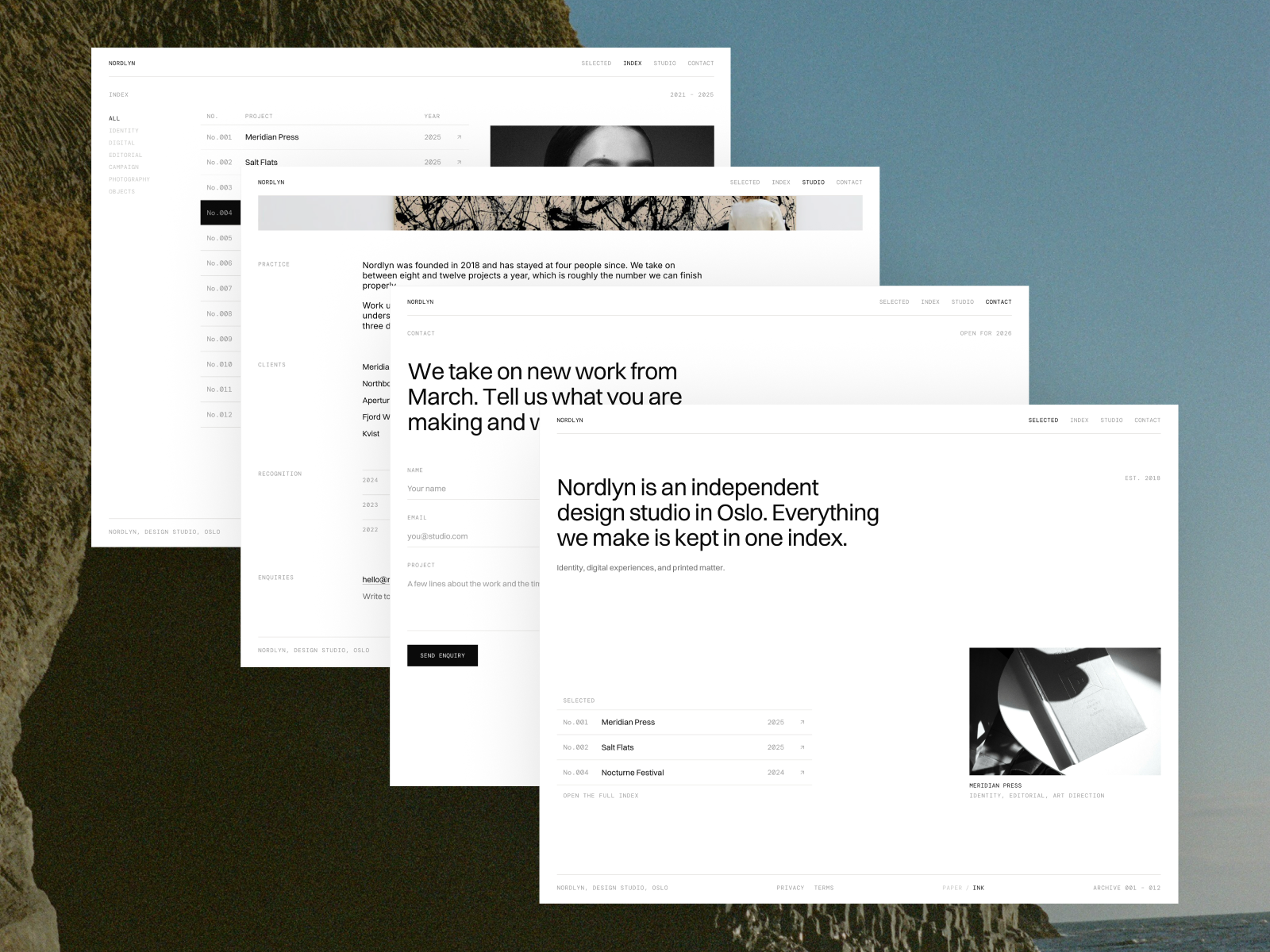
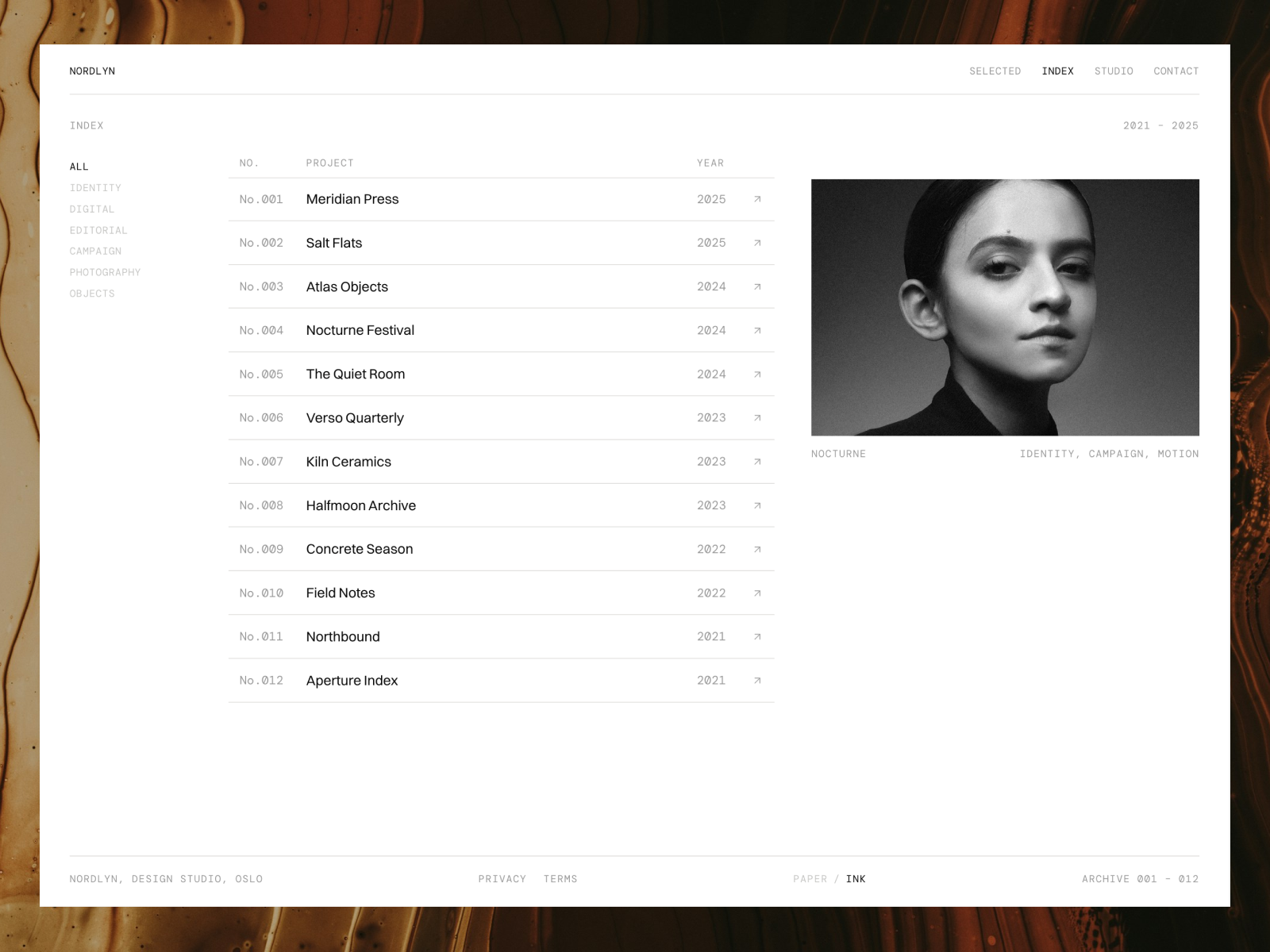
- Nordlyn is an archive-style portfolio with masonry galleries and lightbox viewing. Good if you have many projects. Listing.
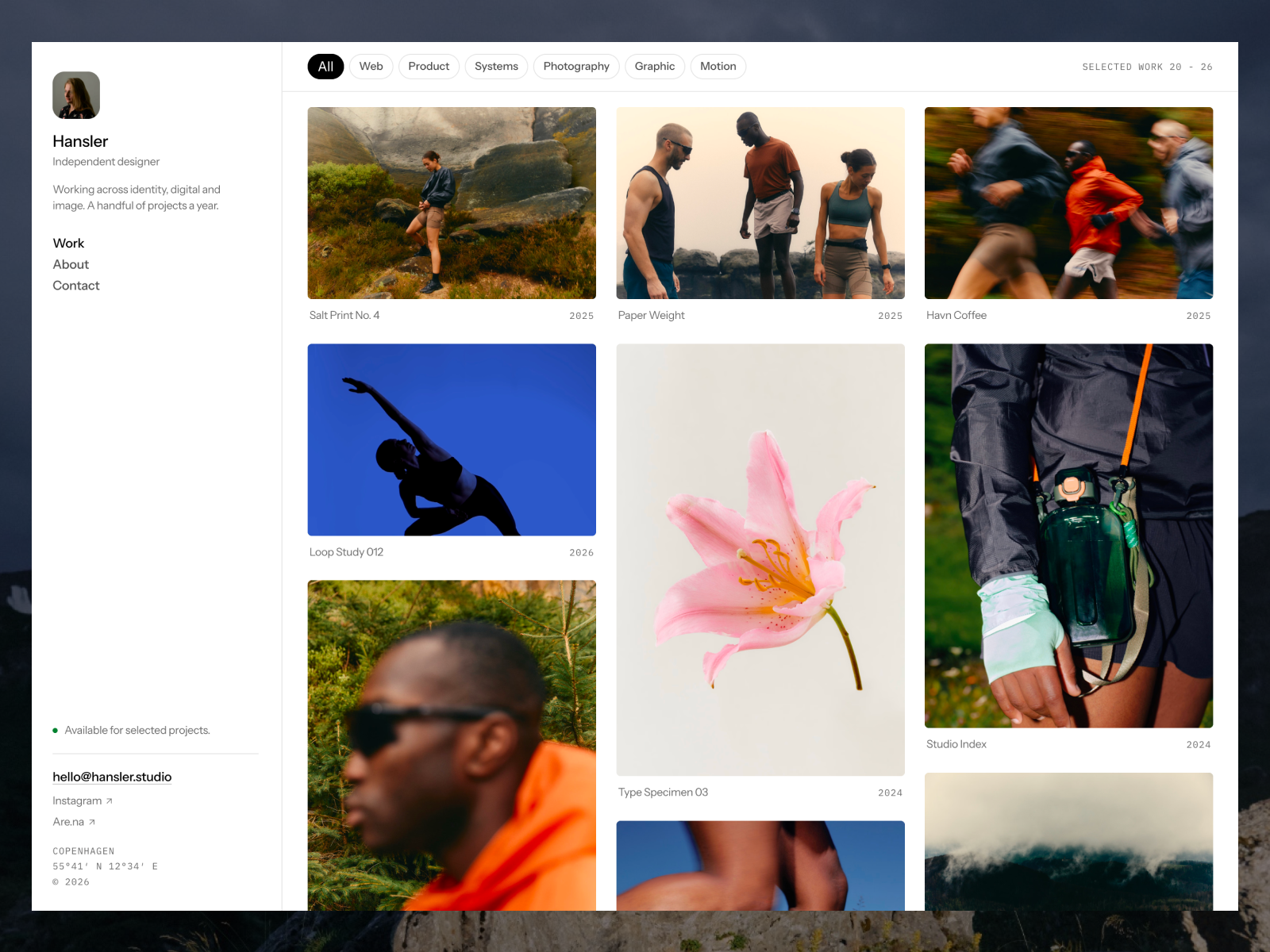
- Hansler puts every image in its own CMS item, so one project can fill several tiles in the feed. Listing.
Step 3: Remix the template
Click the free button on the template’s Marketplace page. Framer’s template help article explains that the template opens in Framer and is added to your account.
Léon Varet includes two Framer Skills that work in Framer AI. The listing says /customize walks you through replacing the name, contact details, series, intro photographs, colours and SEO. If you prefer doing it by hand, start with the colour and text styles, then the CMS.
Step 4: Prepare your images before uploading
This is where photography sites go wrong. A 30 MB file straight from your camera will load slowly no matter what builder you use.
A sensible export routine:
- Resize the long edge. Around 2,400 to 3,000 pixels is enough for a full-screen image on most screens. This is my working range, not a Framer rule.
- Export as JPEG or WebP at high quality. Check one image at 100 percent zoom before batch exporting.
- Name files clearly. “portrait-series-03.jpg” helps you in the CMS and helps search engines.
- Write alt text for every frame. Describe what is in the photo in one sentence.
Also keep an eye on bandwidth. Framer’s pricing page listed 1 GB on the Free plan, 50 GB on Basic and 100 GB on Pro on October 11, 2026. Large images on a popular site add up.
Step 5: Fill the CMS with your series
Open the Works collection and edit the first demo item rather than creating a new one. That way you see how every field maps to the page.
For each series:
- Add the title, the two-line description, and the client if it was commissioned.
- Upload the cover frame and the gallery images.
- Pick the frame size for the home grid.
- Add tags from the Tags collection.
The order you set in the CMS is the order of the home wall and of the Next links, according to the Léon Varet listing. Put your strongest series first.
Step 6: Write a short About page
The About page in Léon Varet includes a parallax portrait, clients and contact details. Keep the text short. Who you are, what you shoot, where you are based, and who you have worked with. Editors want to know if you can travel and how fast you reply, so say both.
Step 7: Set SEO and social images
Give each page a unique title and description. For series pages, bind the title to the series name, for example “Still life series, Your Name, Photographer.” Set a social image for each page so links shared on social platforms show a real photo.
Step 8: Publish on a free framer.photos address
Click Publish. Framer’s domain help article lists framer.photos as one of the free subdomain options, alongside framer.website, framer.media and framer.wiki. yourname.framer.photos is a reasonable free address while you finish the site.
Step 9: Connect your own domain
When you are ready, upgrade to Basic and connect your domain under Site Settings, Hosting, Domains. A yearly plan includes one free domain through Hover. My custom domain guide covers the DNS records step by step.
Mistakes that make photography sites feel slow or messy
- Mixing every genre on the home page. If you shoot weddings and architecture, give each its own series or tag. A client looking for one will not dig through the other.
- Uploading video without a poster. If you add motion work, Framer’s video article recommends giving every video a poster, and notes that uploaded videos are served unaltered.
- Hiding the contact details. Put your email in the footer of every page, not only on Contact.
- Leaving demo series in the CMS. Search for the template’s sample titles before you publish.
- Turning on every effect. Léon Varet lets you switch smooth scrolling off with one toggle. If your audience browses on older phones, consider it.
Framer or a photo-specific builder?
If you sell prints or need client proofing galleries, a builder with built-in commerce may suit you better. I compared the two in Framer vs Squarespace for photographers. If your goal is a portfolio that looks like your work rather than like a theme, Framer is a strong choice.
Browse all options on the Photography templates page.
FAQ
Is there a free Framer photography template?
Yes. Léon Varet is a free Framer template built for photographers who work in series. Nordlyn and Hansler also list photographers as a target audience.
Can I host a photography portfolio on Framer for free?
Yes. You can publish on a free subdomain such as yourname.framer.photos. The Free plan has 1 GB of bandwidth and no custom domain.
What size should photos be for a Framer site?
Export at web sizes before uploading. A long edge of around 2,400 to 3,000 pixels is a sensible range for full-screen images.
Can I sell prints from a Framer site?
Framer’s pricing page does not list built-in e-commerce. You can link to an external shop, or consider a builder with commerce built in.