Niche guide ·
Best Framer Templates for Creative Agencies (Free, 2026)
Free Framer agency templates for studios, compared on pages, CMS and best fit: Compass, Studio Aven, Rosetta, Mason, Oktav, plus two from others.
Short answer: For a multi-page studio site with case studies, a journal and careers, start with Compass or Oktav. For a film or production company, use Studio Aven. For a small studio that wants one strong page, use Rosetta. All of them were free on the Framer Marketplace on October 11, 2026.
An agency site has a different job from a personal portfolio. It has to show work, explain services, introduce the team, and turn a visitor into a brief. I made the first five templates below with that job in mind. The last two are from other creators, labeled clearly.
What an agency template needs
Before the list, here is the checklist I used. A good agency template should include:
- Case studies with structure. Client, year, services and credits, not just images.
- A services page or section. Clients need to know what to ask for.
- A contact form with budget and timeline fields. It filters leads before the first call.
- Room for the team. People hire people.
- A CMS that keeps lists in sync. Add a project once and it shows up everywhere.
One cost note. Framer’s pricing page listed 2 CMS collections on Basic and 10 on Pro on October 11, 2026. Most agency templates use more than two, so budget for Pro at $30 per month on yearly billing. My Framer pricing guide explains the plans.
Quick comparison
| Template | Best for | Pages | CMS collections |
|---|---|---|---|
| Compass | Architecture, interior and branding studios | 11 | 5 |
| Oktav | Design and development studios with many clients | 11 | 4 |
| Studio Aven | Film production companies and directors | 7 | 3 |
| Rosetta | Brand and communication studios that want one page | Home, Contact, Imprint, 404 | 5 |
| Mason | Freelancers and small agencies | Not listed | Yes |
Free Framer agency templates by Brand
1. Compass
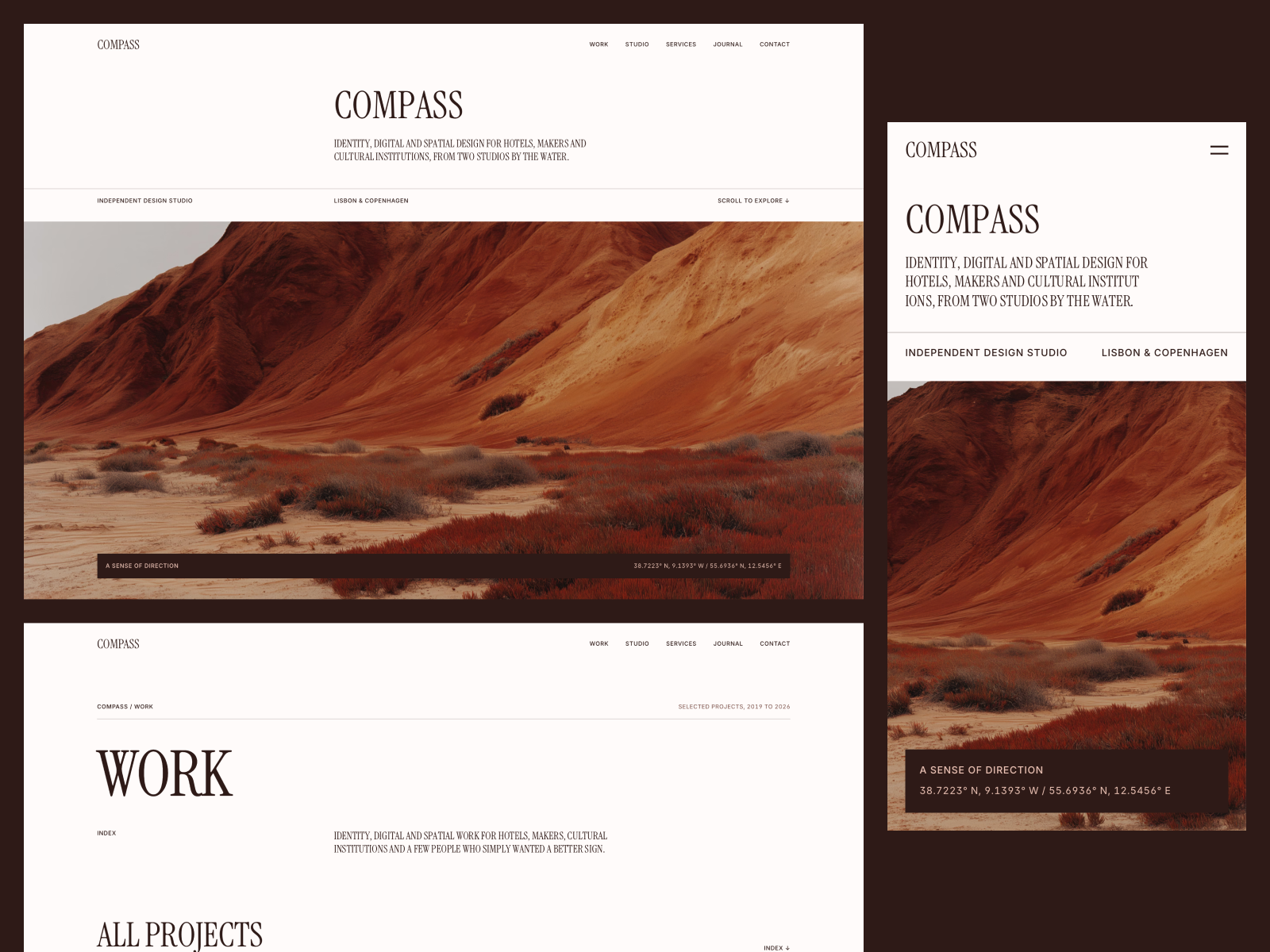
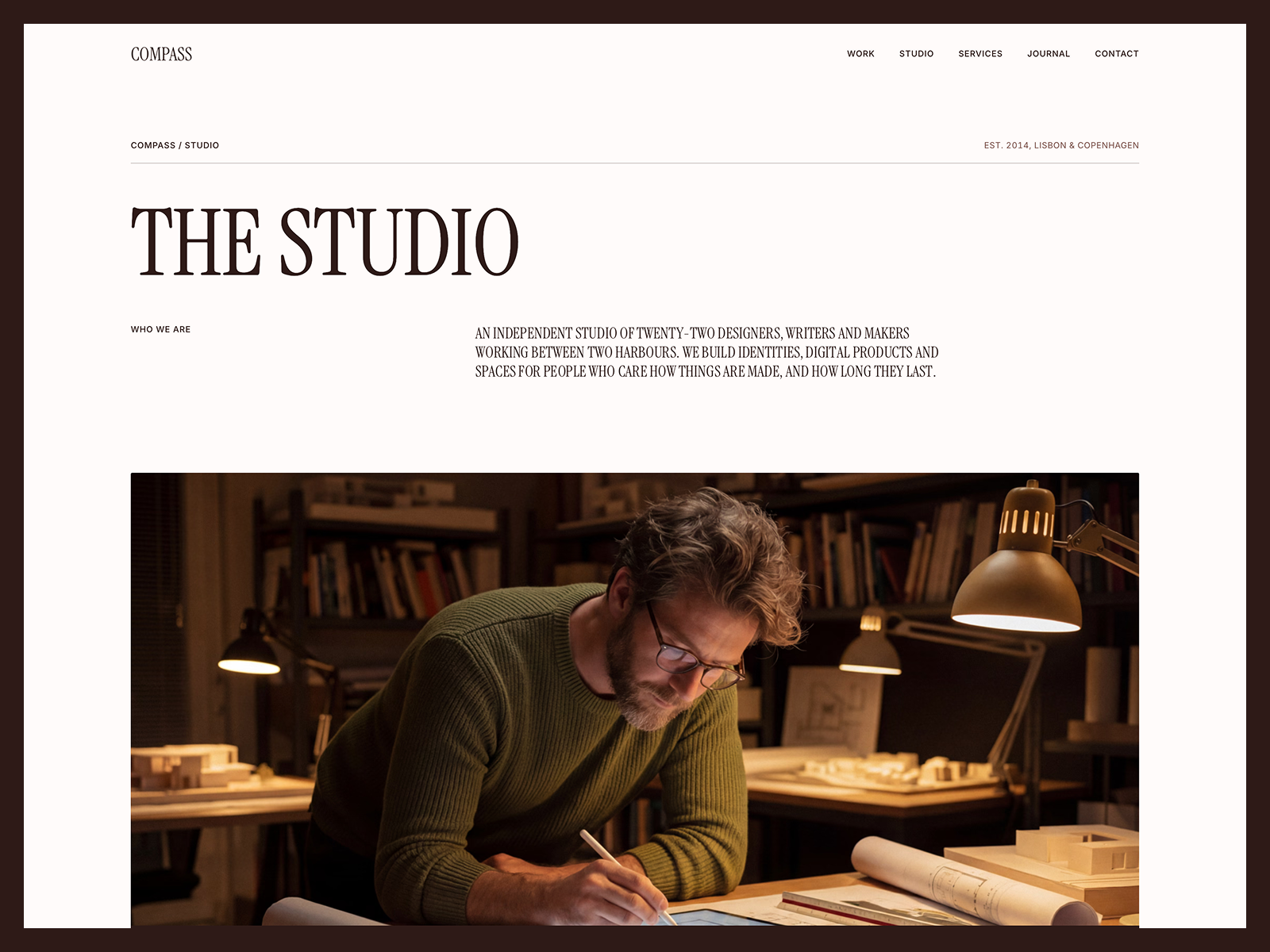
Compass is the most complete studio site I have made. It sits on a strict 12-column Swiss grid and pairs Instrument Serif with Inter.
From the listing:
- 11 pages: Home, Work, Project, Studio, Services, Journal, Article, Careers, Contact, Imprint and 404.
- 5 CMS collections: Projects, Journal, Team, Open Roles and Services.
- A portfolio index filtered by discipline, with a cover image that follows the cursor.
- A careers page with open roles, a four-step hiring process and an open application.
- A contact form with budget and timeline fields and sending, sent and error states.
Pick it if you sell on the quality of your work and want a calm, editorial site. The listing is upfront that client logos, names and images are placeholders, so swap them before publishing.
2. Oktav
Oktav works like a desktop app. A sidebar lists every client with New badges and built-in search, the middle is a masonry work grid, and an info panel changes with each page. Covers can be images or looping videos.
Its listing includes 11 pages, discipline tabs that filter work by Branding, Design and Engineering, a journal, a careers page, and light, dark and system themes. It also ships with two Framer Skills, /customize and /design-system, for setting it up inside Framer AI.
Pick it if your studio has a long client list and you want visitors to scan it fast.
3. Studio Aven
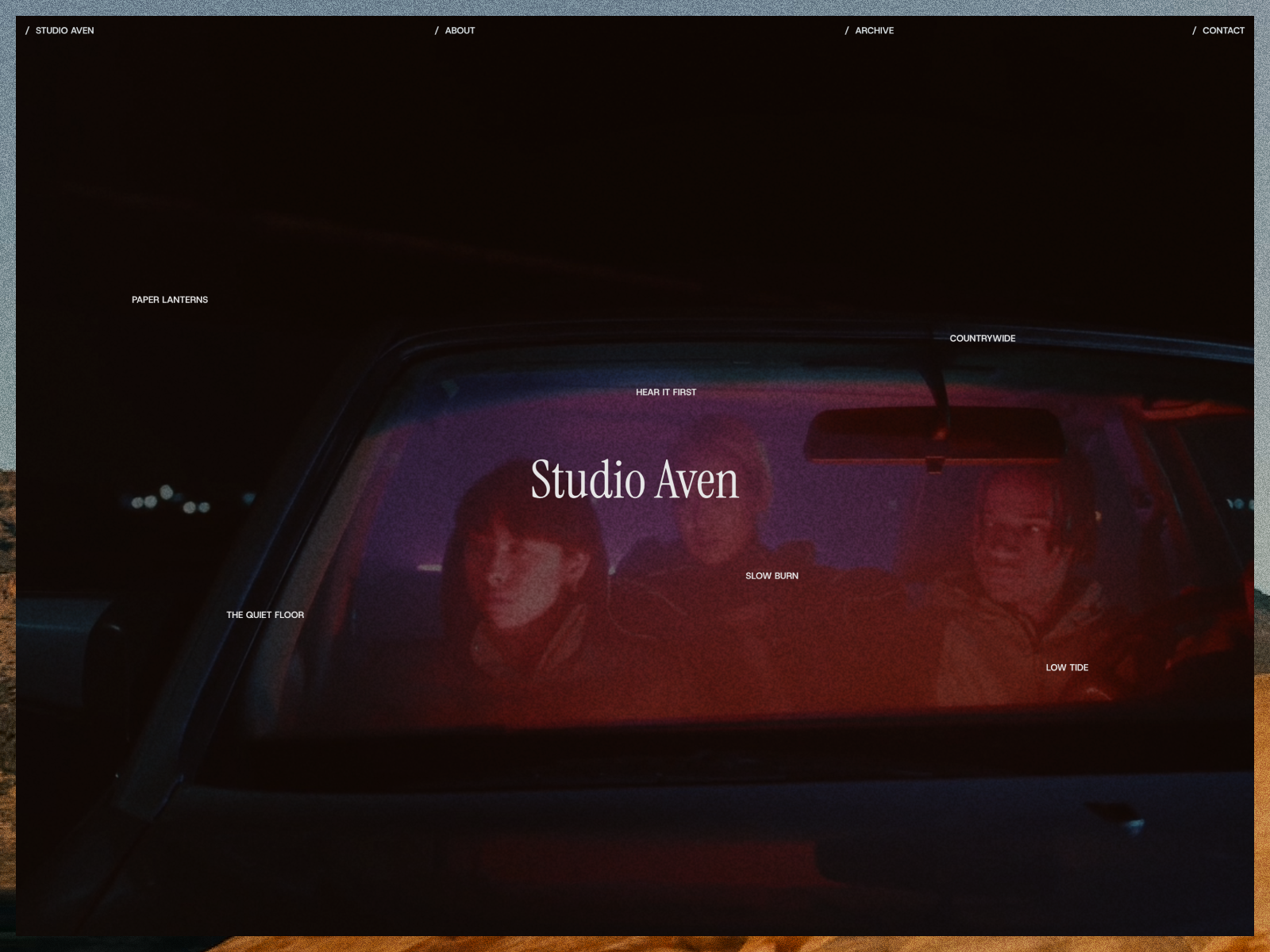
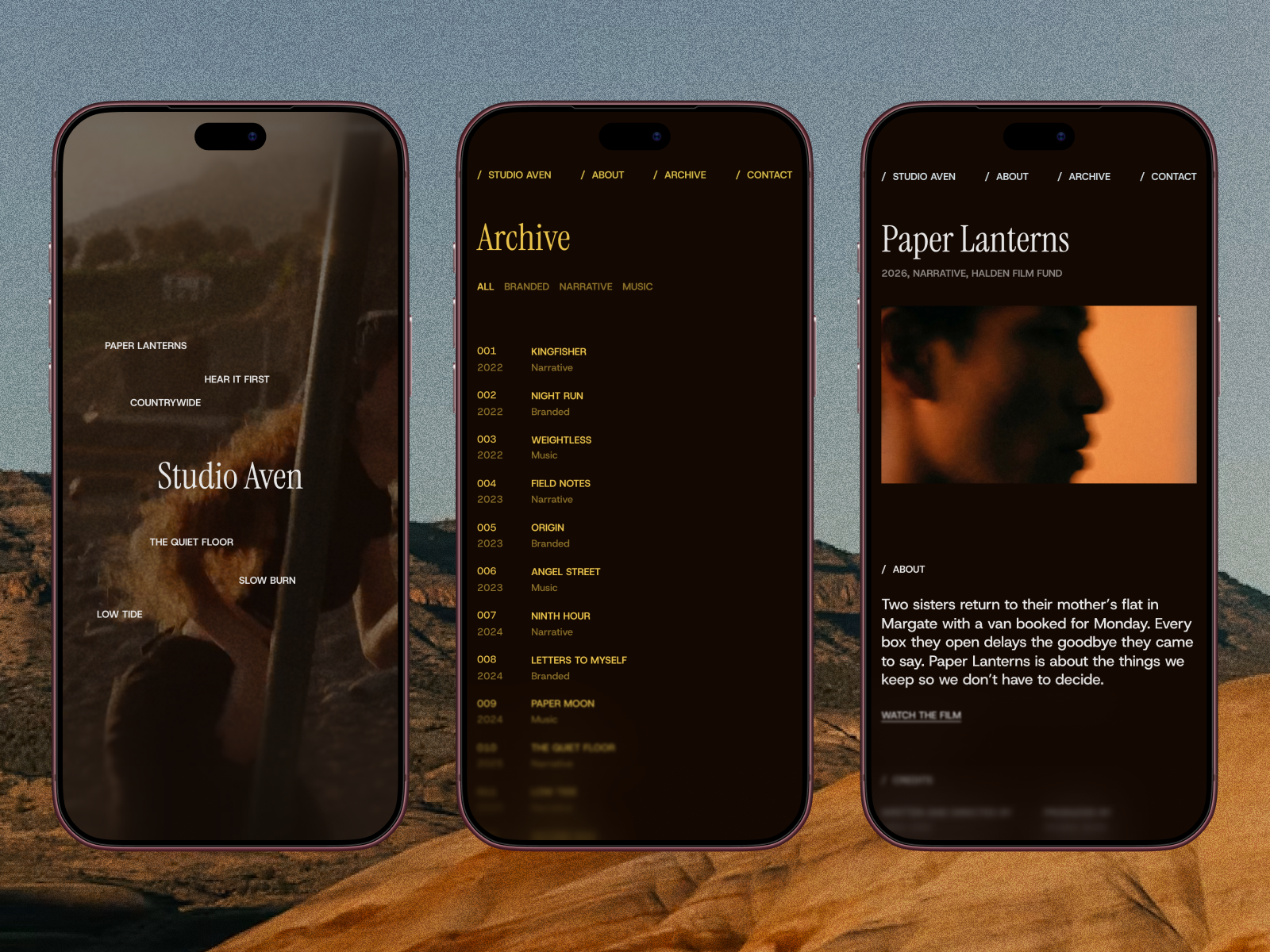
Studio Aven is a dark template for film production companies, producers and directors. The archive is built like a production datasheet: every project in one dense list with its number, year, category, client and role.
From the listing: a full-screen showreel with film grain, project pages with synopsis, credits, festival awards and a parallax gallery, and three CMS collections for Works, Categories and Recognition.
Pick it if you make short films, music videos or brand films. I wrote more on this in Framer templates for video editors and videographers.
4. Rosetta
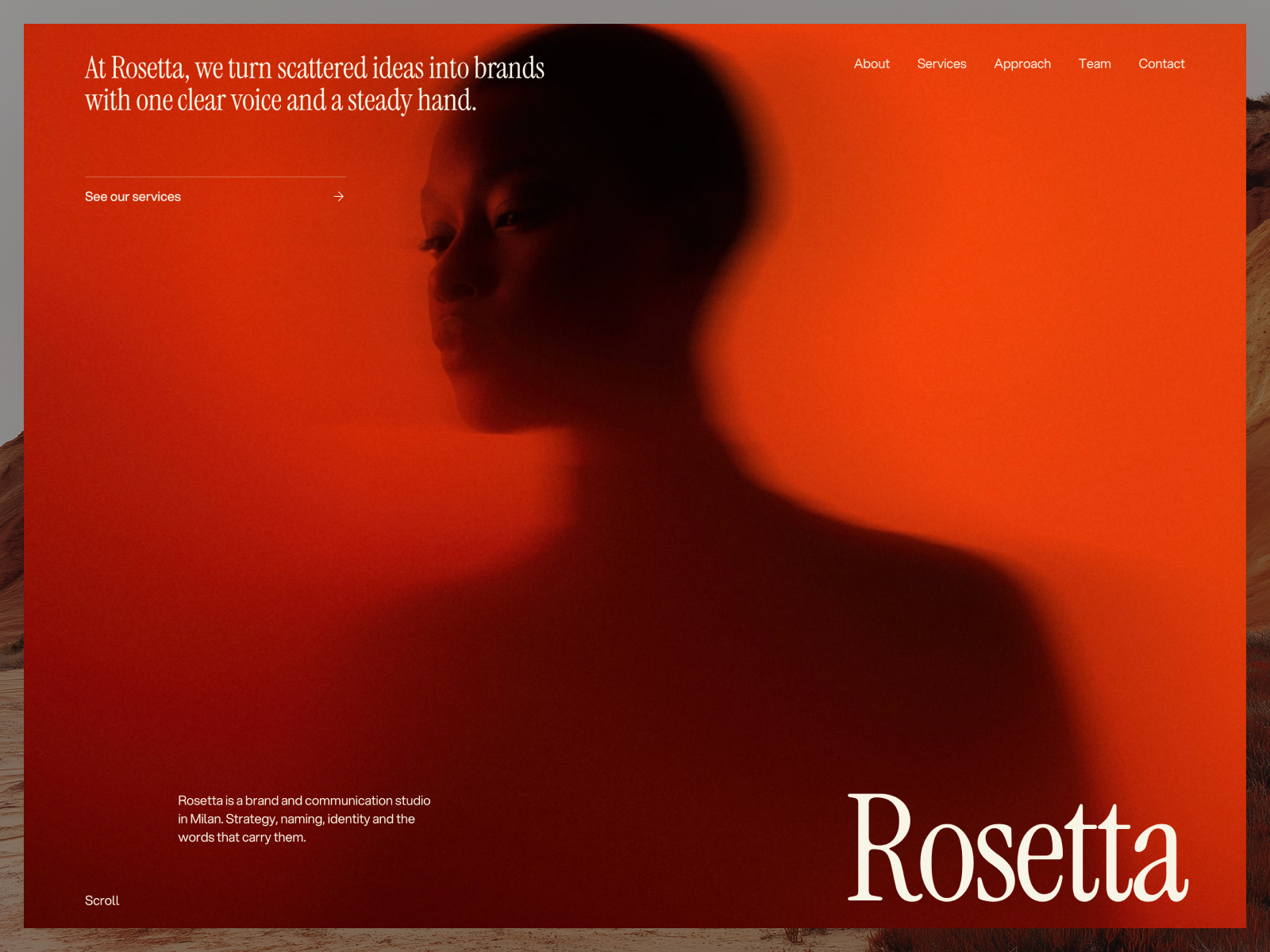
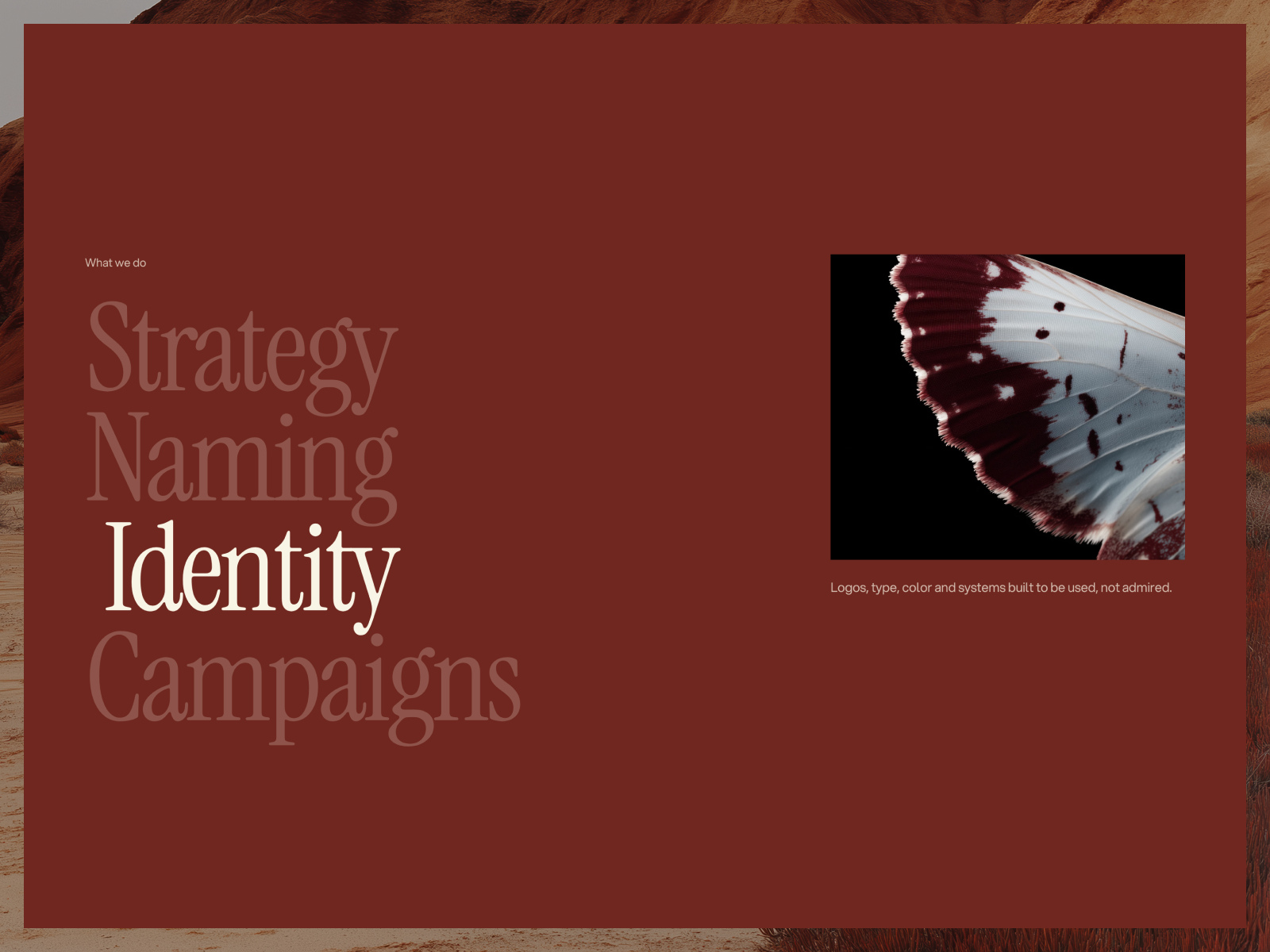
Rosetta is a one-page template for brand, design and communication studios. It walks a visitor through the studio in order: hero, statement with count-up figures, client ticker, services, a bento team section, showreel, a five-step approach, team, values, results and FAQ.
The listing includes five CMS collections, a contact page with a working form, a newsletter sign-up in the footer, and Lenis smooth scrolling with a still version for visitors who prefer reduced motion.
Pick it if your studio is small and you would rather have one great page than eight average ones.
5. Mason
Mason is a clean, editorial portfolio template for creative professionals, freelancers and agencies. Its listing mentions responsive layouts, CMS integration and smooth page transitions.
Pick it if you are a freelancer growing into a small agency and want something simpler than Compass.
Notable free agency templates from other creators
Velvet Noir by Isa Lute
Velvet Noir is a bold editorial template for creative agencies and branding studios, with fashion-forward art direction. Its listing mentions project case studies, services, studio, journal and contact pages.
Outtake Studio by The Weekend Supply
Outtake Studio is built for creative studios, production companies and design agencies. Its Flux Column layout presents projects outside a traditional grid.
How to choose the right agency template
Answer three questions:
- How many pages do you really need? If your site is one pitch, Rosetta is enough. If you publish case studies and hire, you need Compass or Oktav.
- What does your work look like? Film work needs a showreel and credits, so Studio Aven. Architecture and interiors need large, calm images, so Compass.
- Who will update the site? Framer lists content editors at $10 per month and full editors at $20 per month. If a project manager adds case studies, a strong CMS setup matters more than effects.
Setting up an agency template
The basic flow is the same for every template. Click the free button on the Marketplace page and the project opens in your Framer account, as described in Framer’s template help article. Then change the color and text styles, replace the CMS items, set SEO for each page and publish.
For agency sites, two extra steps matter:
- Wire the contact form. Decide where submissions go before launch, and send a test message from the live site.
- Replace every placeholder logo. Fake client logos on a real agency site are a fast way to lose trust.
Want it set up for you? See Customization. Or browse the full Agency templates page, and look at Framer agency website examples for ideas.
FAQ
Are there free Framer agency templates?
Yes. Every template on this list was free to remix on the Framer Marketplace on October 11, 2026.
Which Framer plan does an agency site need?
Most agency templates use more than 2 CMS collections, so Pro is usually the right plan. Pro also adds redirects and a staging environment.
Can I use a portfolio template for an agency?
Yes, if it has services and case studies. Mason and Oktav are both listed for agencies and studios as well as individuals.
What pages should an agency website have?
At minimum Home, Work, a project page, Services, About or Studio, and Contact. Add a journal and careers page when you have content for them.