Niche guide ·
Framer Portfolio Examples: Real Sites and Template Layouts
Framer portfolio examples from the official Framer Gallery, plus free template layouts you can start from, with what each one does well and how to copy it.
Short answer: The best place to find real Framer portfolio examples is the Portfolio category of the Framer Gallery, which lists live sites by designers, photographers and artists. Below are three live examples I looked at on October 11, 2026, what each does well, and three free template layouts that let you build something similar.
I am a template maker, so I spend a lot of time looking at portfolios. The good ones rarely win on effects. They win because the structure matches the person’s work. That is what I looked for here.
How I chose these examples
All three live sites below were listed in the Framer Gallery’s Portfolio category on October 11, 2026. I describe only what I could see on their home pages that day. Sites change, so open them yourself before you borrow an idea.
I picked sites that show three different jobs: a designer selling a service, a designer with a personal archive, and an illustrator with a small set of chosen pieces.
Live Framer portfolio examples
Karolina Hess: a service pitch with a reel
karolinahess.com opens with a clear role, “Creative Web Designer,” and a second line that says she specializes in branding and no-code development. A “Play reel” button sits on the home page, followed by recent works.
What to take from it: say who you are and what you sell in the first screen. A short reel on a designer site is unusual, and it immediately shows motion skills that static images cannot.
Stefan Stefancik: a personal archive with a voice
stefanstefancik.com calls itself “my digital space.” The navigation runs to Digital Designs, Notes, Photos and Downloads. The work section is described as a “random dump of pieces” made for clients, friends or himself, and there is an honest note that client work will appear “when the right time comes,” with links to brands and sites he did work on.
What to take from it: you do not need ten case studies to publish. A personal voice and a few honest links can carry an early-career portfolio.
Kuba Fidler: few pieces, strong focus
kubafidler.com is a concept artist and character designer site. The home page has a “chosen characters” section marked with five works, then “other works,” and links out to ArtStation and Vimeo. The footer credits the web design and build to Patrycja Miężał.
What to take from it: curation. Five chosen pieces up front say more than fifty in a grid. Linking to the platforms where your audience already looks, like ArtStation for concept art, is smart.
Template layouts that get you there faster
You can build any of the above from scratch. Or you can start from a template with a similar structure and spend your time on the work. These three are free templates I made, and each matches a pattern above.
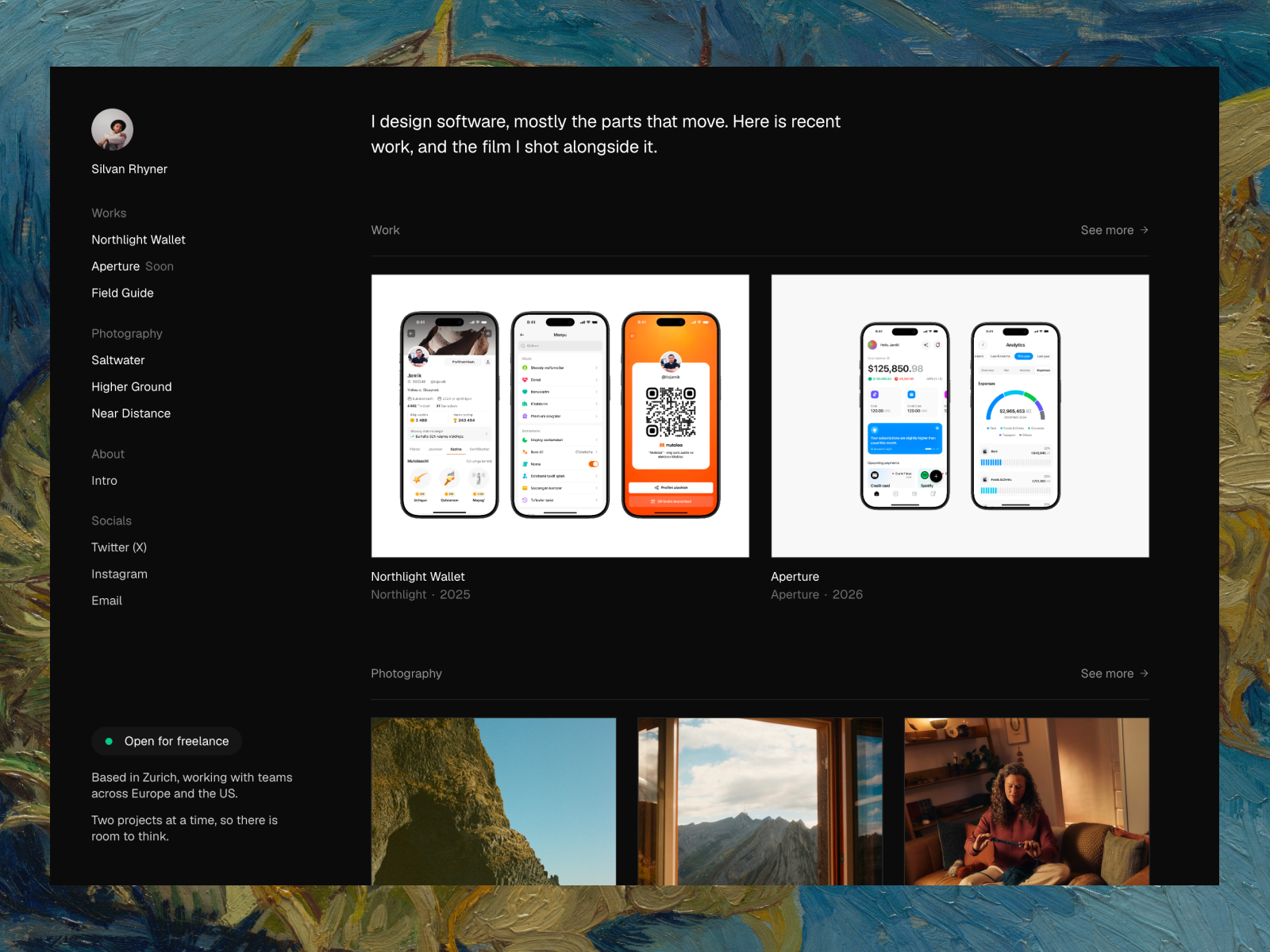
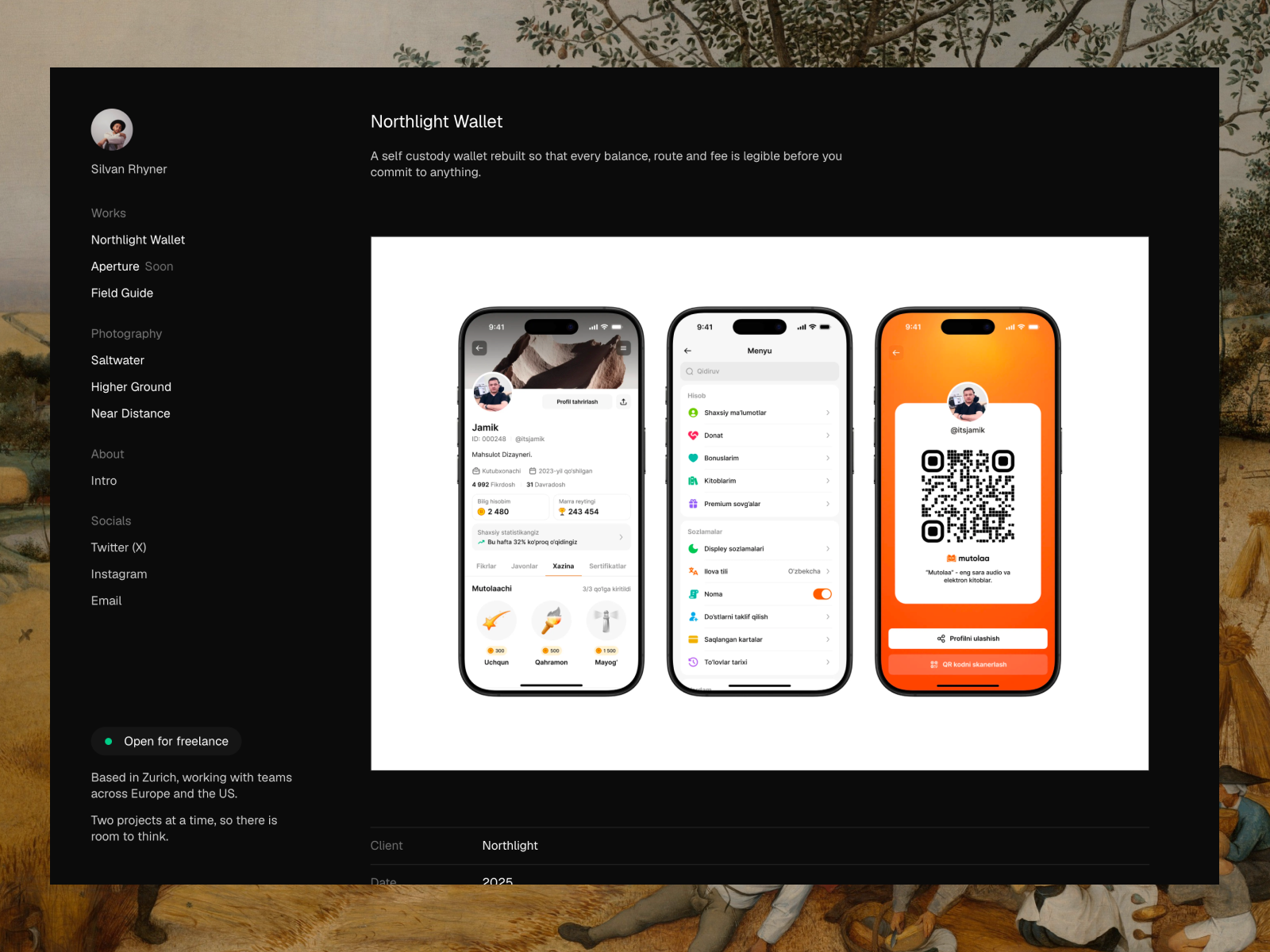
For the curated approach: Silvan Rhyner
Silvan Rhyner is built for people who keep two bodies of work, client projects and personal photography. A fixed sidebar holds your name, navigation and a status badge with four states that tells visitors whether you are taking work. When you hover a nav item, it fades through that item’s own images.
The listing describes seven pages and two CMS collections, Projects and Series. It is dark only and uses one typeface in two sizes. That restraint is the point. It puts the focus on a small, chosen set of work, the way Kuba Fidler’s site does.
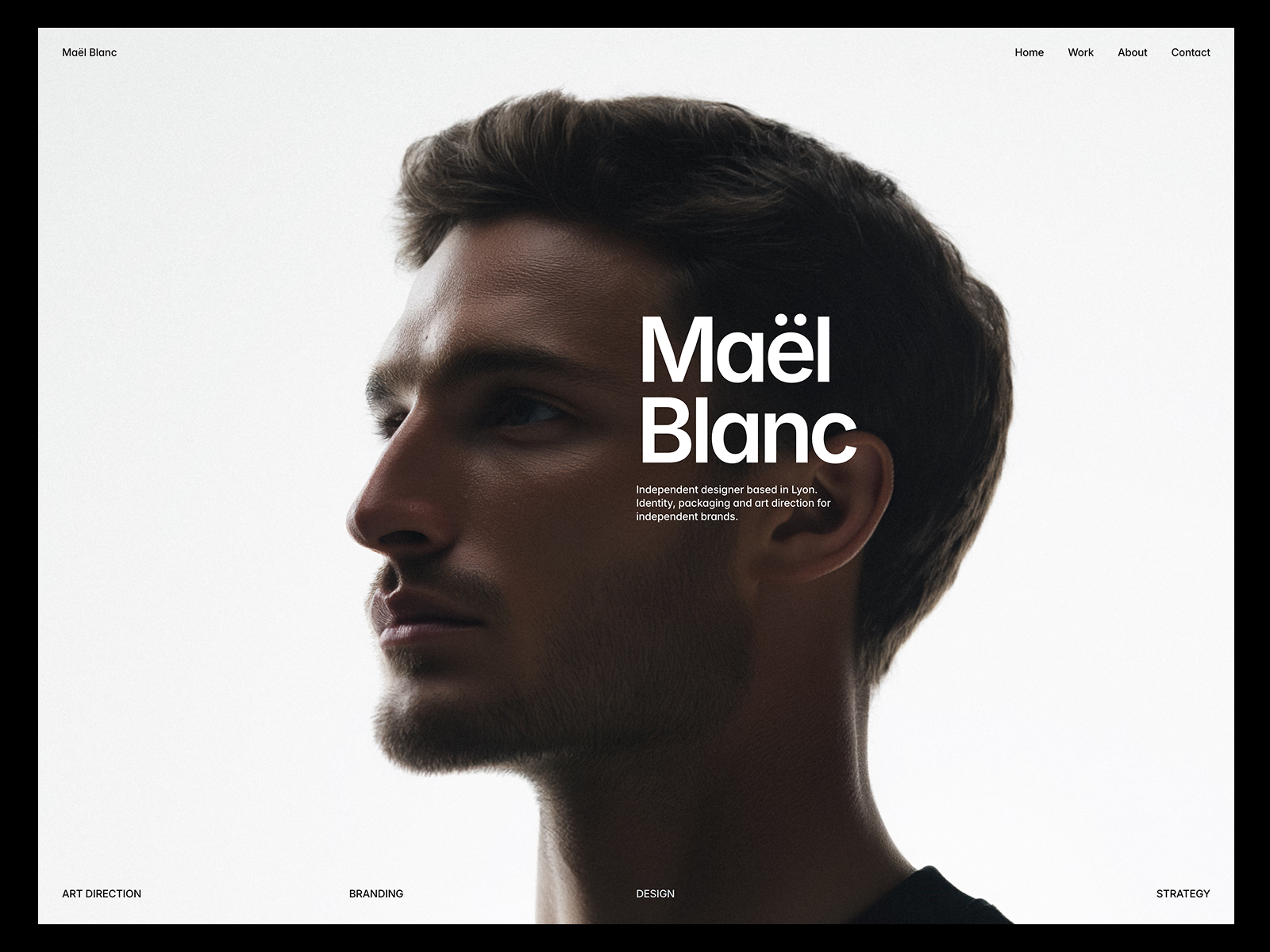
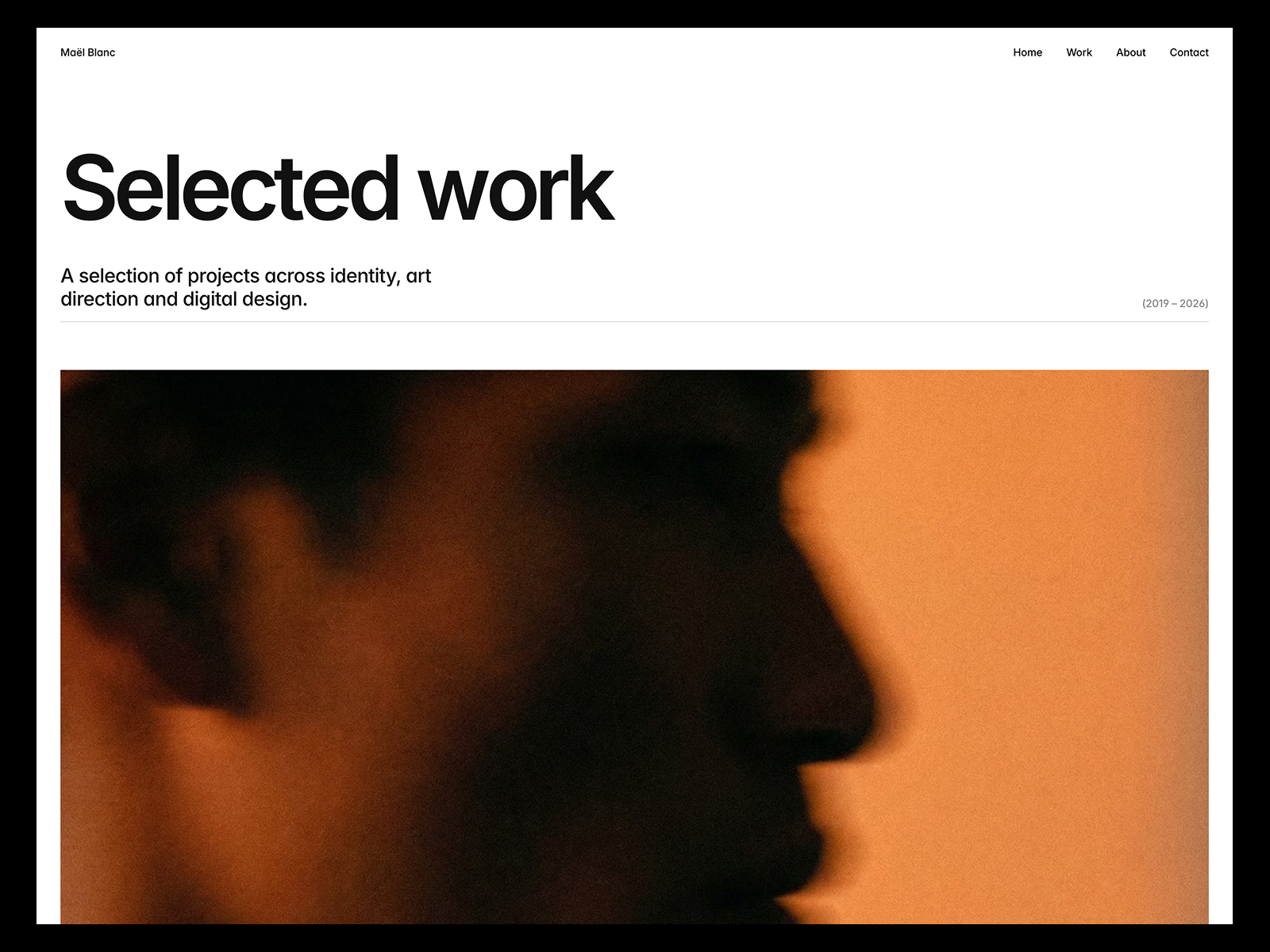
For the service pitch: Maël Blanc
Maël Blanc is an editorial portfolio for independent designers and small studios who want the work to lead and an easy way to get in touch. The listing includes a services table where rows invert on hover while preview images cycle, an About page with an awards table and count-up stats, and a contact form with budget and service fields.
That mix of services, proof and a structured contact form is what a designer selling a service, like Karolina Hess, needs.
For the archive: Hansler
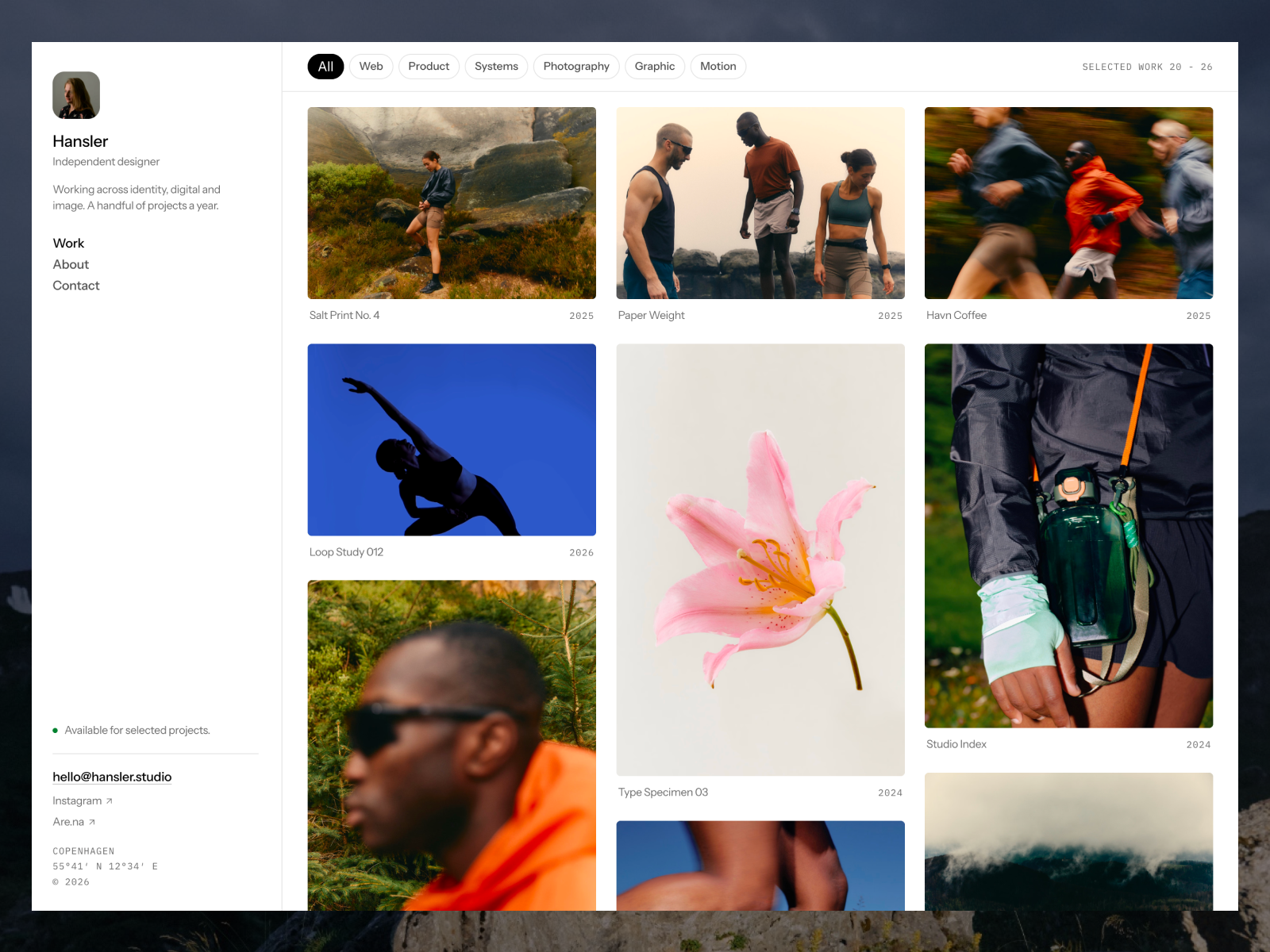
Hansler skips the hero. The home page is the feed, and the feed loops over a Media collection, so one project can contribute six frames to the grid. The listing also mentions category chips, a lightbox and video tiles next to images.
It suits a personal archive like Stefan Stefancik’s, where the work is many pieces rather than a few long case studies.
Patterns worth copying from good Framer portfolios
Across the Gallery and my own templates, the same choices keep showing up in the portfolios that work:
- A one-line role in the first screen. “Creative Web Designer” beats a clever tagline.
- Curation over volume. Pick your best five to ten projects.
- A clear contact path. A form with budget or service fields saves you a round of emails.
- Status signals. A small “available for work” badge, like the one in Silvan Rhyner, answers the first question a client has.
- Links to where your audience already is. ArtStation, Vimeo, Behance or Dribbble, depending on your field.
- Restraint with motion. Effects should help people look at the work, not compete with it. Maël Blanc and Hansler both note that motion respects reduced motion settings.
A five-minute self-review for your own portfolio
Before you publish, open your site on your phone and answer these honestly:
- Can a stranger tell what you do within five seconds of the page loading?
- Is your strongest project the first one they see, or is it buried?
- Does each project say what your role was? “Branding” is not a role. “Led identity and packaging design” is.
- Is there one obvious way to contact you on every page?
- Do the images load quickly on mobile data, or do they arrive one by one?
- Did you remove every placeholder name, logo and image from the template?
If you answer no to any of these, fix that before you add a single new effect. Start with the first two questions. They decide whether anyone reads the rest.
Where to find more Framer examples
- The Framer Gallery Portfolio category lists live sites by designers, photographers and artists.
- The Framer Gallery Agency category is useful if you are a studio. I wrote up agency website examples separately.
- Every template on the Framer Marketplace has a live preview. Opening previews is the fastest way to see how a layout behaves on your phone.
When you find a structure you like, my step-by-step guide shows how to build it, and the Portfolio templates page lists every free starting point.
FAQ
Where can I see Framer portfolio examples?
The official Framer Gallery has a Portfolio category with live sites. Template previews on the Framer Marketplace are another good source.
Are the sites in the Framer Gallery made with templates?
Some are custom and some start from templates. The Gallery does not always say which. Karolina Hess’s site, for example, says “No templates, no shortcuts” on its home page.
What should a Framer portfolio include?
A clear role in the first screen, five to ten strong projects, an About section and an easy way to contact you. A status badge or reel can help, depending on your work.
Can I copy a Framer portfolio I like?
Copy patterns, not designs. Use a template with a similar structure, then make it yours with your own type, color and content.